
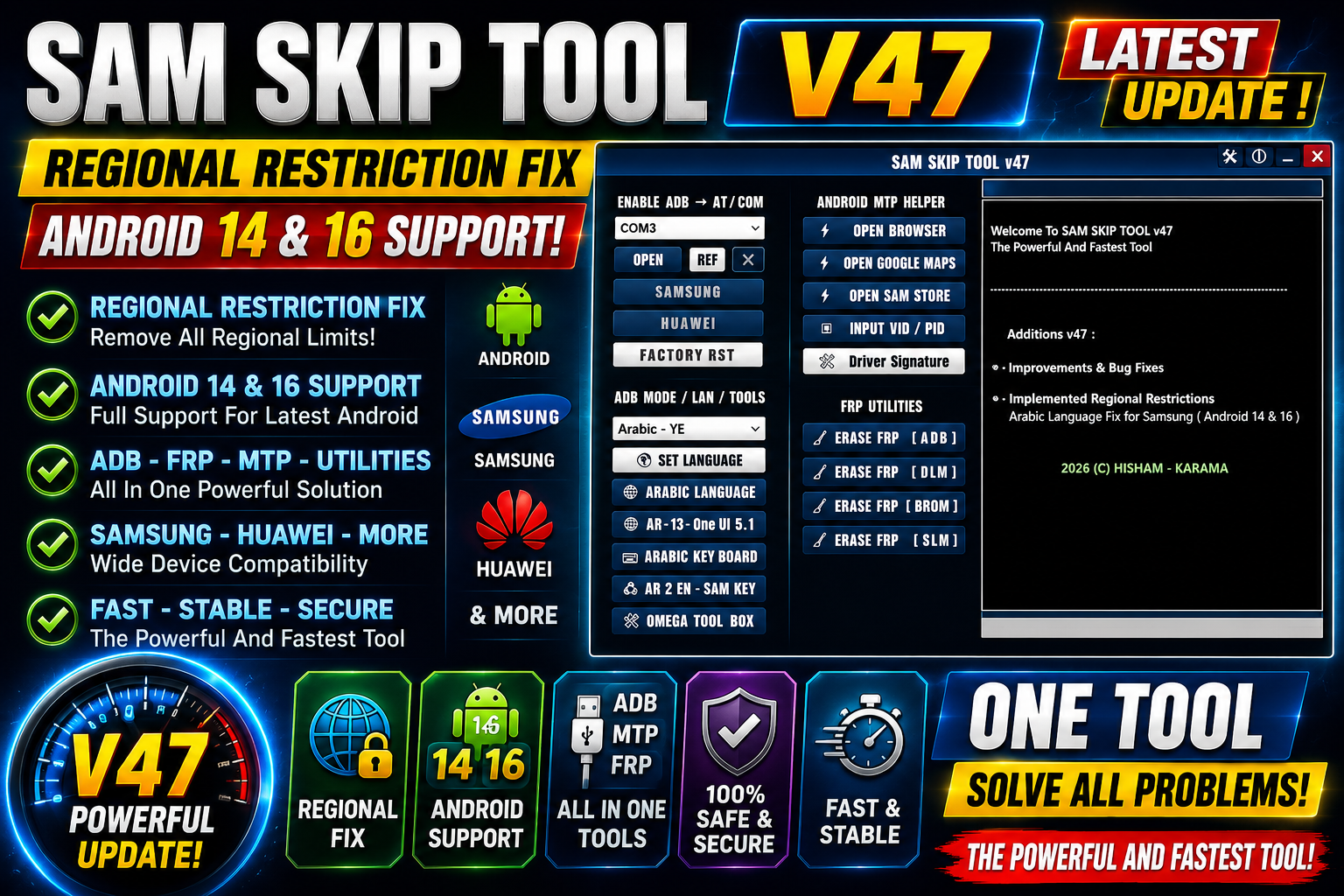
Samsung devices can sometimes have software restrictions or language-related issues that affect the user experience. With the release of SamSkip Tool V47, several improvements have been introduced to make the tool more reliable with newer Android versions.
The main improvements in V47 include better handling of regional restrictions and fixes for Arabic language problems on Android 14 and Android 16. These changes make the latest version a useful update for technicians and users working with supported Samsung software environments.
For more information: official website.
Main Tools
SamSkip Tool V47 includes several useful improvements focused on device software handling:
- Regional restriction handling
- Android 14 compatibility improvements
- Android 16 compatibility improvements
- Arabic language issue fixes
- Improved overall stability
- Simple Windows installation setup
The update mainly focuses on fixing existing issues rather than adding a large number of new functions.
Key Features
1. Improved Regional Restriction Handling
One of the main changes in SamSkip Tool V47 is improved handling of regional restrictions. This update is intended to provide better processing when regional software restrictions are encountered on supported devices.
2. Android 14 Arabic Language Fix
SamSkip Tool V47 fixes an Arabic language issue affecting Android 14 environments. Users working with supported Android 14 devices should experience better language handling after updating to the latest version.
3. Android 16 Arabic Language Fix
The update also addresses an Arabic language problem on Android 16. This makes V47 more suitable for users working with newer Android software versions.
4. Improved Stability
Along with the specific fixes, the update improves the overall handling of the supported operations. Keeping the tool updated can help reduce problems caused by older versions.
Supported Functions
The main supported functions and improvements in SamSkip Tool V47 include:
- Improved regional restriction handling
- Fix for Arabic language issues on Android 14
- Fix for Arabic language issues on Android 16
- Better compatibility with newer Android software
- Improved software stability
Note: Available functions can depend on the device model, Android version, security level, and software configuration.
Technical Setup Details
- Tool Name: SamSkip Tool
- Version: V47
- Platform: Windows PC
- Android Support: Android 14 and Android 16 improvements
- Internet: May be required for certain tool operations
- USB Cable: Recommended for supported device operations
- Drivers: Install the required Samsung USB drivers when needed
- Administrator Permission: Recommended during installation
How to Install SamSkip Tool V47
Installing the latest version is straightforward. Follow these steps:
- Download the SamSkip Tool V47 setup file from this website.
- Locate the downloaded Setup file on your Windows computer.
- Open the Setup file to start the installation.
- Follow the instructions shown by the installer.
- Click Install to continue.
- Wait until the installation process is completed.
- Launch SamSkip Tool V47 from the installed location or desktop shortcut.
After installation, you can connect a supported device and use the available functions according to your device’s software configuration.
SamSkip Tool V47 Latest Update brings useful improvements for Samsung software users and technicians. The update improves regional restriction handling and fixes Arabic language issues on both Android 14 and Android 16.
The installation process is also simple: open the Setup file and click Install to continue. For better compatibility and stability, users should always work with the latest trusted version and the correct drivers for their supported devices.