
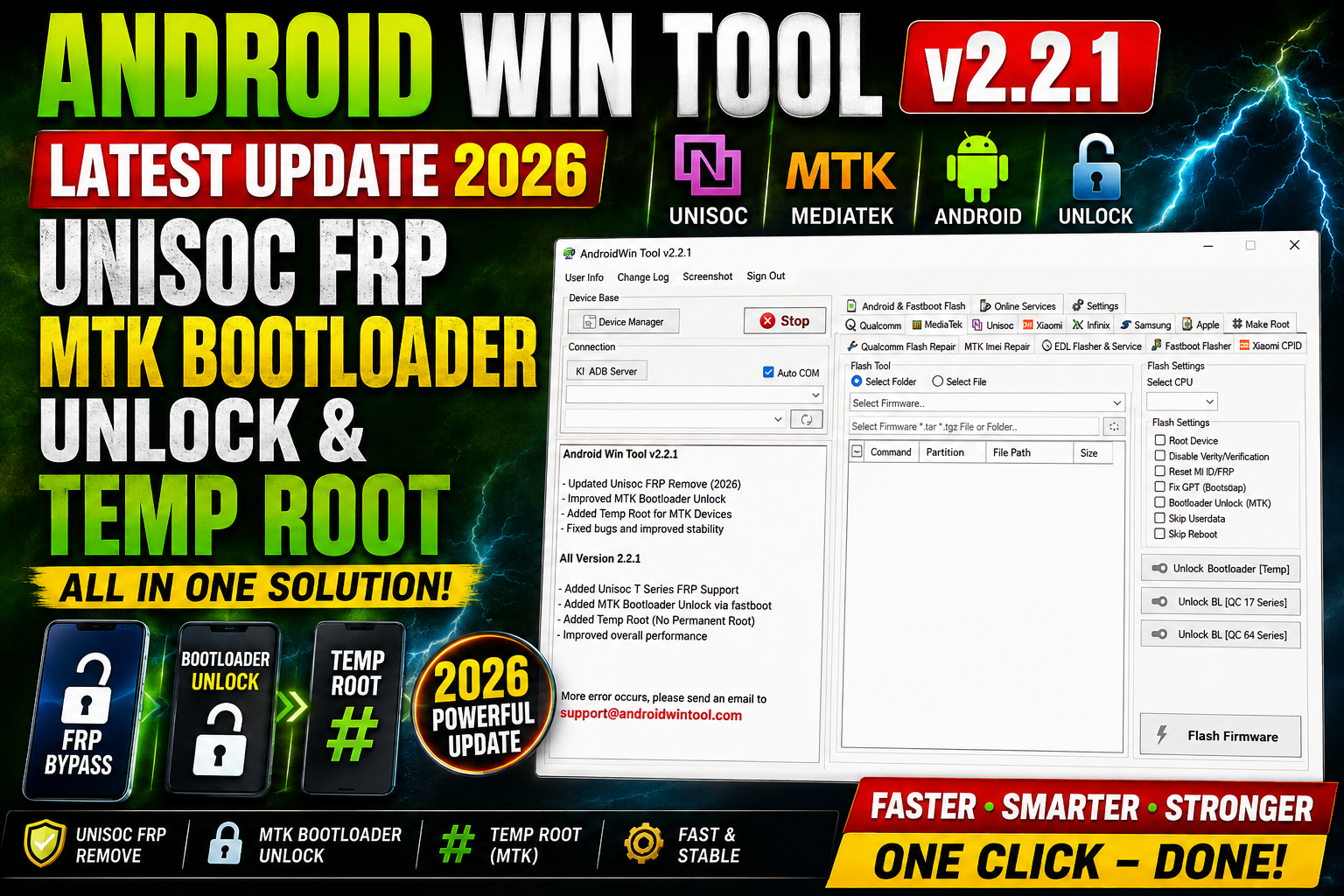
Android Win Tool v2.2.1 is the latest update for mobile technicians looking for a practical Windows utility for Android servicing. This release brings several important improvements for Unisoc FRP reset, MediaTek bootloader unlocking, and temporary root operations.
The v2.2.1 update adds Unisoc FRP reset via Diag Mode (BETA), updates the Temp Root function for Qualcomm and MediaTek devices, and improves the MTK bootloader unlock process through a fastboot flasher. The developers have also fixed various bugs and improved the overall stability of the software.
For more information: official website.
Main Tools
The main functions introduced or improved in this release include:
- Unisoc FRP Reset via Diag Mode (BETA)
- Qualcomm Temp Root
- MediaTek Temp Root
- MTK Bootloader Unlock
- MTK Fastboot Flasher
- Device servicing and diagnostic operations
- Bug fixes and stability improvements
Key Features
1. Unisoc FRP Reset via Diag Mode:
One of the main additions in Android Win Tool v2.2.1 is Unisoc FRP reset through Diag Mode. This feature is currently marked as BETA, meaning compatibility may vary between devices, chipsets, firmware versions, and security levels.
Technicians can use the supported diagnostic interface to perform supported servicing operations on compatible Unisoc Android devices.
2. Updated Temp Root for Qualcomm and MTK:
The new version also updates the Temp Root functionality for Qualcomm and MediaTek devices. Temporary root can be useful for supported servicing and diagnostic tasks where elevated access is required without permanently modifying the device software.
Compatibility depends on the specific phone, chipset, Android version, and security configuration.
3. MTK Bootloader Unlock via Fastboot Flasher:
Android Win Tool v2.2.1 improves the MediaTek bootloader unlock workflow by updating the process through a fastboot flasher.
This provides technicians with a more streamlined way to work with compatible MTK devices that support the required fastboot operations.
4. Bug Fixes and Stability Improvements:
Besides new functions, this release also focuses on stability. Various reported bugs have been fixed, and the software has received general improvements to provide a smoother servicing experience.
Supported Functions
Android Win Tool v2.2.1 supports the following functions based on this update:
- Unisoc FRP Reset – Available through Diag Mode and currently in BETA.
- Qualcomm Temp Root – Updated temporary root functionality for supported Qualcomm devices.
- MTK Temp Root – Updated temporary root operations for compatible MediaTek devices.
- MTK Bootloader Unlock – Updated bootloader unlocking workflow using the fastboot flasher.
- Fastboot Flashing – Improved MTK fastboot-based operations.
- Bug Fixes – Several known issues have been corrected.
- Stability Improvements – Overall performance and reliability have been improved.
Note: Not every function works on every Android phone. Support can depend on the exact model, chipset, Android version, firmware build, security patch, and device state.
Technical Setup Details
- Tool Name: Android Win Tool
- Version: v2.2.1
- Platform: Windows PC
- Device Types: Supported Android smartphones and tablets
- Chipset Support: Qualcomm, MediaTek (MTK), and Unisoc
- Connection: USB data cable
- Modes: Diag Mode, Fastboot Mode, and supported servicing modes
- Drivers: Install the correct Android/USB chipset drivers before connecting the phone
- Permissions: Run the tool with Administrator privileges when required
- Internet: Some operations may require an active internet connection
- Backup: Always back up important user data before performing servicing operations
How to Install Android Win Tool v2.2.1
Follow these general steps to install and prepare Android Win Tool v2.2.1 on Windows:
Step 1: Download the Tool
Download the Android Win Tool v2.2.1 package from this website and save the archive to your Windows computer.
Step 2: Extract the Files
If the tool is provided as a ZIP or RAR archive, extract it using a suitable archive utility such as 7-Zip or WinRAR.
Step 3: Install Required Drivers
Install the required USB and chipset drivers for the Android device you are servicing. Correct drivers are important for Diag, Fastboot, Qualcomm, MTK, and Unisoc communication.
Step 4: Run the Tool
Open the extracted Android Win Tool folder and run the main executable. If Windows asks for permission, allow the application to run with administrator privileges.
Step 5: Connect the Android Device
Connect the compatible Android phone using a good-quality USB cable and place the device into the required mode, such as Fastboot or Diag Mode, depending on the operation.
Step 6: Select the Required Function
Choose the required servicing function, such as Unisoc FRP Reset, Temp Root, or MTK Bootloader Unlock, and follow the instructions displayed by the tool.
Step 7: Check the Tool Log
Wait for the operation to finish and check the tool log for the final result. Do not disconnect the phone while an active operation is running.
Android Win Tool v2.2.1 Latest Update 2026 introduces useful improvements for Android servicing, especially for Unisoc FRP reset, Qualcomm/MTK Temp Root, and MTK bootloader unlock operations. The new Unisoc FRP function is currently available in BETA, while the MTK bootloader unlock process has been updated through a fastboot flasher.
With additional bug fixes and improved stability, Android Win Tool v2.2.1 is a useful update for mobile technicians working with supported Qualcomm, MediaTek, and Unisoc Android devices.
Read Also: Winstep Nexus 26