
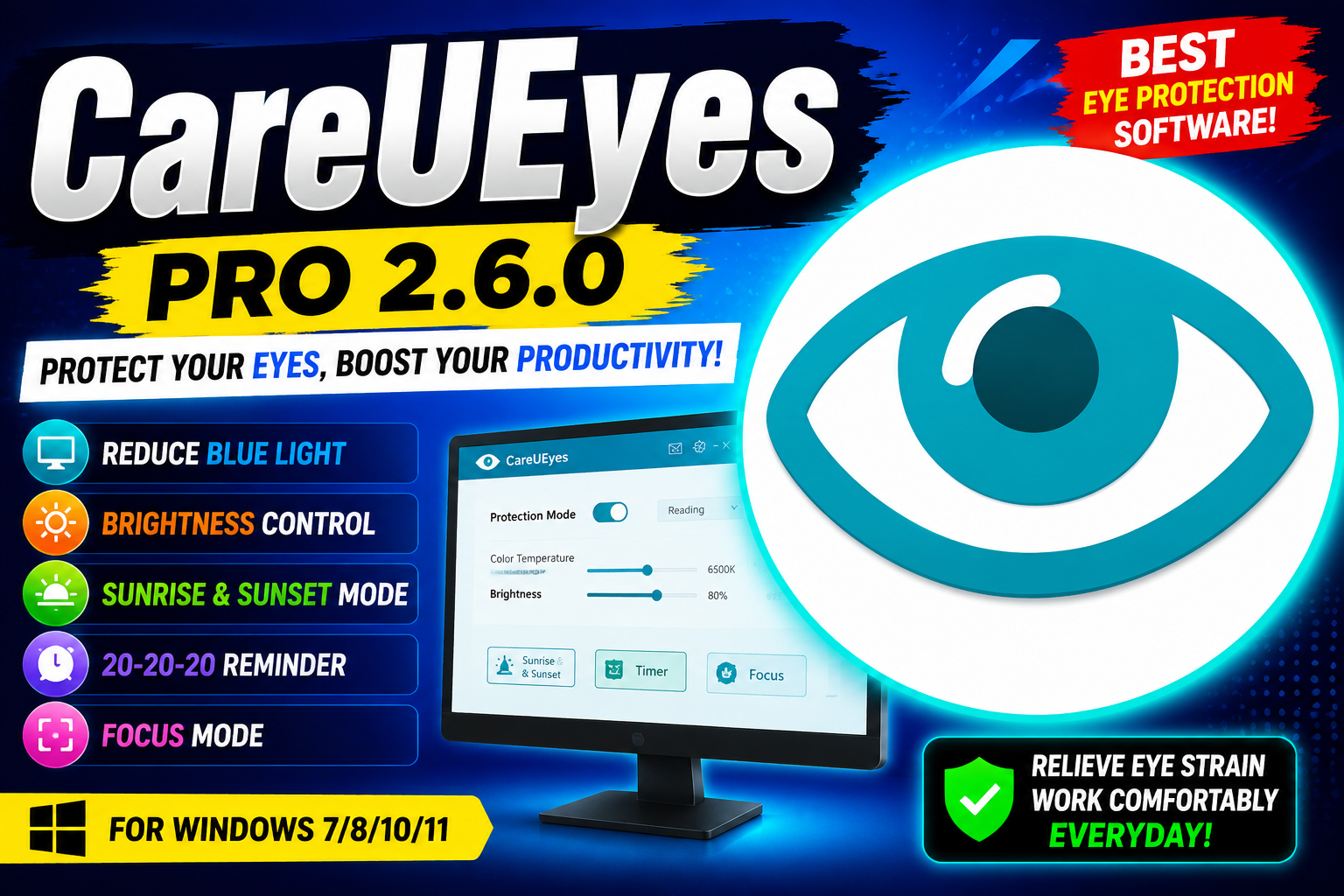
CareUEyes Pro 2.6.0 is a Windows-based eye protection and screen management application designed to help reduce digital eye strain during long periods of computer use. The software provides preset eye protection modes that automatically adjust blue-light filtering screen brightness and color temperature according to your preferred settings.
CareUEyes also includes a customizable 20-20-20 break reminder which encourages users to look at something approximately 20 feet away for 20 seconds after every 20 minutes of screen time. Its flexible scheduling options can automatically adjust display settings based on sunrise and sunset times making it easier to maintain comfortable screen settings throughout the day and night.For more information official website
Key Features
- 8 Eye Protection Modes: Choose from eight preset modes designed to reduce blue light and improve viewing comfort.
- Custom Color Temperature: Manually adjust the screen’s color temperature according to your preference.
- Brightness Control: Easily manage screen brightness for a more comfortable viewing experience.
- Sunrise & Sunset Automation: Automatically change color temperature and brightness based on sunrise and sunset times.
- 20-20-20 Rule Timer: Receive intelligent reminders to take regular breaks while working.
- Humanized Break Window: Break reminders are designed to minimize interruptions while keeping you aware of your screen time.
- Focus Feature: Customize the size and transparency of a reading area to help maintain concentration.
- Day & Night Settings: Configure different display settings for daytime and nighttime use.
Supported Functions
CareUEyes supports several functions focused on comfortable and productive computer use:
- Blue Light Filtering – Reduce the amount of blue light emitted by the display.
- Screen Brightness Management – Adjust brightness levels for different environments.
- Color Temperature Adjustment – Set warmer or cooler display tones manually.
- Automatic Day/Night Switching – Configure separate settings for daytime and nighttime.
- Sunrise/Sunset Scheduling – Automatically switch display settings according to the time of sunrise and sunset.
- Break Reminders – Follow the 20-20-20 rule with scheduled reminders.
- Focus Mode – Create a customized reading area with adjustable size and transparency.
- Personalized Eye Protection – Combine brightness, color temperature, and scheduling options based on individual preferences.
Technical Setup Details
- Software Full Name: CareUEyes Pro 2
- Latest Version: 2.6.0
- Setup Type: Offline Installer / Full Standalone Setup
- File Name: CareUEyes Pro 2
- File Size: Approximately 14 MB
- Architecture: 32-bit (x86) / 64-bit (x64)
- Operating System: Windows 7, 8, 8.1, 10, 11
System Requirements
- Operating System: Windows 7, Windows 8, Windows 8.1, Windows 10, or Windows 11
- Processor: Intel Pentium/Core i3, multi-core processor or higher
- RAM: 4 GB or more
- Storage: At least 100 MB of available free disk space
- Architecture: 32-bit (x86) or 64-bit (x64)
- Display: A compatible Windows display for brightness and color-temperature controls
How to Install CareUEyes
- Download the CareUEyes Pro 2.6.0 installation package from a legitimate and trusted source.
- Extract the downloaded archive using WinRAR, WinZip, or Windows’ built-in extraction tools.
- Open the extracted folder and locate the CareUEyes installer.
- Run the installer and follow the on-screen installation instructions.
- Accept the software’s license terms when prompted.
- Select the desired installation location and complete the installation.
- Launch CareUEyes after installation.
- Configure your preferred eye protection mode, brightness, color temperature, and break-reminder settings.
CareUEyes Pro 2.6.0 provides a practical collection of tools for users who spend extended periods working or studying in front of a Windows computer. With eight eye protection modes customizable blue-light filtering brightness and color-temperature controls automatic sunrise/sunset settings and the 20-20-20 break reminder the software can make long screen sessions more comfortable.
Its Focus feature and flexible scheduling options further enhance productivity by helping users maintain comfortable display settings without repeatedly making manual adjustments. For Windows users looking for a dedicated screen-management and eye-comfort solution CareUEyes is a useful option to consider.Read Also:ApowerEdit