
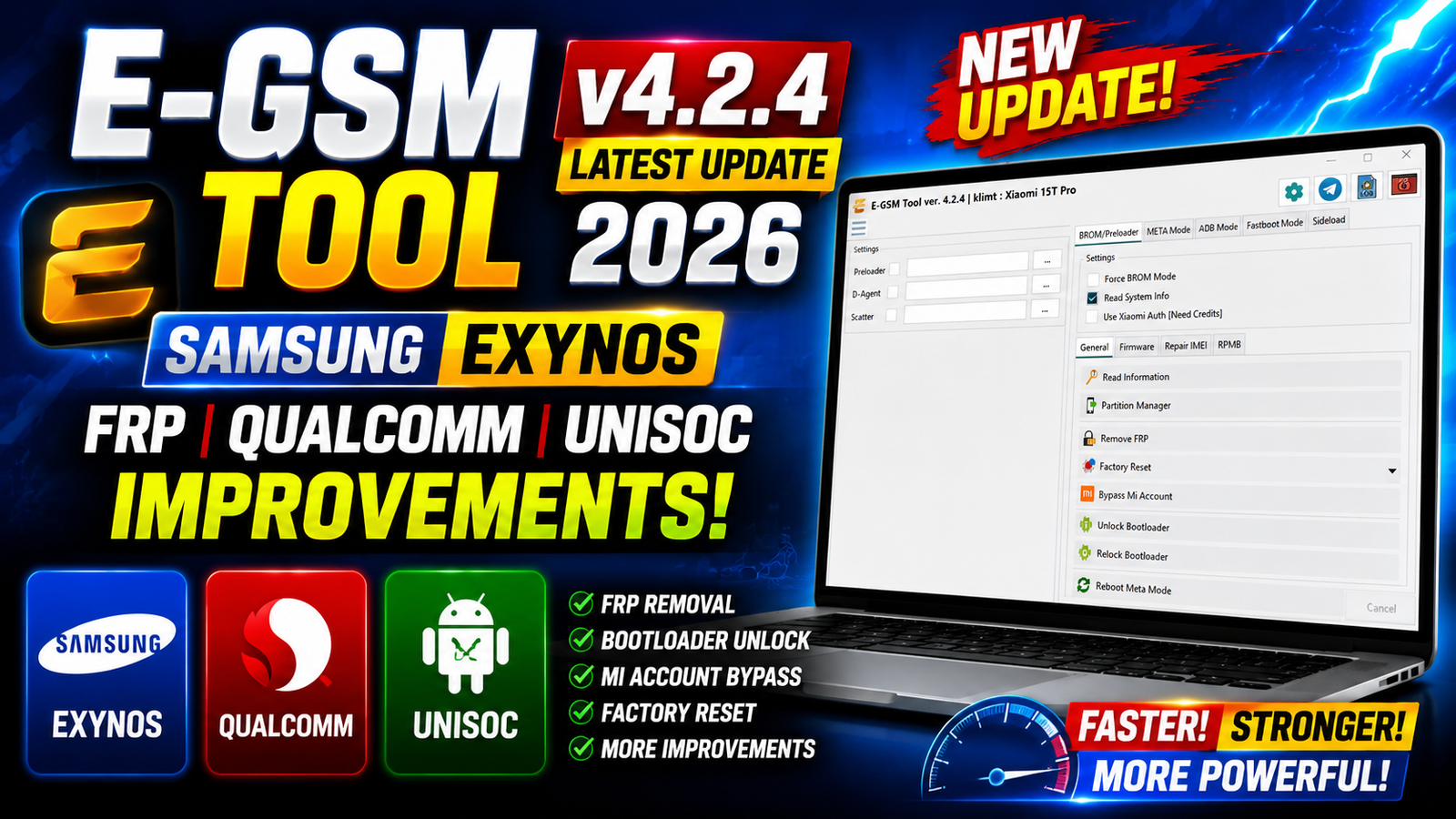
E-GSM Tool v4.2.4 Latest Update 2026 is a new maintenance and compatibility update focused on improving Samsung Exynos, Qualcomm, and Spreadtrum/Unisoc device operations. This release brings better device detection, improved communication protocols, stronger handshake procedures, and several important bug fixes.
The latest E-GSM Tool version is designed to provide more power, more stability, and support for more devices. The update is especially useful for technicians working with Samsung Exynos devices and supported Qualcomm and Unisoc platforms.
In version 4.2.4, the developers have improved Samsung Exynos FRP compatibility, fixed ADB and Odin protocol issues, updated Qualcomm handshake handling, and optimized Spreadtrum/Unisoc communication methods.
For more information: official website.
Main Tools
- Samsung Exynos FRP Tool – Improved FRP compatibility and support for new Exynos models.
- Samsung Exynos Protocol – Fixed ADB and Odin communication issues and improved protocol stability.
- Qualcomm Handshake Tool – Updated handshake system with better device initialization and communication.
- Spreadtrum / Unisoc Tool – Improved handshake, device detection, initialization, and communication.
- Device Communication Module – Enhanced overall device detection, connection stability, and protocol handling.
- Bug Fix & Optimization Module – Fixed multiple protocol issues and optimized internal performance.
Key Features
The major features and improvements of E-GSM Tool v4.2.4 include:
- Added support for new Samsung Exynos models.
- Improved Samsung Exynos FRP compatibility.
- Enhanced Samsung device detection.
- Improved communication with supported Exynos devices.
- Fixed ADB protocol issues on Samsung Exynos.
- Fixed Odin protocol communication problems.
- Improved Samsung Exynos protocol stability.
- Updated Qualcomm handshake functionality.
- Improved Qualcomm device initialization.
- Enhanced Qualcomm communication stability.
- Updated Spreadtrum/Unisoc handling methods.
- Improved Unisoc handshake procedures.
- Enhanced Spreadtrum/Unisoc device communication.
- Fixed multiple protocol-related bugs.
- Improved overall tool stability and reliability.
- Optimized internal handling methods for better performance.
Supported Functions
The latest update improves several important functions across supported platforms:
Samsung Exynos
- Samsung Exynos FRP operations
- New Exynos device support
- Improved device detection
- Better device communication
- ADB protocol improvements
- Odin protocol improvements
Qualcomm
- Qualcomm device handshake
- Device initialization improvements
- Communication improvements
- Enhanced handshake stability
Spreadtrum / Unisoc
- Updated device handling
- Improved handshake procedures
- Better device initialization
- Improved communication
- Enhanced operational stability
Technical Setup Details
- Tool Version: E-GSM Tool v4.2.4
- USB Connection: Stable USB data cable required
- Samsung Devices: Samsung USB Drivers recommended for Exynos devices
- Qualcomm Devices: Compatible Qualcomm USB drivers required
- Spreadtrum/Unisoc: Supported Unisoc/Spreadtrum drivers required
- USB Port: Use a stable USB 2.0/3.0 port
- Permissions: Run the tool with Administrator privileges
- Internet: Required only for functions that use online services
- Device Battery: Keep the device sufficiently charged before starting operations
- Windows Drivers: Make sure all required drivers are correctly installed
- Background Apps: Close unnecessary programs to avoid connection conflicts
- USB Cable: Use a good-quality cable to prevent communication errors
How to Install E-GSM Tool v4.2.4
Follow these general steps to install the latest version:
- Download E-GSM Tool v4.2.4 from this website.
- Extract the downloaded ZIP or RAR archive using a suitable extraction tool.
- Open the extracted E-GSM Tool folder.
- Install the required USB and device drivers.
- Run the E-GSM Tool executable as Administrator.
- Allow Windows to complete any required driver installation.
- Connect your supported Samsung, Qualcomm, or Unisoc device using a proper USB cable.
- Wait for the tool to detect the connected device.
- Select the required module and function.
- Follow the instructions displayed inside the tool.
Important: Do not disconnect the USB cable while an operation is running. Make sure you are working with devices you own or are authorized to service.
E-GSM Tool v4.2.4 Latest Update 2026 is an important update for mobile technicians working with supported Samsung Exynos, Qualcomm, and Spreadtrum/Unisoc devices. The release focuses on compatibility, device detection, protocol stability, and communication improvements.
With improved Samsung Exynos FRP support, fixed ADB and Odin protocol issues, updated Qualcomm handshake functionality, and enhanced Unisoc communication, E-GSM Tool v4.2.4 provides a more stable working experience for supported devices.
Read Also: Cypheros TS Doctor 4