
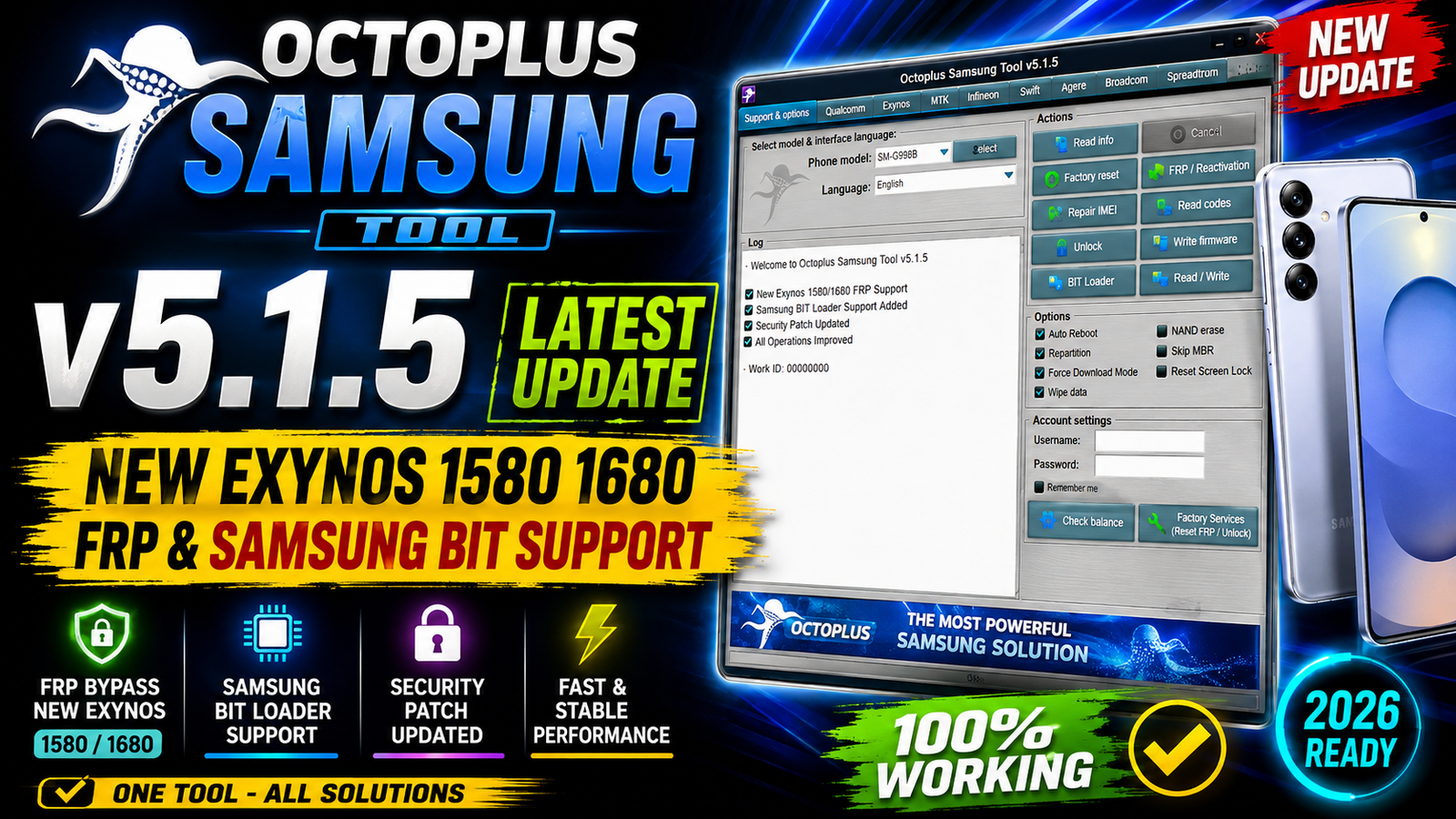
Octoplus Samsung Tool v5.1.5 is the latest update for Samsung mobile servicing and repair professionals. This release brings major improvements to Reset FRP support for Exynos-powered Samsung devices, especially models using newer Exynos 1580 and Exynos 1680 processors.
The new version extends the Reset FRP (Exynos Download Mode) operation to Samsung devices running the latest security patches. Support has been expanded across Exynos 850, 1280, 1330, 1380, 1480, 1580, 1680, 2100, 2200, and 2400 platforms.
Octoplus Samsung Tool v5.1.5 also includes updated Qualcomm EDL loaders for several Samsung Galaxy devices with different BIT versions. In addition, the developers have made further improvements to the Bypass MDM (Mar.2026) operation.
For more information: official website.
Main Tools
Octoplus Samsung Tool v5.1.5 is designed as a professional Samsung servicing solution. The major tools and modules included in this update are:
- Samsung Exynos Download Mode servicing
- Reset FRP support for supported Exynos devices
- Qualcomm EDL Mode loader support
- Samsung BIT-specific loader updates
- Firmware and device servicing functions
- Device information and identification
- MDM-related servicing improvements
- Support for newer Samsung security patches
- Expanded compatibility with newer Galaxy A, F, M, S and Tab series devices
Key Features
1. Extended Exynos FRP Support
The biggest improvement in this release is the extended Reset FRP support for Exynos Download Mode.
The update adds compatibility with newer security patches and the following Exynos processors:
- Exynos 850
- Exynos 1280
- Exynos 1330
- Exynos 1380
- Exynos 1480
- Exynos 1580
- Exynos 1680
- Exynos 2100
- Exynos 2200
- Exynos 2400
The release notes also mention that Exynos 2500 and Exynos 2600 may be supported, although this support was not tested by the developers.
2. New Exynos 1580 Support
Octoplus Samsung Tool v5.1.5 adds Reset FRP support for newer Samsung devices based on the Exynos 1580 platform, including:
- Samsung Galaxy Tab S10 FE – SM-X520
- Samsung Galaxy Tab S10 FE 5G – SM-X526B, SM-X526C, SM-X526E, SM-X526N, SM-X526U, SM-X528U
- Samsung Galaxy Tab S10 FE+ – SM-X620
- Samsung Galaxy Tab S10 FE+ 5G – SM-X626B, SM-X626C, SM-X626N
- Samsung Galaxy A56 5G – SM-A566V, SM-A566B, SM-A566E, SM-A5660, SM-A566U, SM-A566U1, SM-A566W, SM-A566S
3. New Exynos 1680 Support
The update also introduces support for the newer Exynos 1680 platform.
Supported device:
- Samsung Galaxy A57 5G – SM-A576B, SM-A5760, SM-A576W, SM-A576U
4. Updated Qualcomm EDL Loaders
The developers have updated loaders for several Qualcomm-based Samsung devices working through EDL Mode.
The update includes:
- Samsung Galaxy S21 Ultra 5G – SM-G9980 – Bit G
- Samsung Galaxy S22 5G – SM-S901E – Bit E
- Samsung Galaxy S23 5G – SM-S911B – Bit A
- Samsung Galaxy S23+ 5G – SM-S916B – Bit A
- Samsung Galaxy S23 Ultra 5G – SM-S918U – Bit 8
- Samsung Galaxy Z Flip 3 5G – SM-F711N – Bit E
- Samsung Galaxy Z Flip 4 5G – SM-F721B – Bit C
- Samsung Galaxy Z Fold 3 5G – SM-F926B – Bit I
- Samsung Galaxy Z Fold 6 5G – SM-F956B – Bit 4
5. Improved MDM Operation
Octoplus has also continued working on the Bypass MDM (Mar.2026) operation. The latest release contains additional improvements intended to enhance compatibility and reliability for supported Samsung devices.
Supported Functions
The main supported functions and platforms in Octoplus Samsung Tool v5.1.5 include:
- Reset FRP through Exynos Download Mode on supported models
- Support for newer Samsung security patches
- Exynos 850 device servicing
- Exynos 1280 device servicing
- Exynos 1330 device servicing
- Exynos 1380 device servicing
- Exynos 1480 device servicing
- Exynos 1580 device servicing
- Exynos 1680 device servicing
- Exynos 2100 device servicing
- Exynos 2200 device servicing
- Exynos 2400 device servicing
- Updated Qualcomm EDL loaders
- Samsung BIT-specific loader support
- Improved MDM-related operation
- Support for selected Galaxy smartphones and tablets
Exynos 850 Supported Models
- Galaxy A04s – SM-A047F, SM-A047M
- Galaxy A12 Nacho – SM-A127F, SM-A127M
- Galaxy A13 – SM-A135F, SM-A135M, SM-A135N, SM-A135U, SM-A135U1
- Galaxy A14 – SM-A145F, SM-A145FB, SM-A145MB, SM-A145M, SM-A145B
- Galaxy A21s – SM-A217F, SM-A217M, SM-A217N
- Galaxy F12 – SM-F127G
- Galaxy M12 – SM-M127F, SM-M127G, SM-M127N
- Galaxy M13 – SM-M135F, SM-M135FU, SM-M135M
- Galaxy F13 – SM-E135F
- Galaxy XCover 5 – SM-G525F, SM-G525N
Exynos 1280 Supported Models
- Galaxy A25 5G
- Galaxy A26 5G – SM-A266M
- Galaxy A33 5G
- Galaxy A53 5G
- Galaxy F34 5G
- Galaxy M33 5G
- Galaxy M34 5G
- Galaxy Tab S6 Lite (2024)
Exynos 1330 Supported Models
- Galaxy A14 5G
- Galaxy A16 5G
- Galaxy A17 5G
- Galaxy M14 5G
- Galaxy M17 5G
- Galaxy F14 5G
- Galaxy F17 5G
Exynos 1380 Supported Models
- Galaxy A26 5G
- Galaxy A35 5G
- Galaxy A54 5G
- Galaxy F36 5G
- Galaxy F54 5G
- Galaxy M35 5G
- Galaxy M36 5G
- Galaxy M54 5G
- Galaxy Tab Active5
- Galaxy Tab Active5 5G
- Galaxy Tab S9 FE
- Galaxy Tab S9 FE+
- Galaxy Tab S9 FE 5G
- Galaxy Tab S9 FE+ 5G
- Galaxy Tab S10 Lite
- Galaxy Tab S10 Lite 5G
Exynos 1480 Supported Models
- Galaxy A37 5G
- Galaxy A55 5G
- Galaxy F56 5G
- Galaxy M56 5G
Exynos 1580 Supported Models
- Galaxy Tab S10 FE
- Galaxy Tab S10 FE 5G
- Galaxy Tab S10 FE+
- Galaxy Tab S10 FE+ 5G
- Galaxy A56 5G
Exynos 1680 Supported Models
- Galaxy A57 5G
Exynos 2100 Supported Models
- Galaxy S21 5G
- Galaxy S21+ 5G
- Galaxy S21 Ultra 5G
- Galaxy S21 FE 5G
Exynos 2200 Supported Models
- Galaxy S22
- Galaxy S22+
- Galaxy S22 Ultra
- Galaxy S23 FE
Exynos 2400 Supported Models
- Galaxy S24
- Galaxy S24+
- Galaxy S24 FE
- Galaxy S25 FE
- Galaxy Z Flip7 FE
Technical Setup Details
- Operating System: Windows 10 / Windows 11
- Processor: Intel or AMD processor
- RAM: Minimum 4 GB recommended
- Storage: At least 2 GB of free disk space
- USB Port: Working USB 2.0/3.0 port
- USB Cable: Original or good-quality Samsung USB data cable
- Samsung Drivers: Latest Samsung USB Drivers should be installed
- Tool Version: Octoplus Samsung Tool v5.1.5
- Administrator Rights: Run the tool with Administrator privileges
- Internet Connection: Required for supported online operations and services
- Device Support: Compatible Samsung Exynos and Qualcomm devices
- Device Mode: Use the required Download Mode or EDL Mode depending on the operation
- Firmware: Supported/latest firmware and security patch
- BIT Version: Check the correct Samsung BIT version before using EDL loaders
- Battery: Keep the device sufficiently charged before servicing
How to Install Octoplus Samsung Tool v5.1.5
Follow these general steps to install the latest version:
Step 1: Download the Setup
Download the official Octoplus Samsung Tool v5.1.5 installer from this website.
Step 2: Extract the Package
If the downloaded file is compressed in ZIP or RAR format, extract it using a suitable archive utility.
Step 3: Run the Installer
Open the extracted folder and launch the Octoplus Samsung Tool setup file. Follow the on-screen installation instructions.
Step 4: Install Required Drivers
Install the required Samsung USB drivers so Windows can properly detect the connected device.
Step 5: Launch the Tool
After installation, open Octoplus Samsung Tool with administrator privileges.
Step 6: Connect the Device
Connect the supported Samsung device using a good-quality USB cable and place it into the required servicing mode for the selected operation.
Step 7: Check Compatibility
Before starting any operation, verify the Samsung model number, processor, firmware/security patch and BIT version. Use only operations supported by your specific device.
Octoplus Samsung Tool v5.1.5 is an important update for Samsung servicing professionals because it expands compatibility with newer Exynos platforms and recent Samsung firmware. The addition of Exynos 1580 and Exynos 1680 support is one of the main highlights of this release, while the updated Qualcomm EDL loaders improve support for several Galaxy devices with different BIT versions.
With broader Exynos coverage, newer Samsung Galaxy models, updated loaders and improvements to the MDM operation, this version provides a more up-to-date solution for supported Samsung repair and servicing tasks.
Read Also: TSM PRO EDITION 2026.08.15