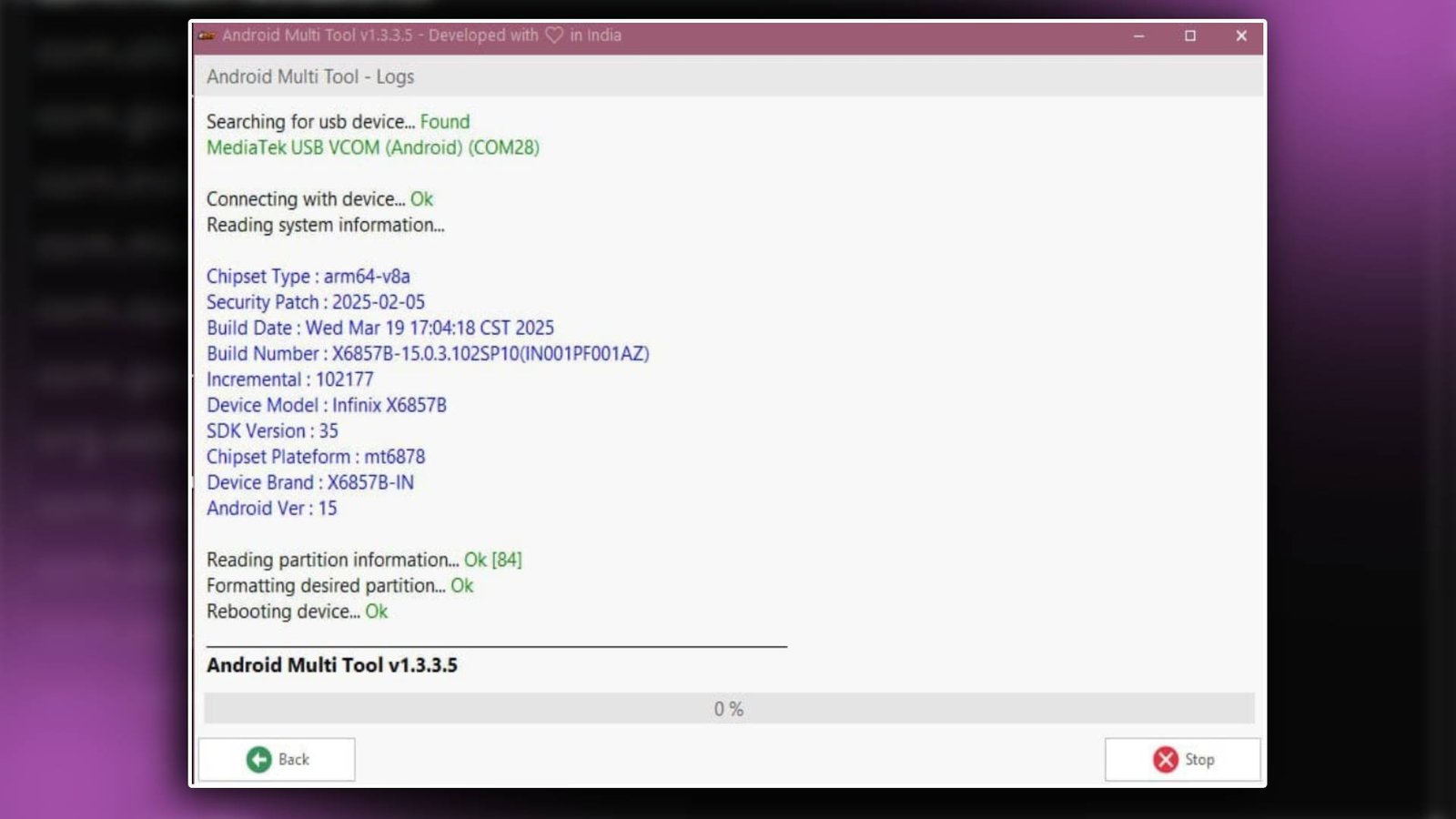

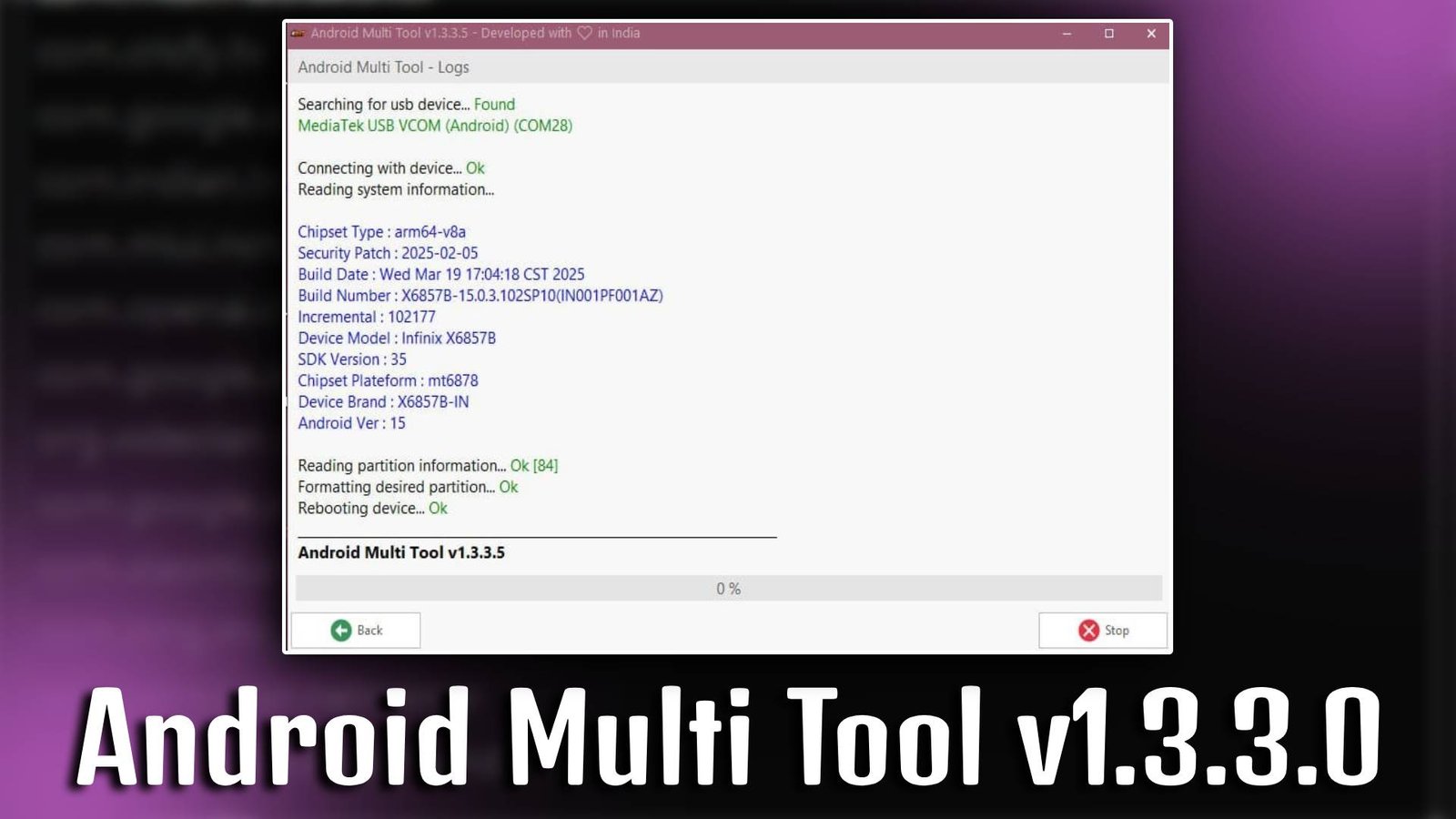
Android Multi Tool v1.3.3.0 is a versatile Windows-based software designed for Android device servicing. It allows users to bypass FRP locks, remove screen passwords, reset devices, and perform multiple maintenance tasks. Android Multi Tool v1.3.3.0 is beginner-friendly, making it perfect for both personal use and professional mobile technicians.
Main Tools
- FRP Removal Tool – Easily bypass Google account verification on supported Android devices.
- Screen Lock Remover – Unlock PINs, passwords, and patterns effortlessly.
- Factory Reset Tool – Reset devices to factory settings safely and quickly.
- ADB Interface Tool – Enables USB debugging and advanced device commands.
- Fastboot Tool – Flash ROMs and unlock bootloaders in fastboot mode.
- Device Info Tool – View complete device details including firmware, IMEI, and hardware info.
Key Features
- Simple User Interface: Android Multi Tool v1.3.3.0 comes with an intuitive interface, making it easy for beginners to navigate.
- All-in-One Android Solution: Offers multiple features like unlocking, resetting, and flashing in a single tool.
- Wide Device Support: Supports most Android smartphones and tablets, ensuring compatibility for everyday use.
- Fast and Reliable: Android Multi Tool v1.3.3.0 performs operations quickly without data corruption or errors.
Supported Functions
- FRP Bypass (Google Account Unlock)
- Screen Lock Removal (Pattern, PIN, Password)
- Factory Reset / Hard Reset
- Reboot to Recovery or Fastboot
- Read Device Info (IMEI, Firmware, Model)
- Flash Stock Firmware via Fastboot
- ADB Command Execution
Technical Setup Details
- Software Name: Android Multi Tool
- Latest Version: v1.3.3.0
- Setup File Name: Android_Multi_Tool_v1.3.3.0.exe
- Full Setup Size: 15 MB
- Setup Type: Standalone Windows Application
- Compatibility: 32bit / 64bit
- Developer: Unknown / Community Developer
How to Install
- Download the Android Multi Tool v1.3.3.0 setup file from a trusted source.
- Extract the ZIP file if it comes in a compressed format.
- Double-click the
.exefile to launch the installer. - Follow the on-screen instructions to complete the installation.
- Connect your Android device via USB and enable USB debugging.
- Launch Android Multi Tool v1.3.3.0 from the installation folder.
- Start performing desired operations like FRP bypass, reset, or device info check.
Android Multi Tool v1.3.3.0 is a reliable and beginner-friendly solution for unlocking, repairing, and managing Android devices. With its multiple tools and supported functions, Android Multi Tool v1.3.3.0 ensures quick and safe device maintenance, making it a must-have utility for both users and mobile technicians.
Read Also: AndroidWin v1.7.9 Unlock Tool
Post Views: 17
