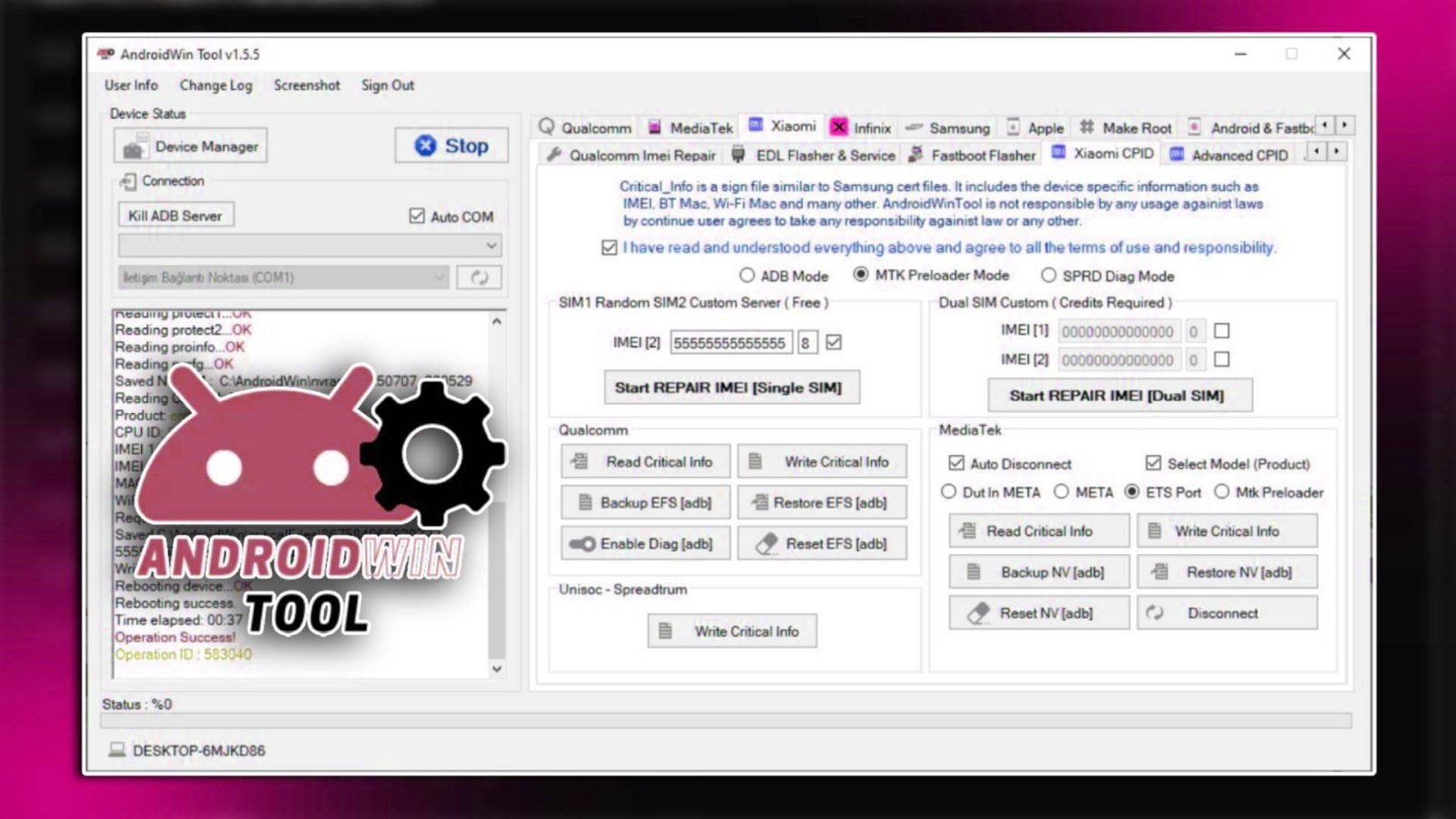

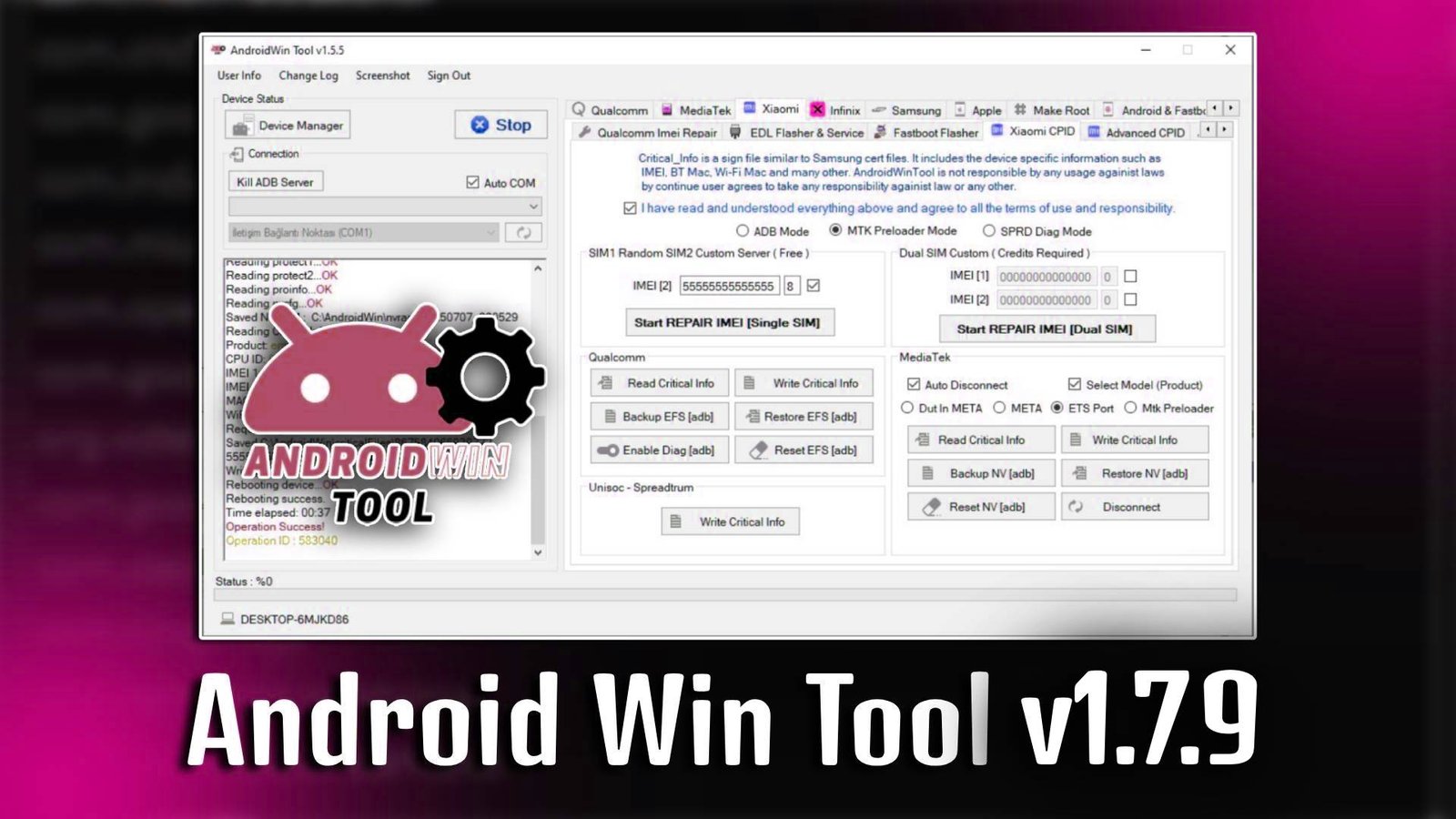
AndroidWin v1.7.9

AndroidWin v1.7.9 is a professional Windows-based software designed to manage, repair, and unlock Android devices efficiently. With AndroidWin v1.7.9, users can easily bypass FRP locks, remove screen passwords, and perform various device maintenance tasks. Its beginner-friendly interface makes it suitable for both personal use and mobile service centers.

Main Tools

  • FRP Bypass Tool – Easily bypass Google account verification locks on supported Android devices.
  • Screen Lock Remover – Remove PIN, pattern, and password locks quickly.
  • Factory Reset Tool – Restore Android devices to their original settings safely.
  • ADB Functions Tool – Access advanced device features through USB debugging.
  • Fastboot Tool – Flash firmware and unlock bootloader via Fastboot mode.
  • Device Info Tool – Provides complete hardware and software details of connected devices.
AndroidWin v1.7.9

Key Features

  • Simple User Interface: AndroidWin v1.7.9 offers a clean, intuitive interface for easy navigation.
  • Comprehensive Device Support: Works with a wide range of Android brands and models.
  • Multiple Unlock Options: AndroidWin v1.7.9 allows FRP removal, pattern, and password unlock in a few clicks.
  • Fast Performance: Repairs and device operations are performed efficiently without unnecessary delays.

Supported Functions AndroidWin v1.7.9

  • FRP lock removal
  • Screen lock bypass
  • Factory reset
  • Flash firmware via Fastboot
  • Device information readout
  • ADB command execution
  • Bootloader unlocking

Technical Setup Details

  • Software Name: AndroidWin
  • Latest Version: v1.7.9
  • Setup File Name: AndroidWin_v1.7.9_Setup.exe
  • Full Setup Size: 120 MB
  • Setup Type: Offline Installer
  • Compatibility: Windows 7, 8, 10, 11 (32bit & 64bit)
  • Developer: SeharH Labs

How to Install

  1. Download the AndroidWin v1.7.9 setup file from a trusted source.
  2. Double-click the setup file to start the installation.
  3. Select your preferred installation language and click Next.
  4. Accept the license agreement and continue.
  5. Choose the installation folder or leave the default path.
  6. Click Install to begin the installation process.
  7. Once completed, click Finish and launch AndroidWin v1.7.9 from the desktop shortcut.

AndroidWin v1.7.9 is a reliable and easy-to-use software for managing, repairing, and unlocking Android devices. Its beginner-friendly interface and wide range of tools make AndroidWin v1.7.9 an essential utility for anyone dealing with Android device maintenance.

Read Also: Android Win Tool v1.8.9