
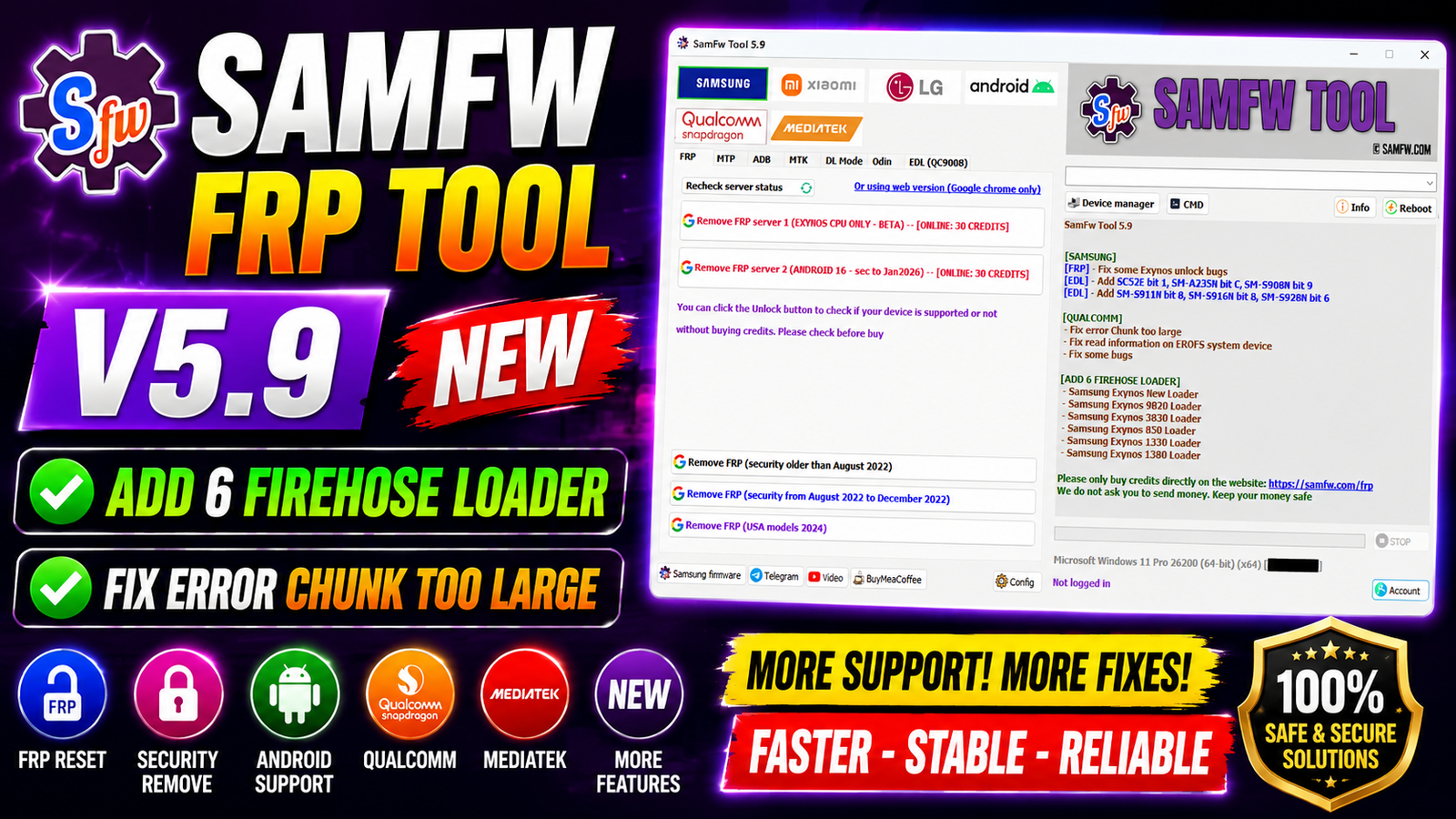
SamFw FRP Tool V5.9 is the latest update of the popular Samsung and Qualcomm servicing utility. This version brings several important improvements, including 6 new Firehose loaders, fixes for the “Chunk too large” error on Qualcomm devices, better EROFS system detection, and improved Samsung Exynos FRP unlocking. These enhancements make the tool more stable, faster, and compatible with newer smartphones.
Whether you need to remove FRP, read device information, or work with Samsung devices in EDL mode, SamFw FRP Tool V5.9 offers a smoother experience for technicians and mobile repair professionals.
For more information: official website.
Main Tools
- Samsung FRP Reset
- Samsung EDL Service
- Qualcomm EDL Operations
- Device Information Reader
- Firehose Loader Support
- EROFS System Detection
- Flashing Utility
- Factory Reset Functions
- Fastboot Functions
- USB Device Detection
Key Features
- Fixed several Samsung Exynos FRP unlock bugs.
- Added 6 new Firehose loaders for better Qualcomm compatibility.
- Fixed “Chunk too large” error during Qualcomm operations.
- Improved reading of device information on EROFS system devices.
- Better stability and improved performance.
- Enhanced compatibility with the latest Samsung security updates.
- Faster communication between the PC and supported devices.
- Bug fixes for smoother flashing and servicing.
Supported Functions
Samsung:
- Remove Factory Reset Protection (FRP)
- Exynos FRP Unlock
- Samsung EDL Mode Support
- Read Device Information
- Flash Supported Firmware
- Factory Reset
- Device Detection
Newly Added Samsung EDL Support:
- SC52E Bit 1
- SM-A235N Bit C
- SM-S908N Bit 9
- SM-S911N Bit 8
- SM-S916N Bit 8
- SM-S928N Bit 6
Qualcomm:
- Qualcomm EDL Mode Support
- Firehose Loader Operations
- Read Device Information
- Flash Firmware
- Factory Reset
- Fix Chunk Too Large Error
- Improved EROFS Device Support
Technical Setup Details
- Software Name: SamFw FRP Tool
- Latest Version: V5.9
- Developer: SamFw Team
- Operating System: Windows 10 / Windows 11 (64-bit recommended)
- Processor: Intel or AMD Dual-Core or above
- RAM: Minimum 2 GB (4 GB Recommended)
- Free Disk Space: 500 MB or more
- USB Driver: Samsung USB Driver / Qualcomm USB Driver
- Internet: Required for some online features
- License: Free
How to Install SamFw FRP Tool V5.9
- Download SamFw FRP Tool V5.9 from this website.
- Extract the ZIP or RAR file using WinRAR or 7-Zip.
- Open the extracted folder.
- Run the setup file as Administrator.
- Complete the installation by following the on-screen instructions.
- Install Samsung and Qualcomm USB drivers if they are not already installed.
- Launch the tool after installation.
- Connect your device using a USB cable.
- Select the required function and begin the servicing process.
SamFw FRP Tool V5.9 is a valuable update for mobile repair technicians. The addition of 6 new Firehose loaders, improved Samsung Exynos FRP support, fixes for the “Chunk too large” Qualcomm error, and enhanced EROFS compatibility make this version more reliable than previous releases. If you frequently work with Samsung and Qualcomm devices, updating to SamFw FRP Tool V5.9 will provide better compatibility, improved stability, and a smoother servicing experience.
Read Also: Octoplus Samsung Tool v5.1.3.1