
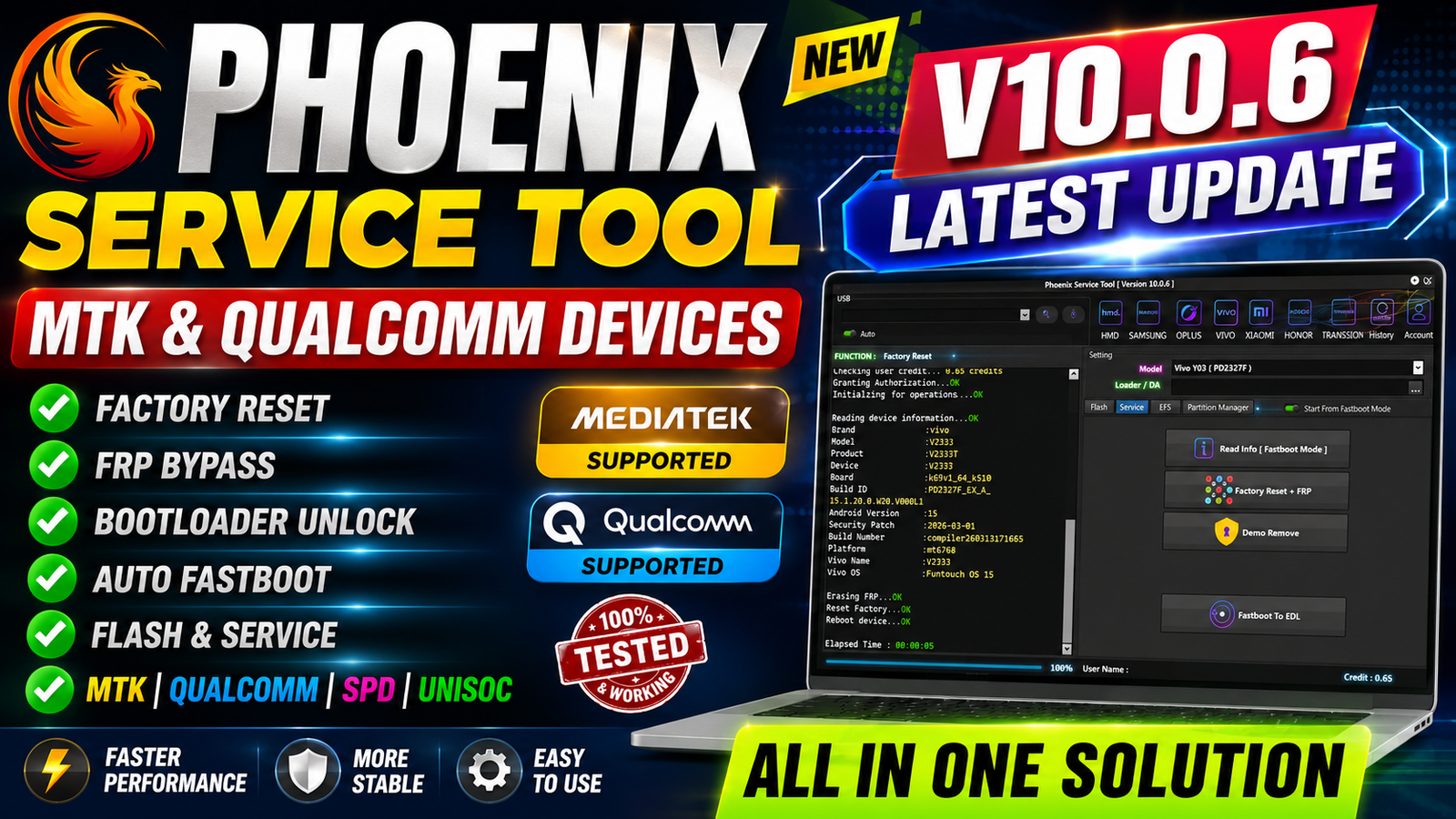
Mobile phone servicing requires reliable tools that can communicate with different chipsets and provide access to essential repair and maintenance functions. Phoenix Service Tool V10.0.6 Latest Update adds improved support for Vivo devices and expands its servicing capabilities across MTK, Qualcomm, and Unisoc platforms.
One of the major additions in this version is Vivo Auth Service, which enhances the tool’s servicing workflow for supported Vivo models. The software also includes options for firmware flashing, partition management, EFS backup and restoration, and other Fastboot-based operations.
For more information: official website.
Main Tools
Phoenix Service Tool V10.0.6 brings together several important mobile servicing functions in one interface. The main tools include:
- Vivo Auth Service
- Factory Reset + FRP
- Demo Unlock
- Fastboot to EDL
- Firmware Flashing
- Partition Manager
- EFS Backup / Restore
- Fastboot Mode Info
- Support for Vivo models
- Support for MTK, Qualcomm (QLM), and Unisoc chipsets
These functions make the tool useful for technicians who regularly work with Vivo smartphones and compatible hardware platforms.
Key Features
1. Vivo Auth Service:
The biggest addition in Phoenix Service Tool V10.0.6 is the Vivo Auth Service. This feature is intended for supported Vivo servicing operations and is one of the key highlights of the latest release.
2. Factory Reset + FRP:
The tool provides Factory Reset + FRP functionality for supported devices. Technicians can use the available servicing workflow when performing authorised device maintenance and software recovery.
3. Demo Unlock:
Demo Unlock is another supported function included in the new version. It can be useful when servicing supported demonstration or retail-mode devices.
4. Fastboot to EDL:
Phoenix Service Tool V10.0.6 supports Fastboot to EDL, providing a transition between supported Fastboot and EDL servicing modes on compatible Qualcomm-based devices.
5. Firmware Flashing:
The software includes a Firmware Flashing function for supported devices. This can be useful when repairing software-related issues, reinstalling compatible firmware, or restoring a device after a failed software update.
Always use firmware that matches the exact device model and hardware variant.
6. Partition Manager:
The integrated Partition Manager provides access to supported partition-related servicing operations. This can be helpful for technicians working on device software and storage partitions.
7. EFS Backup / Restore:
Phoenix Service Tool V10.0.6 also provides EFS Backup / Restore functionality. Creating an appropriate backup before performing advanced servicing operations can help technicians preserve important device configuration data.
8. Fastboot Mode Info:
The Fastboot Mode Info function provides useful information when a supported smartphone is connected in Fastboot Mode, helping technicians identify the device and prepare for the next servicing operation.
Supported Functions
- Vivo Auth Service – Added in the latest update for supported Vivo servicing operations.
- Factory Reset + FRP – Provides factory reset and supported FRP servicing functions.
- Demo Unlock – Supports Demo Mode/retail-device servicing on compatible models.
- Fastboot to EDL – Allows supported Qualcomm devices to move from Fastboot Mode to EDL Mode.
- Firmware Flashing – Used for flashing compatible firmware on supported devices.
- Partition Manager – Provides supported partition management operations.
- EFS Backup / Restore – Allows technicians to back up and restore supported EFS data.
- Fastboot Mode Info – Displays available device information while the phone is connected in Fastboot Mode.
- MTK Devices Support – Supports compatible MediaTek-based devices.
- Qualcomm / QLM Devices Support – Supports compatible Qualcomm-based devices.
- Unisoc Devices Support – Supports compatible Unisoc-based devices.
- Vivo Models Support – Supports all Vivo models according to the supplied update information.
- Fastboot Mode Operation – All operations are performed through Fastboot Mode.
Technical Setup Details
- Operation Mode: All operations via Fastboot Mode.
- Supported Chipsets: MTK, Qualcomm/QLM & Unisoc.
- Supported Devices: All Vivo Models.
- OS: Windows PC/Laptop.
- Drivers: Install required USB drivers.
- Connection: Use a stable USB cable.
- Firmware: Use the correct firmware for the device.
- Backup: Backup important data before servicing.
How to Install Phoenix Service Tool V10.0.6
Follow these general steps to install and prepare the tool:
Step 1: Download the Tool
Obtain Phoenix Service Tool V10.0.6 from a trusted and legitimate source. Avoid modified or unknown packages because unofficial software may contain unwanted or harmful components.
Step 2: Extract the Package
If the tool is provided in a ZIP or RAR archive, extract the package to a convenient location on your Windows computer.
Step 3: Install Required Drivers
Install the appropriate USB drivers required for your device and chipset. Correct drivers are important for establishing communication between the phone and Phoenix Service Tool.
Step 4: Launch Phoenix Service Tool
Open the Phoenix Service Tool application. If Windows security or antivirus software reports an issue, verify the authenticity of the package before allowing or disabling any security protection.
Step 5: Prepare the Device
Put the supported Vivo device into the required Fastboot Mode and connect it to the computer using a reliable USB cable.
Step 6: Check Device Information
Use the Fastboot Mode Info option to confirm that the device is detected correctly.
Step 7: Select the Required Operation
Choose the appropriate supported function, such as firmware flashing, Factory Reset, Demo Unlock, Partition Manager, EFS Backup/Restore, or another authorised servicing operation.
Step 8: Complete the Operation
Follow the instructions shown by the tool and keep the USB connection stable until the operation has finished. Do not disconnect the phone during firmware or partition operations unless the software specifically instructs you to do so.
Phoenix Service Tool V10.0.6 Latest Update introduces Vivo Auth Service and provides a broad collection of servicing functions for supported MTK, Qualcomm/QLM, and Unisoc devices. The update includes Factory Reset + FRP, Demo Unlock, Fastboot to EDL, Firmware Flashing, Partition Manager, EFS Backup/Restore, and Fastboot Mode Info.
With all operations via Fastboot Mode and support for Vivo models, Phoenix Service Tool V10.0.6 can be a useful addition to a mobile technician’s software toolkit. Before performing any advanced operation, technicians should verify device compatibility, use the correct firmware, maintain proper backups, and ensure they have authorisation to service the device.
Read Also: Infinity CM2SP3 v2.50