
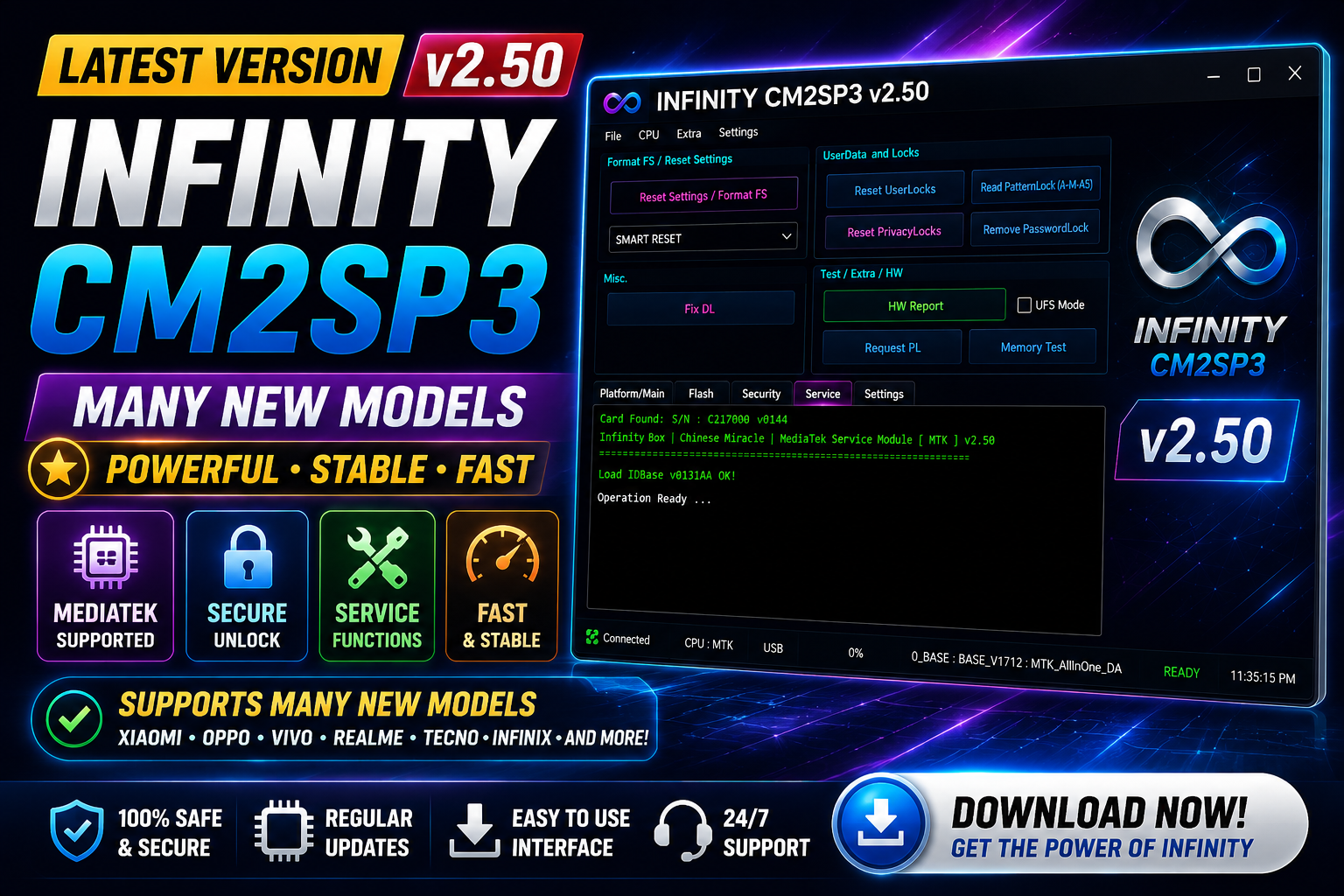
Infinity CM2SP3 v2.50 is the latest update to the popular servicing software for Android smartphones and tablets powered by Spreadtrum (Unisoc) chipsets. This release focuses on improving firmware operations, enhancing service functions, expanding device compatibility, and fixing multiple issues reported by users.
Version 2.50 introduces updated Fastboot operations, a new EROFS loader for the latest firmware, enhanced RPMB functions, improved firmware read/write stability, and support for many new smartphones and tablets from brands such as Oppo, Realme, ZTE, Hisense, Doogee, Chuwi, Sigma, Oukitel, Cherry Mobile, Sky Devices, Casper, and many others.
Whether you are a professional mobile repair technician or an advanced software user, Infinity CM2SP3 v2.50 provides faster performance, broader device compatibility, and improved reliability.
For more information: official website.
Main Tools
Infinity CM2SP3 v2.50 includes a wide range of professional servicing tools, including:
- Device Identification
- Read Device Information
- Factory Reset
- FRP Reset
- Safe Format
- Firmware Read
- Firmware Write
- Firmware Backup
- Partition Manager
- RPMB Read & Write
- Fastboot Operations
- Boot Repair
- Region Lock Reset
- Security Backup
- EROFS Image Support
- IMEI Service (Supported Devices)
- Test Point Support
- DA Loader Support
- Bootloader Functions
- Flash Memory Information
- Log Management
Key Features
1. Fixed AppTool File List Save Issue: The AppTool file list saving problem has been resolved, making project management more reliable.
2. Updated Fastboot Functions: Fastboot operations are now more stable and compatible with newer Android devices.
3. Updated EROFS Loader: Supports the latest EROFS firmware images for newer smartphone models.
4. Classic Log Storage Restored: The software now saves one log file per servicing session, making repair history easier to manage.
5. Improved RPMB Functions: Updated RPMB Read and Write functions provide better compatibility and improved reliability.
6. Oppo & Realme Region Lock Reset: New service option added for resetting Region Lock on supported Oppo and Realme smartphones.
7. Updated Hisense Service Methods: Improved servicing algorithms for Hisense devices.
8. Updated ZTE & Nubia Database: Latest Download Agent (DA) files and Test Point database have been added.
9. Improved Firmware Read & Write: Firmware operations are now faster and more stable across supported devices.
10. Firmware/DUMP Selection: Users can now manually choose firmware or dump files and ignore inactive slots during flashing.
11. Auto Open Target Folder: After firmware reading is completed, the output folder opens automatically.
12. Updated Firmware Layout: Improved firmware layout detection for newer devices.
13. Removed Issue Report to Chat: The previous Issue Report to Chat feature has been removed to simplify the interface.
Internal Improvements:
- Better software stability
- Faster performance
- Reduced flashing errors
- Improved compatibility
- Various bug fixes
Supported Functions
Infinity CM2SP3 supports a comprehensive range of mobile repair operations:
- Read Device Information
- Read Firmware
- Write Firmware
- Backup Firmware
- Restore Firmware
- Factory Reset
- Safe Format
- Reset FRP Lock
- Remove Screen Lock
- Region Lock Reset
- RPMB Read
- RPMB Write
- Read Security Data
- Backup Security
- Partition Management
- Fastboot Flashing
- Boot Repair
- Flash Memory Detection
- DA Loader Support
- Test Point Operations
- Bootloader Unlock (Supported Models)
- Bootloader Relock (Supported Models)
- EROFS Image Processing
- Log Saving
- Firmware Extraction
Newly Added & Updated Supported Models:
Newly Supported Devices:
iTel:
- iTel IT5606P
Cepter:
- Tab-10S
Lesia:
- Bright-3
- Open-Pro
Hisense:
- H72-Pro HLTE271E
Doogee:
- Blade Series
- Fire Series
- Note Series
- S Series
- Tab A9 Pro Series
Kenshi:
- E17
- E28
EtelPremium:
- E65
Dragon Touch:
- KidzPad Y88X-8
- S10M
Egopad:
- E60
Dreamtech:
- Volta-X
Redbeat:
- E3
ZTE:
- Blade A75
Cherry Mobile:
- A950
- Aqua Series
- Flare Tab Pro
Chuwi:
- HiPad Air E80
- HiPadX 11
Sigma:
- Tab A1033
- Tab A1015
- Tab A1010
- Tab A801
Digicel:
- DL3
- DL4
ColorRoom:
- C3 Pro
- C5 Pro
- C30 Pro
- K10C
Siragon:
- SP-6150
- SP-7200
Oukitel:
- C26
- C62
Sky Devices:
- Elite Series
- Platinum Series
- Premier Series
- Sky Pad Series
Calus:
- Camon Series
- Classic Series
- GT20 Series
- Hot Series
- Note Series
- Pop Series
- Pova Series
- Reno Series
- S24 Series
Camfone:
- Hero-13
Casper:
- Via F30 Plus
Dixon:
- ACK1010
- DFM48
- DN6023D
- DN6901
- TS-M105D MKII
- And additional models
Additional Manufacturers Supported:
This version also expands compatibility for many devices from:
- Beneve
- DT
- DUODUOGO
- Exceed
- Gevo
- UMax
- SMADL
- Clever
- Concord
- Coin
- CMCC
- Revoview
- Shuowang
- Skyegg
- Skythek
- Skyth
- Sico
- Simi
- Cidea
- Consung
- D-Tech
- Hena
- Juedur
- Lagenio
- Unitel
- Yoda
Technical Setup Details
- Software: Infinity CM2SP3
- Latest Version: v2.50
- Release: Latest Build
- Latest Build: Infinity Box/Dongle Required
- Supported OS: Windows 7, 8, 8.1, 10, 11 (64-bit Recommended)
- Processor: Intel or AMD Dual-Core or Higher
- RAM: 2 GB Minimum (4 GB or More Recommended)
- Hard Disk: 500 MB Free Space
- USB Drivers: Required
- Internet: Required for Updates
How to Install Infinity CM2SP3 v2.50
- Download the latest Infinity CM2SP3 v2.50 package.
- Extract the downloaded ZIP or RAR file using WinRAR or 7-Zip.
- Run the installer as Administrator.
- Complete the installation by following the on-screen instructions.
- Install all required USB drivers for your devices.
- Connect your Infinity Box or Infinity Dongle.
- Launch Infinity CM2SP3.
- Allow the software to check for updates if prompted.
- Connect your supported device and begin servicing.
Infinity CM2SP3 v2.50 is a significant update that enhances the overall servicing experience for Unisoc-powered devices. With improved firmware handling, updated Fastboot and EROFS support, enhanced RPMB operations, new Region Lock Reset functionality for Oppo and Realme devices, updated DA and Test Point databases, and compatibility with a large number of newly supported smartphones and tablets, this version delivers greater stability and broader coverage for professional mobile repair work. If you regularly service Spreadtrum/Unisoc devices, upgrading to Infinity CM2SP3 v2.50 is highly recommended for access to the latest features, improved performance, and expanded device support.
Read Also: Official Gsm Solution (Moto UBL + FRP)