
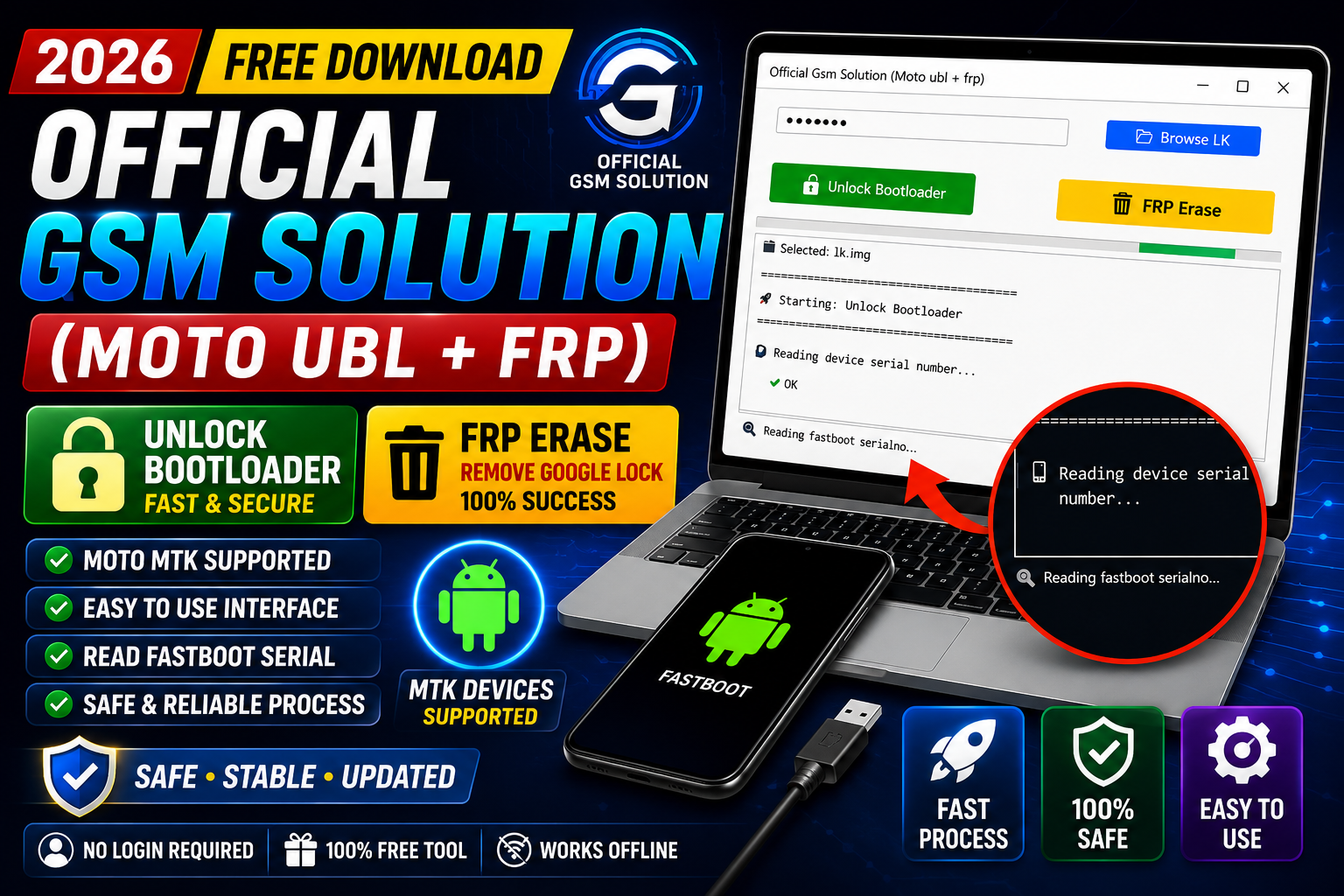
Official Gsm Solution (Moto UBL + FRP) Free Download 2026 is a lightweight Windows utility developed for Motorola Android devices. The tool is designed to help technicians and mobile repair professionals perform various service operations, including bootloader-related tasks, FRP management, and device information reading. Its simple interface makes it easy to use, even for beginners.
The latest 2026 version offers improved compatibility with supported Motorola models and provides faster device detection. Once the device is connected correctly, users can quickly identify essential device information before performing any supported operation.
For more information: official website.
Main Tools
The software includes several useful service utilities for Motorola devices, such as:
- Moto Bootloader (UBL) Service
- Factory Reset Protection (FRP) Management
- Device Information Reader
- DFU/USB Device Detection
- Check Device Utility
- USB Connection Verification
- Automatic Device Recognition
- Simple One-Click Interface
Key Features
1. Easy Device Detection: The tool automatically detects connected devices through the USB interface and displays their current connection status.
2. Check Device Function: Users can click the Check Device button to verify whether the connected phone is properly recognised by the software.
3. DFU Mode Recognition: When the phone enters DFU mode (if supported by the workflow), the utility instantly confirms the detection status and displays the available device information.
4. Lightweight Software: The application requires minimal system resources and runs smoothly on most Windows computers.
5. User-Friendly Interface: All important functions are available from a clean dashboard, making navigation straightforward.
6. Stable USB Communication: Improved USB communication ensures reliable device detection during service operations.
Supported Functions
The latest Official Gsm Solution supports several useful operations, including:
- Motorola UBL Operations
- FRP Service Functions
- Device Information Reading
- Check Device Status
- USB Device Detection
- DFU Mode Verification
- Automatic Driver Detection
- Connection Status Monitoring
- Service Preparation
What Information It Shows:
After successfully detecting the connected device, the software can display useful information, including:
- Device Detection Status
- USB Connection Status
- DFU Mode Status
- Device Model
- Product Identifier
- Device Serial Information (when available)
- Boot Information
- Hardware Communication Status
- Service Readiness
- Driver Connection Status
System Requirements:
- Windows 7, 8, 10 or Windows 11
- Intel or AMD Processor
- Minimum 2 GB RAM
- 200 MB Free Disk Space
- Motorola USB Drivers Installed
- USB Data Cable
- Internet connection (optional)
Technical Setup Details
- Software Name: Official Gsm Solution (Moto UBL + FRP)
- Version: 2026
- Developer: Official GSM Solution Team
- File Type: ZIP Archive
- Interface: Windows
- Architecture: 32-bit & 64-bit
- Connection: USB Cable
- Driver Requirement: Motorola USB Drivers Recommended
- Licence: Free
How to Install Official Gsm Solution (Moto UBL + FRP)
Follow these steps to install and use the tool:
- Download the Official Gsm Solution (Moto UBL + FRP) Free Download 2026 archive from this Website.
- Extract the downloaded archive using 7-Zip.
- When prompted, enter the extraction password.
- Open the extracted folder and run the executable (.exe) file.
- Connect your iPhone using a USB cable.
- Click the Check Device button.
- Wait until the software detects the connected device.
- Verify that the phone is detected in DFU mode.
- Once detection is complete, review the device information displayed by the software before continuing with any supported service operation.
Official Gsm Solution (Moto UBL + FRP) Free Download 2026 is a practical utility for mobile technicians who work with Motorola devices. It offers a straightforward interface reliable device detection and useful service features such as FRP management bootloader-related functions and device information reading. By following the installation steps—downloading the archive extracting it with 7-Zip entering the password launching the executable connecting the device via USB clicking Check Device and confirming successful detection—you can prepare a supported device for the tool’s available operations quickly and efficiently.
Read Also: DFT PRO Update v8.0.0