
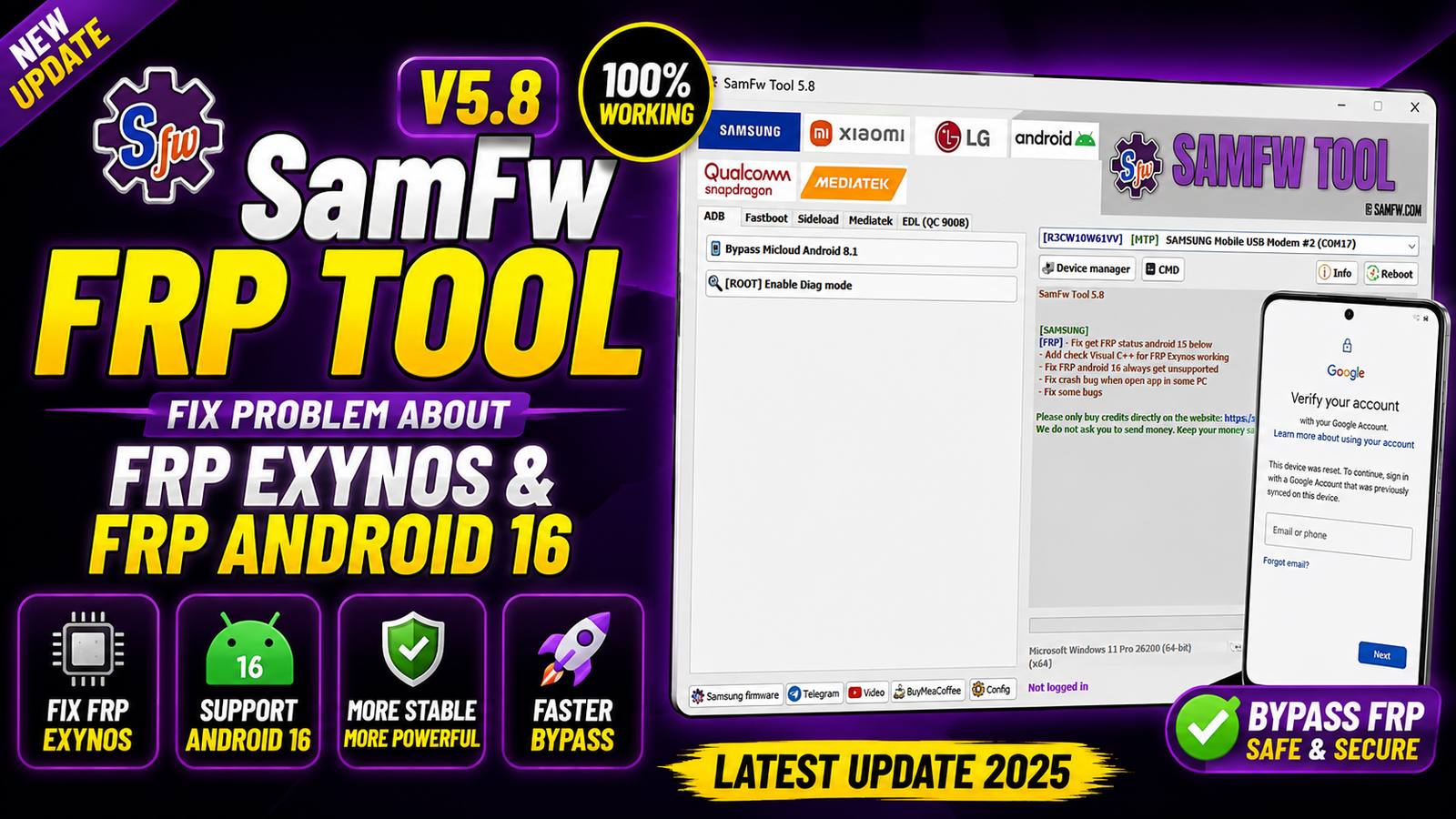
SamFw FRP Tool 5.8 is the latest update to one of the most widely used Samsung service utilities for Windows. This version primarily focuses on improving FRP (Factory Reset Protection) operations, especially for Samsung Exynos-powered devices and devices running Android 16.
The developers have resolved several issues reported by users, including incorrect FRP status detection on Android 15 and earlier, Android 16 compatibility problems, application crashes on certain Windows PCs, and Visual C++ dependency checks for Exynos FRP operations.
If you regularly work with Samsung smartphones for software repair or servicing, SamFw FRP Tool 5.8 delivers a more stable and reliable experience. For more information: official website.
Main Tools
SamFw FRP Tool offers a wide range of Samsung servicing functions, including:
- Samsung FRP Removal
- Samsung ADB Functions
- Samsung MTP Functions
- Samsung Download Mode Utilities
- Exynos FRP Support
- Device Information Reader
- Reboot Options
- Enable ADB
- Remove Samsung Screen Lock (Supported Models)
- Factory Reset Utilities
- CSC Change
- Samsung Driver Detection
Key Features
Fixed FRP Status Detection (Android 15 and Below)
The tool now correctly detects the FRP status on Samsung devices running Android 15 and earlier, resolving previous detection errors.
Visual C++ Dependency Check for Exynos FRP
A new verification system automatically checks whether the required Microsoft Visual C++ Runtime is installed before performing FRP Exynos operations. This helps prevent execution failures caused by missing runtime components.
Android 16 FRP Compatibility
One of the major improvements in version 5.8 is the fix for Android 16 devices that were previously reported as Unsupported during FRP operations. The latest version now recognises supported Android 16 devices correctly.
Improved Application Stability
The update fixes a crash issue that caused SamFw FRP Tool to close unexpectedly on certain Windows computers during startup.
General Bug Fixes
Several minor bugs have been resolved to improve the tool’s overall stability, compatibility, and performance.
Supported Functions
SamFw FRP Tool 5.8 supports numerous Samsung service operations, including:
- Remove Samsung FRP Lock
- FRP Removal via MTP
- FRP Removal via ADB
- Exynos FRP Operations
- Android 15 FRP Detection
- Android 16 FRP Support
- Read Device Information
- Enable ADB Mode
- Factory Reset
- Reboot Device
- Download Mode Operations
- CSC Change (Supported Devices)
- Samsung Driver Detection
- USB Device Recognition
- Samsung Utility Functions
What’s New in SamFw FRP Tool 5.8
[SAMSUNG]
[FRP]
- Fix FRP status detection for Android 15 and below.
- Add Visual C++ dependency check for FRP Exynos operations.
- Fix Android 16 devices incorrectly showing as unsupported during FRP procedures.
- Fix application crash on some Windows PCs during launch.
- Fix several additional bugs and improve overall stability.
Technical Setup Details
- Software Name: SamFw FRP Tool
- Version: 5.8
- Developer: SamFw Team
- Platform: Windows
- Supported Chipsets: Supported Chipsets
- Supported Devices: Samsung Smartphones & Tablets
- Supported Android Versions: Android 15 and Android 16 improvements included
- License: Free
- Interface: Graphical User Interface (GUI)
How to Install SamFw FRP Tool 5.8
Follow these simple steps to install SamFw FRP Tool 5.8:
- Download the latest SamFw FRP Tool 5.8 package from this Website.
- Extract the ZIP or RAR file using WinRAR or 7-Zip.
- Run the installer as Administrator.
- Complete the installation by following the on-screen instructions.
- Install Samsung USB Drivers if they are not already installed.
- Ensure Microsoft Visual C++ Runtime is installed, especially if you plan to use Exynos FRP features.
- Launch SamFw FRP Tool.
- Connect your Samsung device using a USB cable.
- Select the desired function and begin servicing your device.
SamFw FRP Tool 5.8 is an important maintenance update that enhances Samsung FRP servicing by resolving compatibility and stability issues. The release fixes FRP status detection on Android 15 and earlier, introduces Visual C++ dependency verification for Exynos operations, resolves Android 16 unsupported detection problems, and eliminates startup crashes experienced on some Windows PCs.
For mobile repair technicians and Samsung service professionals, this update provides a smoother and more dependable workflow while maintaining the tool’s reputation as one of the most useful free Samsung servicing utilities available.
Read Also: Mobile Sea Service Tool V7.9.0