
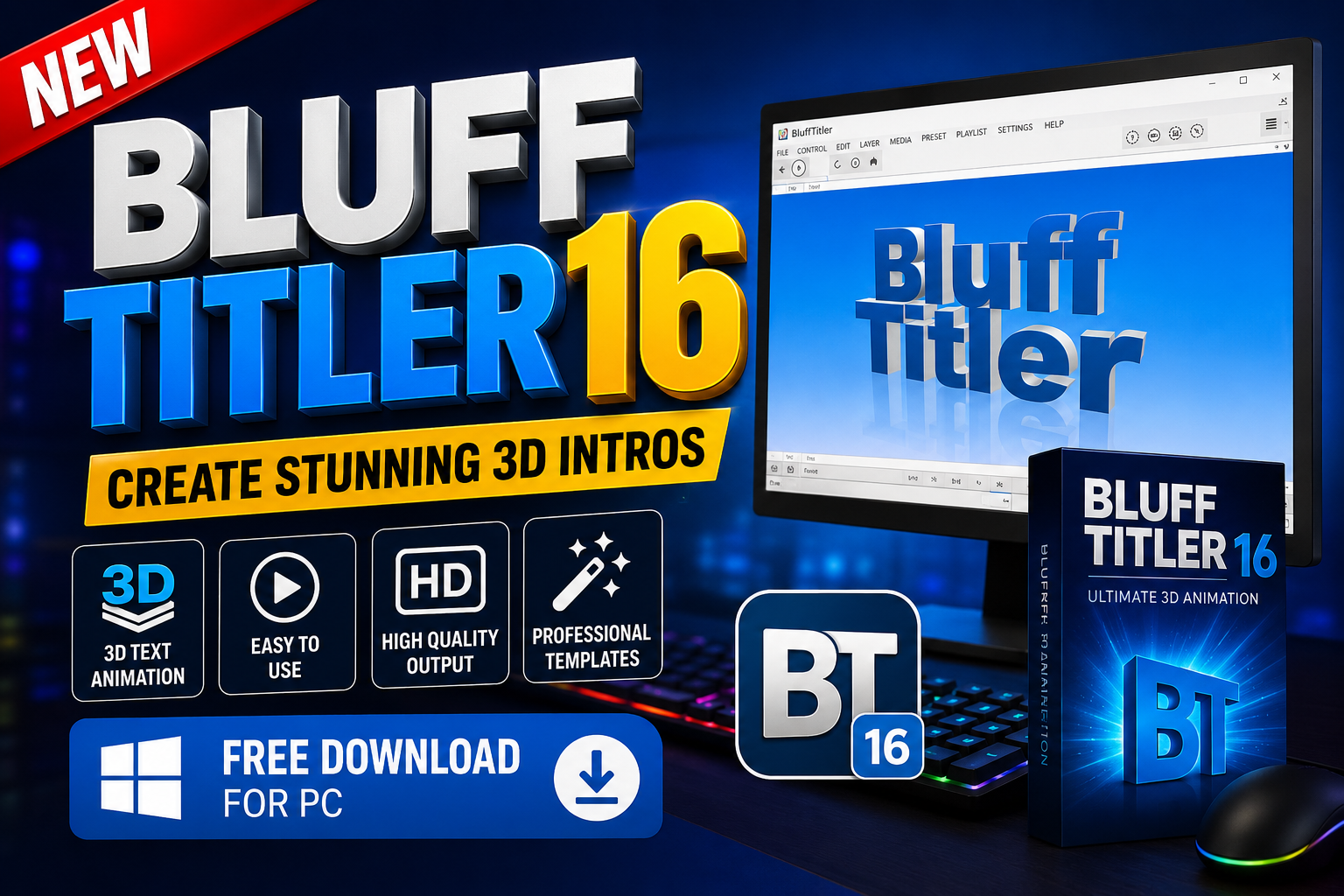
BluffTitler 16 x64 is a powerful Windows-based animation software designed for creating spectacular 2D and 3D animated graphics video intros titles transitions and visual effects. It is particularly useful for content creators video editors broadcasters VJs and anyone who wants to add professional-looking animated elements to their videos.The installer includes hundreds of ready-to-use templates, making it easier for beginners to start creating animations quickly. Users can also explore additional intro videos and templates created by the BluffTitler community. For users looking for professionally designed content premium intros are available through BixPack the BluffTitler template store. For more information visit the official website.
Key Features
- Create short and spectacular 2D and 3D animations.
- Design professional YouTube intro and outro videos.
- Create animated lower thirds for videos and live broadcasts.
- Produce broadcast graphics and promotional visuals.
- Create VJ footage and animated backgrounds.
- Add stylish titles to wedding and event videos.
- Design space-themed intros and futuristic animations.
- Create credit rolls and end screens.
- Produce stinger transitions between scenes.
- Design bumpers and promotional graphics.
- Create animated advertisements and video promos.
- Use hundreds of ready-to-use templates included with the installer.
- Access additional templates and intro videos from the community.
- Create detailed 3D text using bevels, strokes, and visual effects.
- Support for advanced typography features such as kerning and ligatures.
- Support for emoji, diacritical marks, swash tails, and font variants.
- Custom 3D rendering engine optimized for text animation.
Supported Functions
BluffTitler can be used in a variety of creative and professional video production projects. Depending on your requirements and system capabilities, you can use the software for:
- YouTube Intros:Create engaging animated opening sequences for YouTube videos channels tutorials gaming content and other online productions.
- Lower Thirds:Design animated name tags titles and informational graphics that can be placed at the bottom of a video.
- Broadcast Graphics:Create eye-catching graphics for television-style productions, live stream, and other broadcast projects.
- VJ Footage:Produce animated visual content and backgrounds for live performances, concerts, clubs, and events.
- Wedding Videos:Add elegant animated titles, transitions, names, and decorative effects to wedding and event videos.
- Space Intros:Create futuristic space-themed animations using 3D text, lighting, and visual effects.
- Outros and Credit Rolls:Design professional ending sequences, credits, and animated closing screens.
- Stinger Transitions:Create short animated transitions that can be used between scenes or during live streams.
Technical Setup Details BluffTitler 16
- Software Name: BluffTitler 16
- Application Version: BluffTitler 16.7.7.3 Multilingual x64
- Application Type: Offline Installer / Full Standalone Setup
- Architecture: 64-Bit (x64)
- Download File Name: BluffTitler_16_x64.rar
- Download File Size: Approximately 46 MB
- Installation Type: Standalone Installation
- Supported Platform: Microsoft Windows
- Language: Multilingual
System Requirements
- Operating System: Windows 7, Windows 8, Windows 8.1, Windows 10, or Windows 11
- Operating System Updates: Using the latest available updates is recommended
- RAM: 4 GB or more
- Hard Disk Space: At least 250 MB of free storage for the full installation
- Processor: Intel Core i3 or equivalent multi-core processor, or higher
- Architecture: 64-Bit (x64)
How to Install BluffTitler 16
- Download the BluffTitler 16 x64 installation package from a trusted source.
- If the downloaded file is compressed in RAR format, extract it using a compatible archive utility.
- Open the extracted installation folder.
- Run the setup or installer file.
- Follow the instructions displayed by the installation wizard.
- Select the desired installation location if prompted.
- Wait for the installation process to complete.
- Launch BluffTitler from the Windows Start Menu or desktop shortcut.
- Explore the included templates and begin creating your 2D and 3D animations.
BluffTitler 16 x64 is a versatile solution for creating animated titles 2D and 3D graphics video intros transitions lower thirds broadcast graphics and promotional content. Its custom 3D rendering engine and text-focused animation capabilities make it particularly useful for users who want to create impressive animated typography and visual effects.With hundreds of ready-to-use templates community-created content and support for advanced text features BluffTitler 16 provides a flexible environment for both beginners and experienced creators. Whether you are working on YouTube videos wedding projects live broadcasts advertisements or professional video productions BluffTitler can help add an engaging visual touch to your content.
Read Also: Room Arranger 10