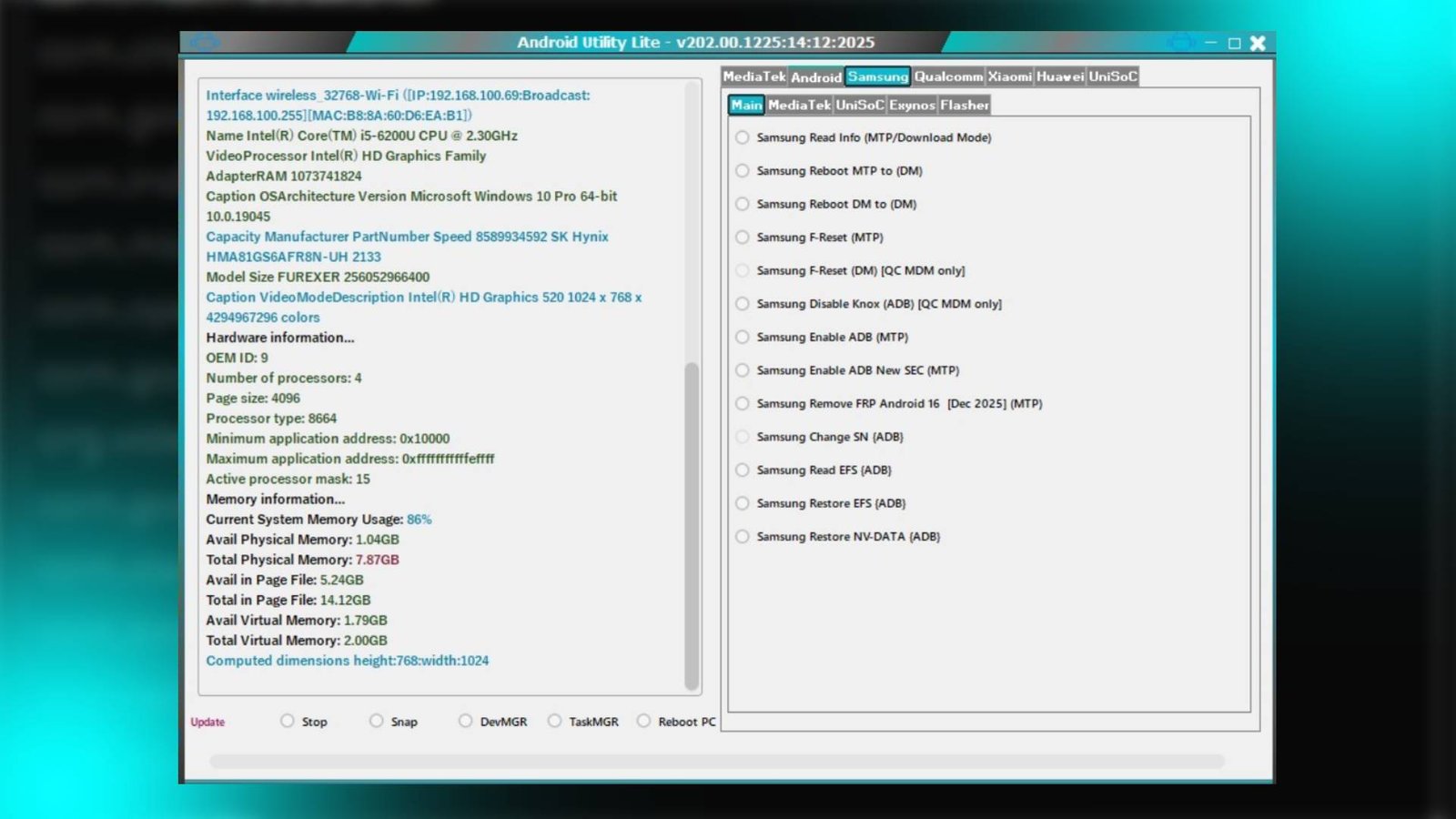

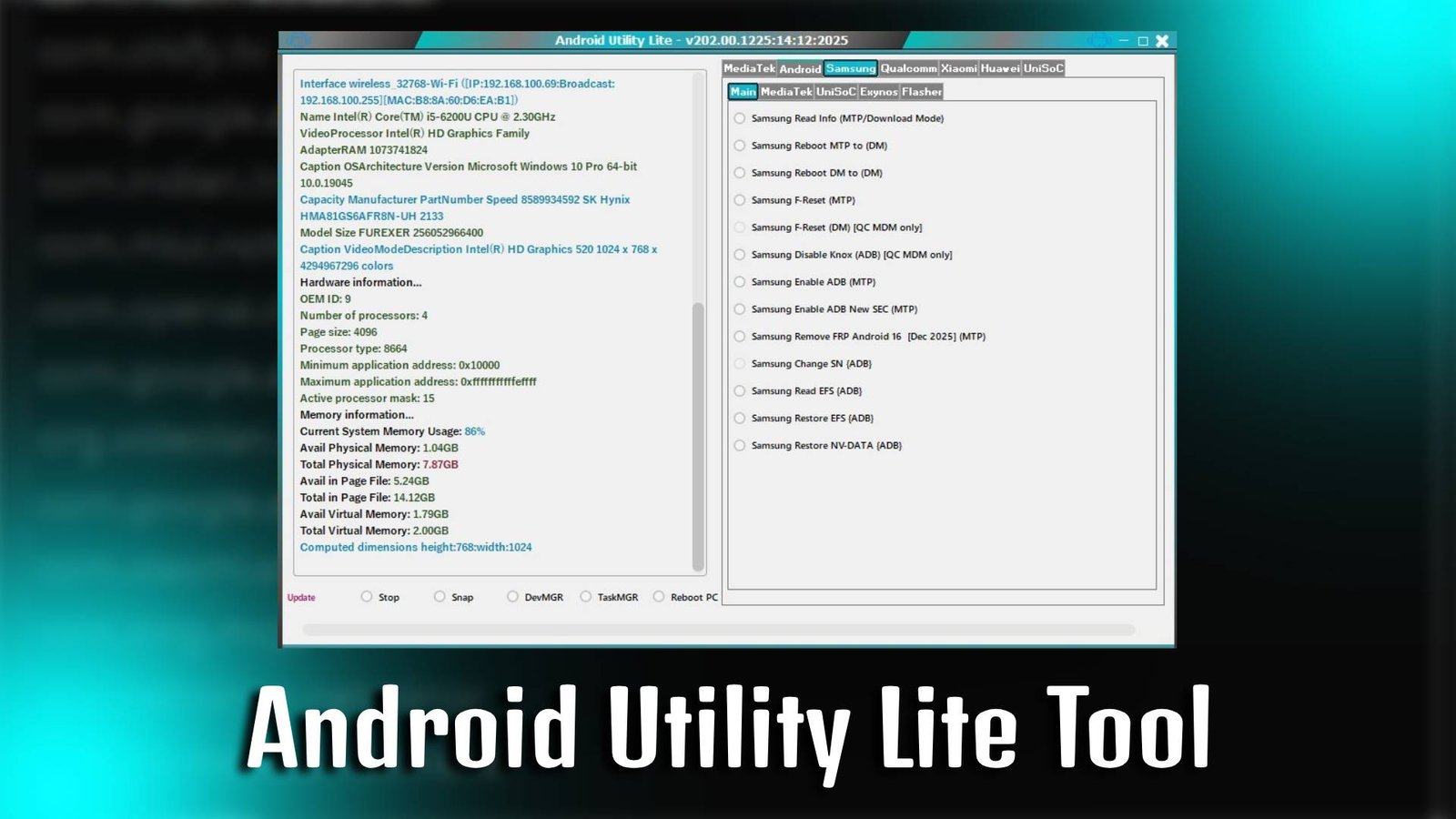
Android Utility Lite Tool

Android Utility Lite Tool is a powerful and easy-to-use Windows software designed to help users manage, repair, and unlock Android smartphones without any advanced technical knowledge. It provides multiple essential utilities in one platform, allowing you to perform tasks like FRP bypass, flashing, device reset, and bootloader operations quickly and safely.

Main Tools

  • FRP Bypass Tool – Remove Google account verification lock from Android devices.
  • Factory Reset Tool – Reset your device without accessing system settings.
  • Bootloader Unlock Tool – Unlock bootloader for advanced customization.
  • ADB Enable Tool – Activate ADB mode for further device control.
  • Fastboot Tool – Manage device firmware through fastboot mode.
  • Flash Tool – Install stock firmware easily on supported devices.
Android Utility Lite Tool

Key Features

  • All-in-One Interface – Android Utility Lite Tool offers multiple Android servicing features in one simple dashboard.
  • Beginner-Friendly UI – Even new users can use Android Utility Lite Tool without technical experience.
  • Quick Device Detection – Automatically detects connected Android smartphones.
  • Safe Operations – Designed to perform secure unlocking and repair tasks without damaging your device.

Supported Functions

  • FRP Lock Removal
  • Factory Reset via ADB/Fastboot
  • Bootloader Unlocking
  • Flash Stock Firmware
  • Reboot to Recovery Mode
  • Enable Developer Options
  • Device Information Check

Technical Setup Details

  • Software Name: Android Utility Lite Tool
  • Latest Version: v1.0
  • Setup File Name: Android_Utility_Lite_Tool_Setup.exe
  • Full Setup Size: 150 MB
  • Setup Type: Offline Installer
  • Compatibility: 32-bit / 64-bit
  • Developer: Utility Tools Team

How to Install

  1. Download the Android Utility Lite Tool setup file on your PC.
  2. Extract the downloaded ZIP file using WinRAR or 7-Zip.
  3. Open the extracted folder.
  4. Run the setup file as Administrator.
  5. Follow the on-screen installation instructions.
  6. Launch the Android Utility Lite Tool after installation.
  7. Connect your Android device via USB cable to begin.

Android Utility Lite Tool is a reliable and efficient solution for Android users who want to unlock, repair, or manage their smartphones without complicated steps. With its simple interface and powerful functions, it is an ideal choice for both beginners and professionals looking for an all-in-one Android servicing tool.

Read Also: Android Tool By SeharH v1.5