
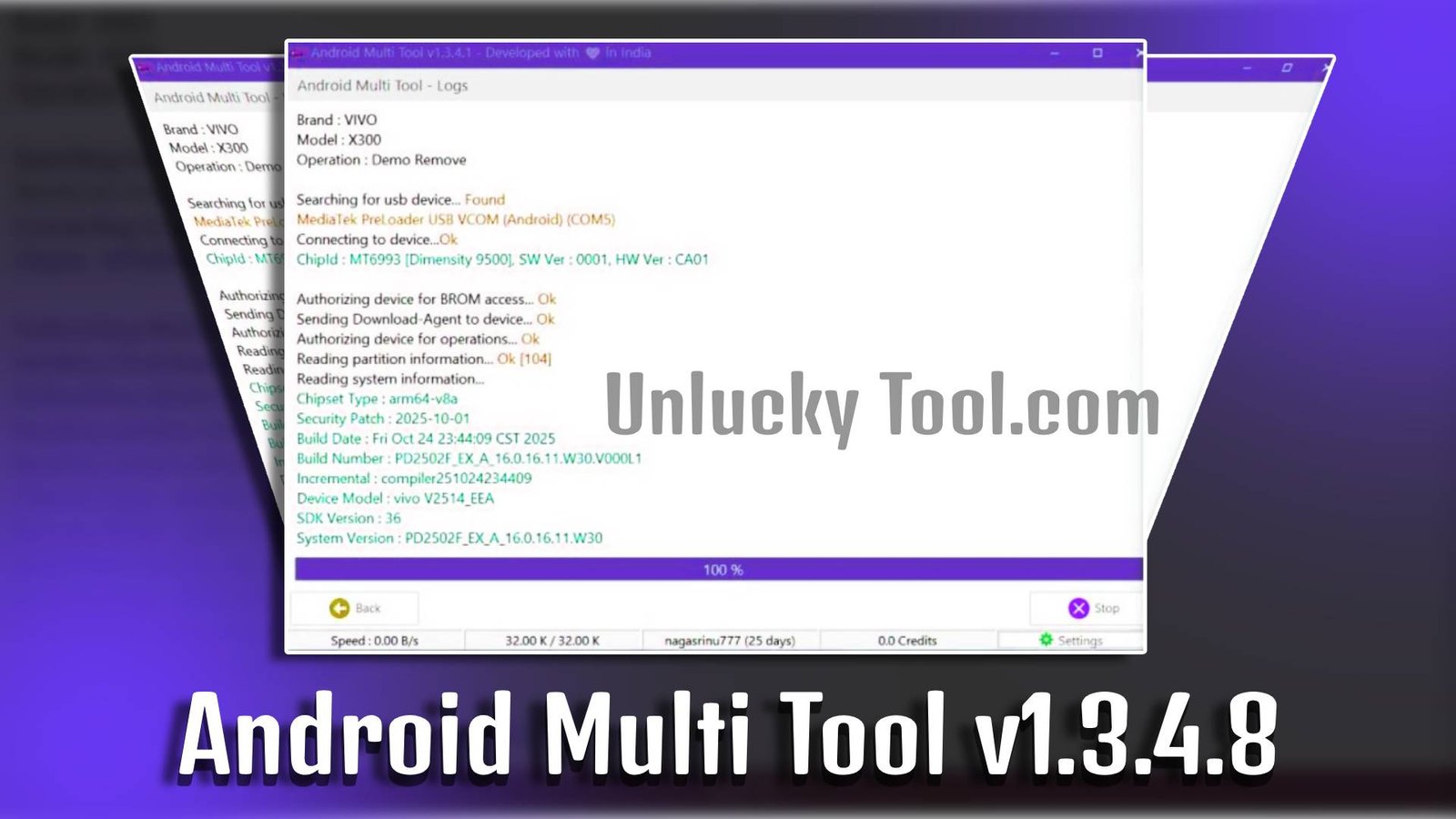
Android Multi Tool v1.3.4.8 is a lightweight Windows-based utility designed to help users unlock Android devices, remove FRP (Factory Reset Protection), and fix common lock issues. It is widely used by mobile technicians and beginners who need a simple solution for resetting passwords or managing Android security locks. With an easy interface and quick processing speed, Android Multi Tool v1.3.4.8 makes Android device servicing more convenient.
Main Tools
- FRP Removal Tool – Helps bypass Google account verification after factory reset.
- Pattern Unlock Option – Removes pattern lock without complicated steps.
- PIN & Password Reset – Deletes screen PIN or password instantly.
- Hard Reset Function – Performs factory reset on connected devices.
- ADB Command Utility – Allows users to run basic ADB commands easily.
- Device Information Checker – Displays basic information about the connected Android device.

Key Features
-
Simple User Interface
Android Multi Tool v1.3.4.8 offers a clean and easy menu for beginners.
-
Fast Processing Speed
The tool performs unlocking and reset tasks within minutes.
-
Wide Device Compatibility
Supports many Android brands and models.
-
Lightweight Software
Android Multi Tool v1.3.4.8 runs smoothly on low-spec computers without heavy system requirements.
Supported Functions
- Remove Google FRP lock
- Reset screen pattern lock
- Remove PIN lock
- Delete password lock
- Perform factory reset
- Wipe data via ADB
- Reboot device into different modes
Technical Setup Details
- Software Name: Android Multi Tool
- Latest Version: v1.3.4.8
- Setup File Name: Android_Multi_Tool_v1.3.4.8.zip
- Full Setup Size: Approximately 2–5 MB
- Setup Type: Offline Installer
- Compatibility: 32-bit and 64-bit Windows
- Developer: Android Multi Tool Team
How to Install
- Download the Android Multi Tool v1.3.4.8 setup file from a trusted source.
- Extract the ZIP file using WinRAR or 7-Zip.
- Open the extracted folder.
- Run the tool as Administrator.
- Install required USB or ADB drivers (if not already installed).
- Connect your Android device via USB cable.
- Select the desired option from the menu and follow on-screen instructions.
Android Multi Tool v1.3.4.8 is a practical and beginner-friendly solution for unlocking Android devices and removing FRP locks. With its lightweight design and powerful features, it provides a fast and effective way to manage Android security issues. Whether you are a technician or a basic user, Android Multi Tool v1.3.4.8 can simplify your device servicing tasks efficiently.
Read Also: Android Multi Tool v1.3.3.7