
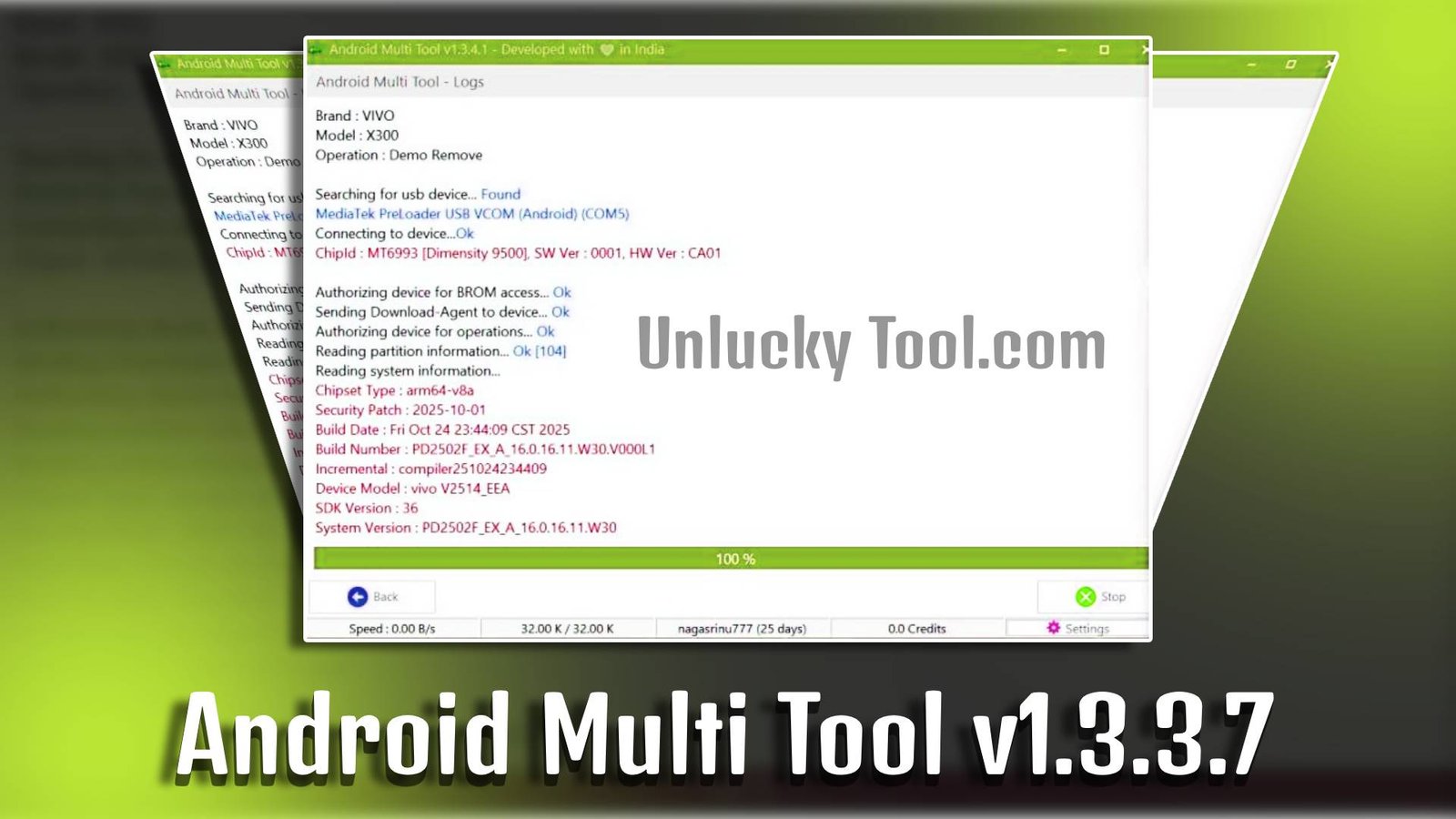
Android Multi Tool v1.3.3.7 is a lightweight yet powerful Windows utility designed to manage and unlock Android devices with ease. It helps users remove screen locks, perform factory resets, bypass FRP locks, and reboot devices without requiring advanced technical skills. Whether you forgot your phone password or want to reset your Android device, Android Multi Tool v1.3.3.7 provides a quick and beginner-friendly solution.
Main Tools
- Factory Reset Tool – Instantly wipe all data and restore device to default settings.
- Pattern Unlock – Remove forgotten pattern lock without data complexity.
- PIN & Password Reset – Easily unlock Android devices secured with PIN or password.
- Reboot System Tool – Restart your Android device directly from PC.
- Fastboot Mode Checker – Detect and manage connected devices in fastboot mode.
- ADB Device Info – Get complete details of your Android device using ADB support.

Key Features
-
User-Friendly Interface
Android Multi Tool v1.3.3.7 is designed for beginners with simple command-based options.
-
Safe Backup System
Remove screen locks and reset your phone within minutes using Android Multi Tool v1.3.3.7.
-
Lightweight Software
Requires minimal system resources for smooth performance.
-
Multi-Function Support
Perform various Android operations from one platform.
Supported Functions
- Remove Pattern Lock
- Remove PIN Lock
- Remove Password Lock
- Wipe Data
- Reboot Device
- Check Device Status
- Bypass Google Account Lock (FRP)
Technical Setup Details
- Software Name: Android Multi Tool
- Latest Version: v1.3.3.7
- Setup File Name: Android_Multi_Tool_v1.3.3.7.zip
- Full Setup Size: 2 MB (Approx)
- Setup Type: Offline Installer
- Compatibility: 32-bit / 64-bit Windows
- Developer: Android Multi Tool Team
How to Install
- Download Android Multi Tool v1.3.3.7 setup file on your PC.
- Extract the downloaded ZIP file using WinRAR or any extractor.
- Open the extracted folder.
- Run the Android Multi Tool application as Administrator.
- Enable USB Debugging on your Android device.
- Connect your device to the PC via USB cable.
- Select the desired function from the tool interface.
Android Multi Tool v1.3.3.7 is an essential utility for Android users who want to unlock, reset, or manage their devices easily without professional assistance. With its simple interface and powerful features, Android Multi Tool v1.3.3.7 makes Android troubleshooting quick and efficient for beginners and professionals alike.
Read Also: Android Multi Tool v1.3.3.3