
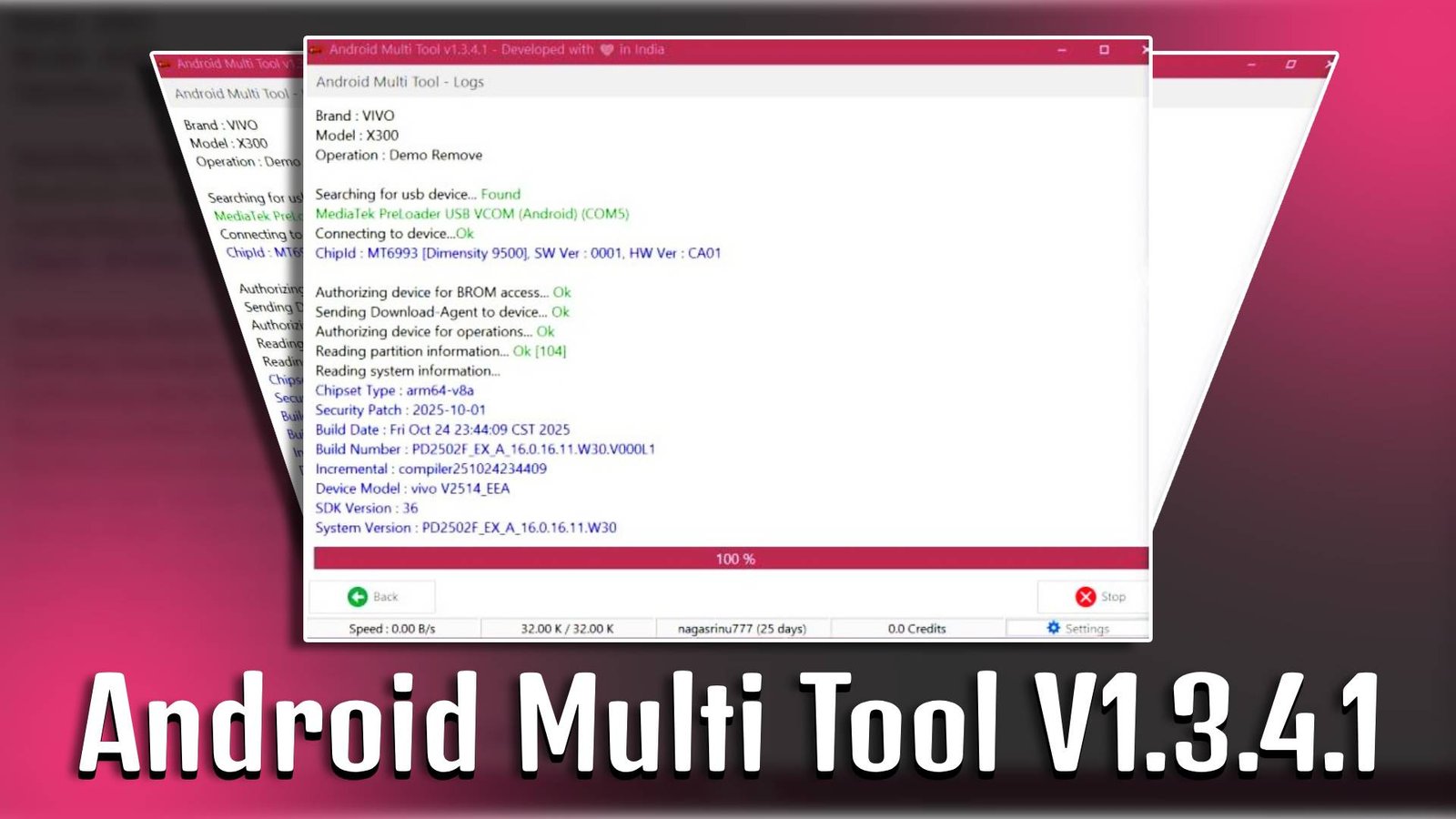
Android Multi Tool V1.3.4.1 is a powerful Windows-based utility designed to help users manage and unlock their Android smartphones and tablets. Whether you forgot your device password or need to perform a factory reset, this tool allows you to access multiple system-level options easily. It works with most Android devices powered by the Google Android operating system and is especially helpful for beginners who want a simple solution for mobile unlocking and troubleshooting.
Main Tools
-
Remove Pattern Lock
Instantly remove pattern lock from your Android device.
-
Factory Reset Tool
Reset your phone to its default settings.
-
Firmware Downloader
Clear system cache to improve performance.
-
Check Device Status
View device connection and ADB status.

Key Features
-
Easy Device Unlocking
Android Multi Tool V1.3.4.1 helps users unlock their device without requiring advanced technical skills.
-
Lightweight Software
It is a small-sized tool that runs smoothly on most Windows systems.
-
Multiple Reset Options
With Android Multi Tool V1.3.4.1, users can choose from different reset methods.
-
User-Friendly Interface
Simple menu-based interface for fast navigation.
Supported Functions
- Remove PIN lock
- Remove password lock
- Remove pattern lock
- Perform factory reset
- Reboot device
- Wipe data and cache
- Check mobile software information
Technical Setup Details
- Software Name: Android Multi Tool
- Latest Version: V1.3.4.1
- Setup File Name: Android_Multi_Tool_v1.3.4.1.zip
- Full Setup Size: Approx. 2 MB
- Setup Type: Offline Installer
- Compatibility: 32-bit & 64-bit
- Developer: Android Multi Tool Team
How to Install
- Download the Android Multi Tool V1.3.4.1 setup file.
- Extract the ZIP file using WinRAR or 7-Zip.
- Open the extracted folder on your PC.
- Run the tool as Administrator.
- Connect your Android device using a USB cable.
- Enable USB Debugging mode on your device.
- Select the required function from the menu to proceed.
Android Multi Tool V1.3.4.1 is an efficient and beginner-friendly solution for unlocking and resetting Android devices. With its simple interface and multiple system tools, it makes mobile troubleshooting easier without requiring professional expertise.
Read Also: Android Cache Cleaner