
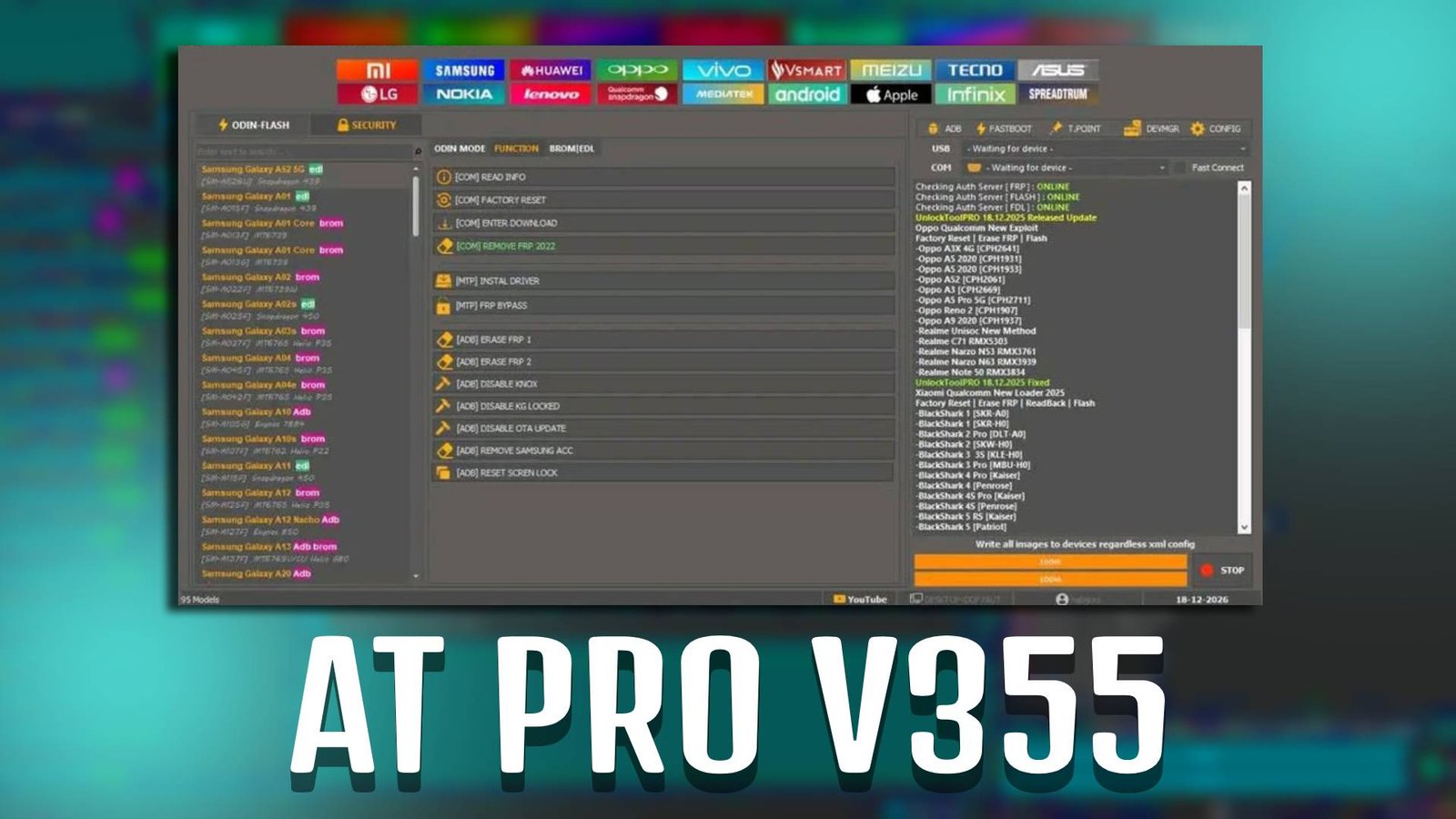
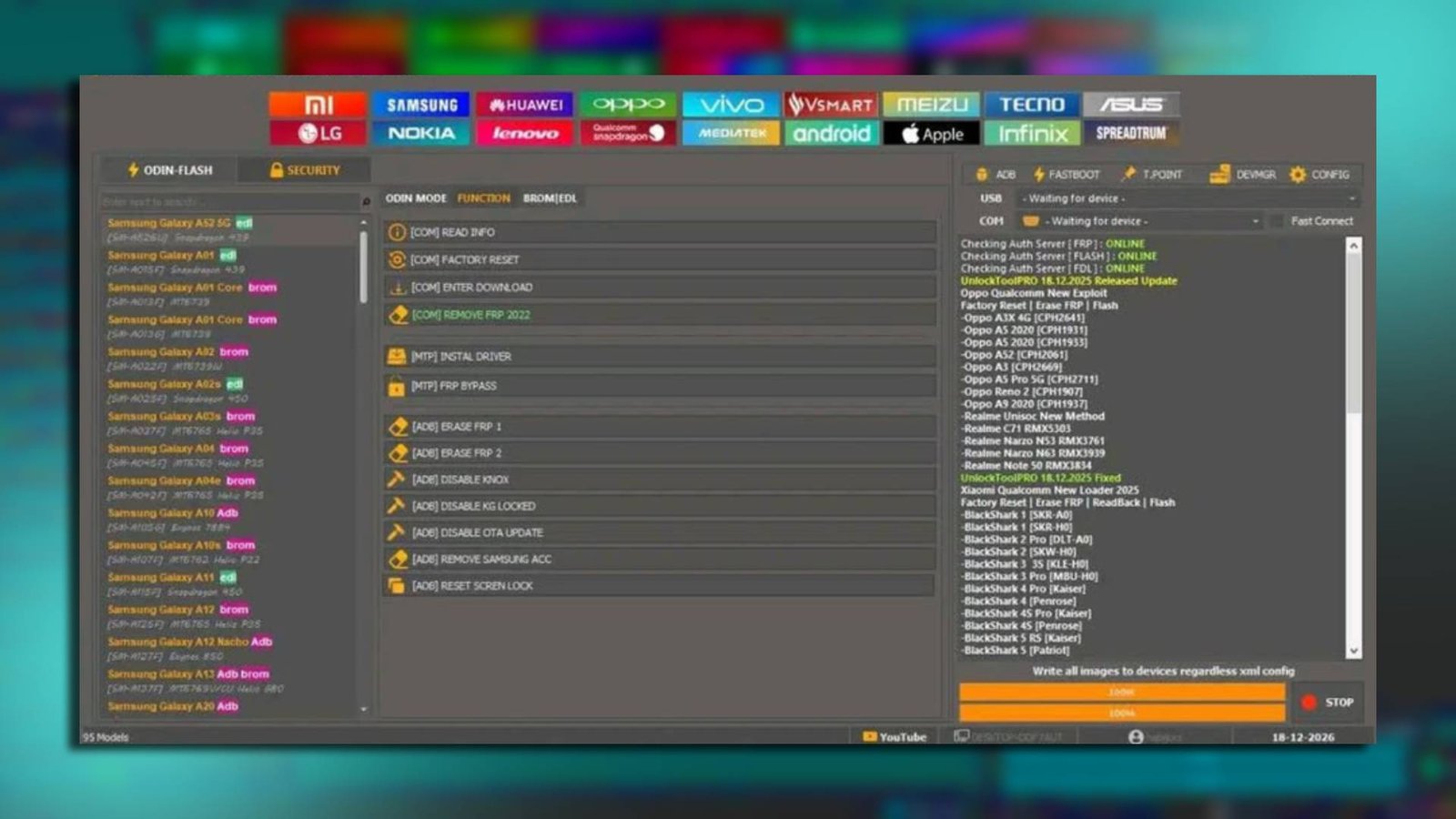
AT PRO V355 is a powerful mobile repairing software designed to help users fix common Android device issues such as FRP lock, IMEI problems, flashing errors, and software bugs. Whether you are a beginner or a professional mobile technician, AT PRO V355 provides a simple and effective solution for repairing Android smartphones without complicated procedures.
Main Tools
-
FRP Unlock Tool
Easily remove Google account verification from Android devices.
-
IMEI Repair Tool
Fix or restore lost or corrupted IMEI numbers.
-
Flash Tool
Install stock firmware to fix bootloop or software errors.
-
Pattern Unlock Tool
Remove forgotten screen lock patterns quickly.
Key Features
-
User-Friendly Interface
AT PRO V355 is designed for beginners with simple navigation and easy controls.
-
Fast Processing Speed
Complete unlocking and flashing tasks within minutes using AT PRO V355.
-
Wide Device Support
Supports multiple Android brands and models.
-
No Root Required
Perform major repairs without rooting the device.
Supported Functions
- FRP Bypass
- IMEI Repair
- Firmware Flashing
- Pattern Unlock
- Bootloader Unlock
- Factory Reset
- Device Information Reading
Technical Setup Details
- Software Name: AT PRO V355
- Latest Version: V355
- Setup File Name: AT_PRO_V355.zip
- Full Setup Size: 150 MB
- Setup Type: Offline Installer
- Compatibility: 32bit / 64bit
- Developer: AT Tools Team
How to Install
- Download the AT PRO V355 setup file on your PC.
- Extract the ZIP file using WinRAR or 7-Zip.
- Open the extracted folder.
- Run the setup file as Administrator.
- Install all required drivers if prompted.
- Launch AT PRO V355 after installation completes.
- Connect your Android device and start repairing.
If you are looking for a reliable and easy-to-use Android repairing software, AT PRO V355 is a great choice. With its advanced tools and beginner-friendly interface, AT PRO V355 helps you fix common mobile software issues quickly and safely without technical complications.
Read Also: AREPA-TOOL V1.0