
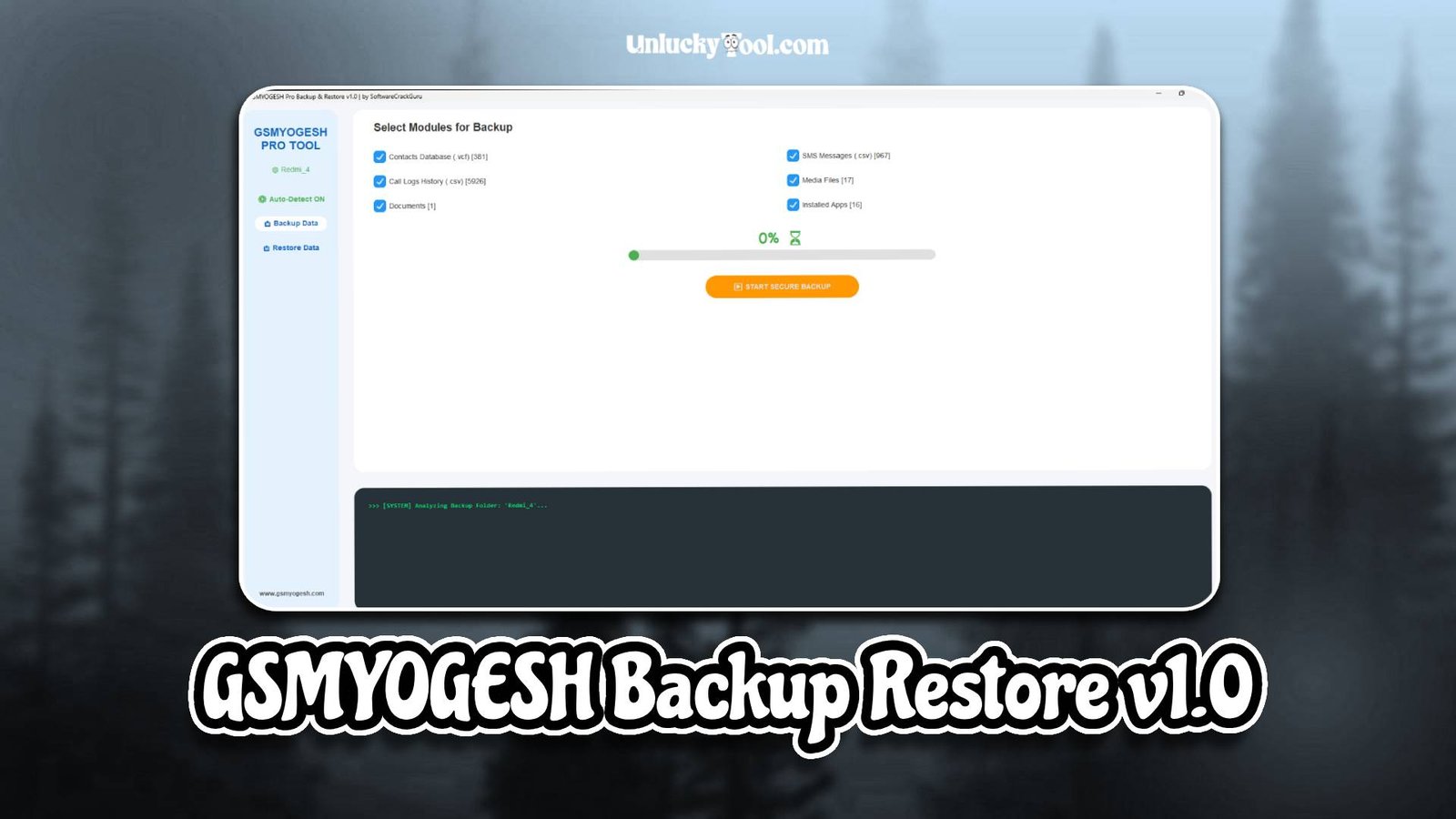
GSMYOGESH Backup Restore v1.0 is a reliable GSM tool designed for mobile technicians who need a simple and efficient solution for Android data backup and restoration tasks. This Android servicing software is widely used for creating backups, restoring system data, and managing essential mobile files safely. It provides a clean and beginner-friendly interface, making it suitable for both new users and professional technicians.
GSMYOGESH Backup Restore v1.0 supports a wide range of Android smartphones and tablets, allowing users to securely handle backup and restore operations without data loss. This tool is built for stability, fast processing, and safe execution of operations. Whether you need to restore system data or recover important files, this tool helps manage everything efficiently. For more information visit the official website.
Main Tools
- Backup Manager Module
- Restore Utility Tool
- Device Information Reader
- System Data Manager
- File Recovery Module
Key Features
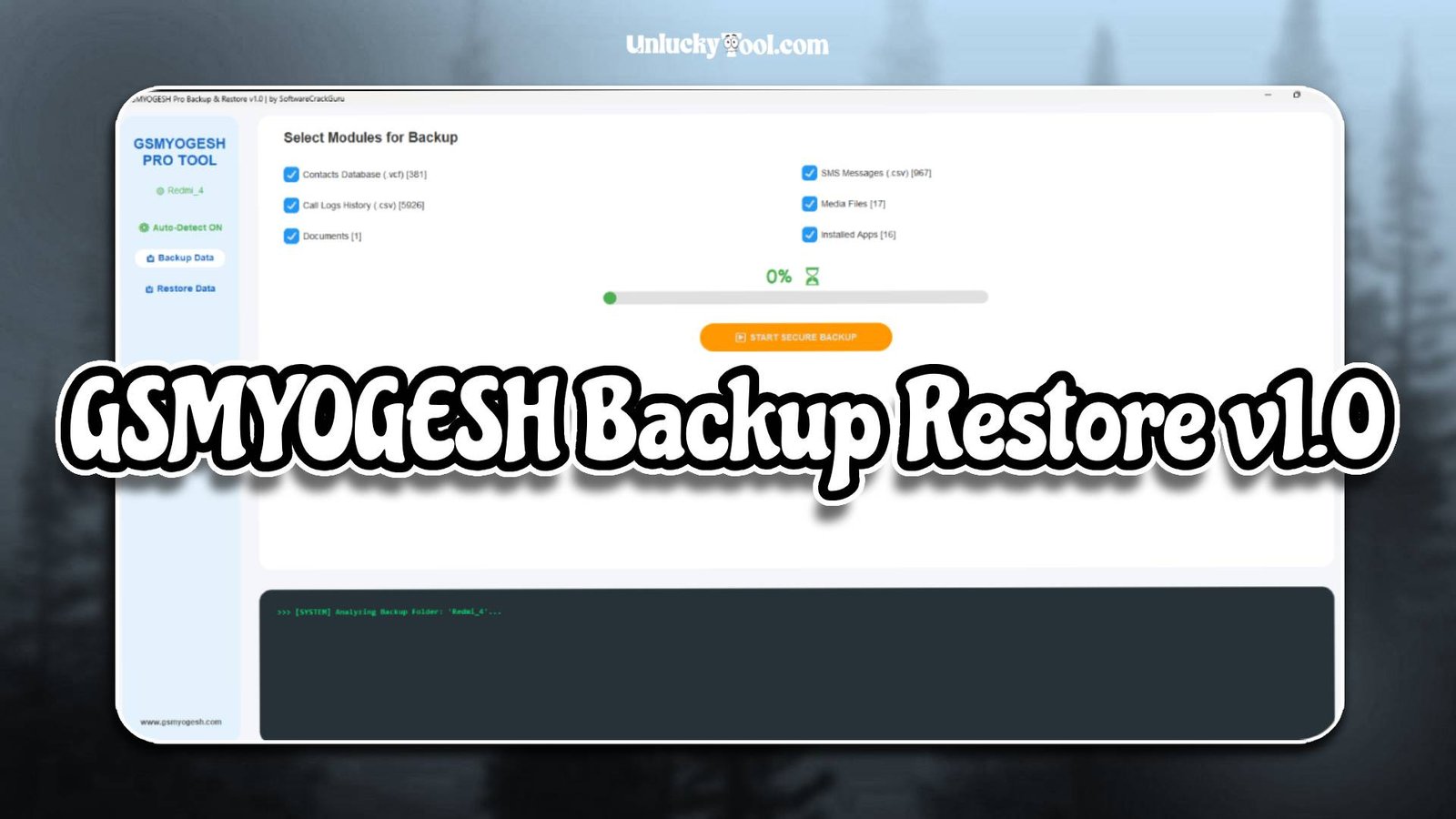
- Fast and stable backup and restore engine
- Simple and beginner-friendly interface design
- Secure data handling without corruption risk
- Supports full system and partial data backup
- Lightweight GSM tool for smooth performance
- Automatic device detection for quick setup
- Wide compatibility with Android smartphones and tablets
- One-click backup and restore operations
- Optimized processing speed for faster workflow
- Safe data transfer system for mobile devices
- Regular improvements for better stability
- Efficient storage management for backups
GSMYOGESH Backup Restore v1.0 is designed to simplify mobile data management tasks. It allows technicians and users to create backups easily and restore them whenever needed. The tool ensures safe performance during all operations without affecting device stability.
Supported Functions
- Create full system backup of Android devices
- Restore previously saved backup files
- Backup contacts, messages, and application data
- Restore deleted or lost system data
- Read device information such as IMEI and model details
- Manage internal storage backup files
- Support multi-brand Android smartphones and tablets
- Enable recovery of essential mobile data
- Transfer backup files between devices safely
- Repair minor system data corruption issues
- Maintain secure storage of user information
- Provide stable backup and recovery operations
These supported functions make GSMYOGESH Backup Restore v1.0 highly useful for data protection and recovery tasks. It is especially beneficial for technicians and users who frequently handle important mobile data.
Technical Setup Details
- Supported OS: Windows 7 / 8 / 10 / 11
- Minimum RAM: 4 GB recommended
- Storage Requirement: 300 MB free disk space
- Processor Requirement: Intel or AMD dual-core processor
- Required USB Drivers: Android USB drivers
- Supported Devices: Various Android smartphones and tablets
How to Install GSMYOGESH Backup Restore v1.0
- Download the software from unluckytool.com.
- Extract the downloaded archive file.
- Install required USB drivers.
- Run the software as administrator.
- Connect the mobile device using USB cable.
- Choose the desired operation such as flashing or unlocking.
GSMYOGESH Backup Restore v1.0 is a dependable GSM tool that provides essential Android backup and restore features in a simple platform. It helps users securely manage data, create backups, and restore important files whenever needed. Its stable performance and easy interface make it suitable for both beginners and professionals.
If you are looking for a reliable Android servicing software focused on data safety and recovery, GSMYOGESH Backup Restore v1.0 is a strong and practical choice.
Read Also: