
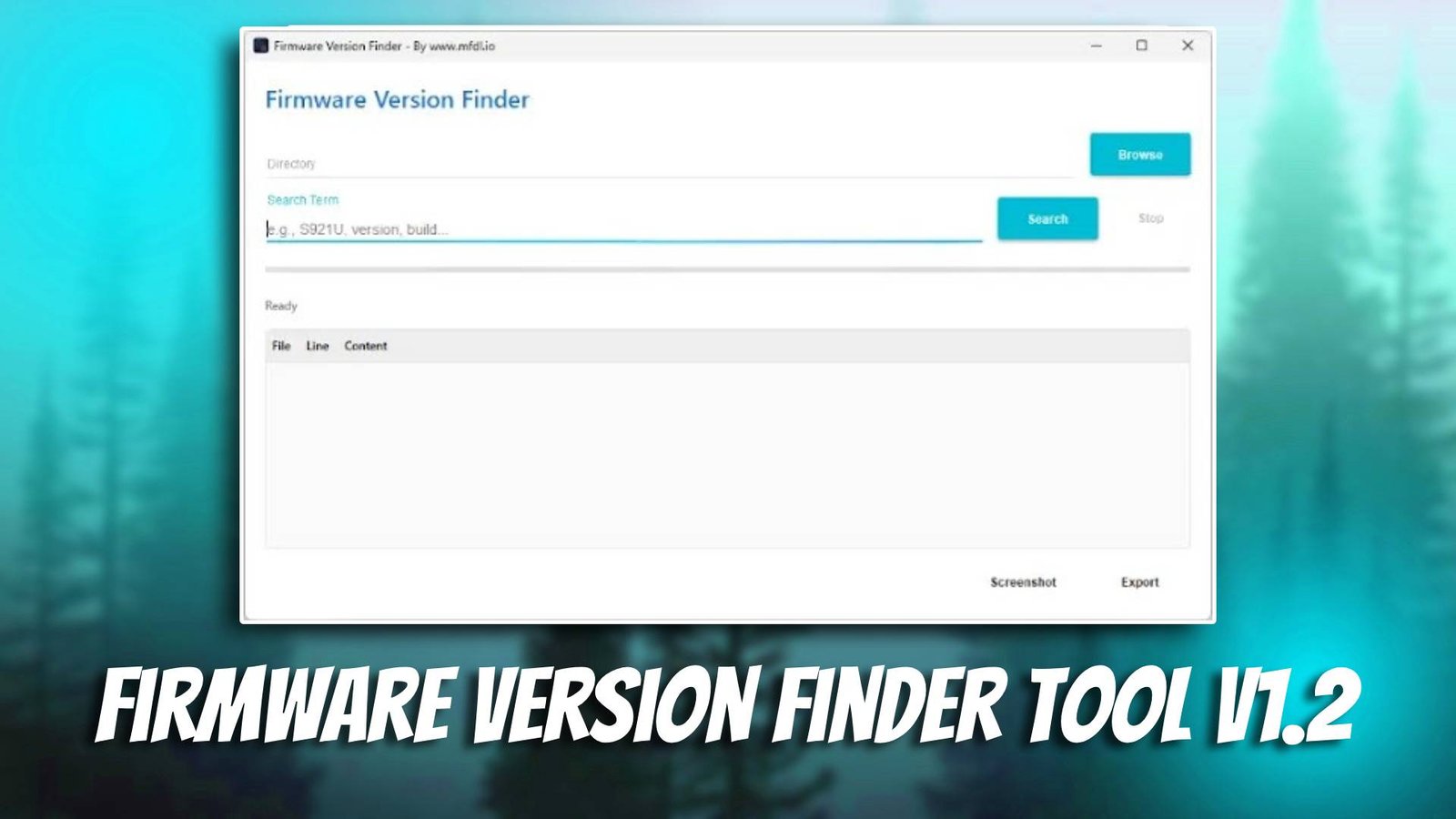
Firmware Version Finder Tool v1.2 is a helpful GSM tool designed for mobile technicians who need to quickly identify the correct firmware version for Android devices. When repairing smartphones, technicians often face situations where the device requires a specific firmware version to fix software errors. Installing the wrong firmware can lead to flashing failures or additional system problems. This Android servicing software helps technicians locate the correct firmware version quickly and accurately.
Mobile repair professionals regularly perform firmware flashing to fix issues such as boot loops, system crashes, or corrupted operating systems. Firmware Version Finder Tool v1.2 simplifies the process by scanning device information and helping technicians determine the correct firmware package before flashing. By using this tool, technicians can avoid firmware mismatches and reduce repair time.
Finding the correct firmware is one of the most important steps in Android servicing. Without the correct firmware version, flashing operations may fail or cause additional problems. This tool helps technicians verify firmware compatibility so that repair tasks can be completed more efficiently. For more information visit the official website.
Main Tools
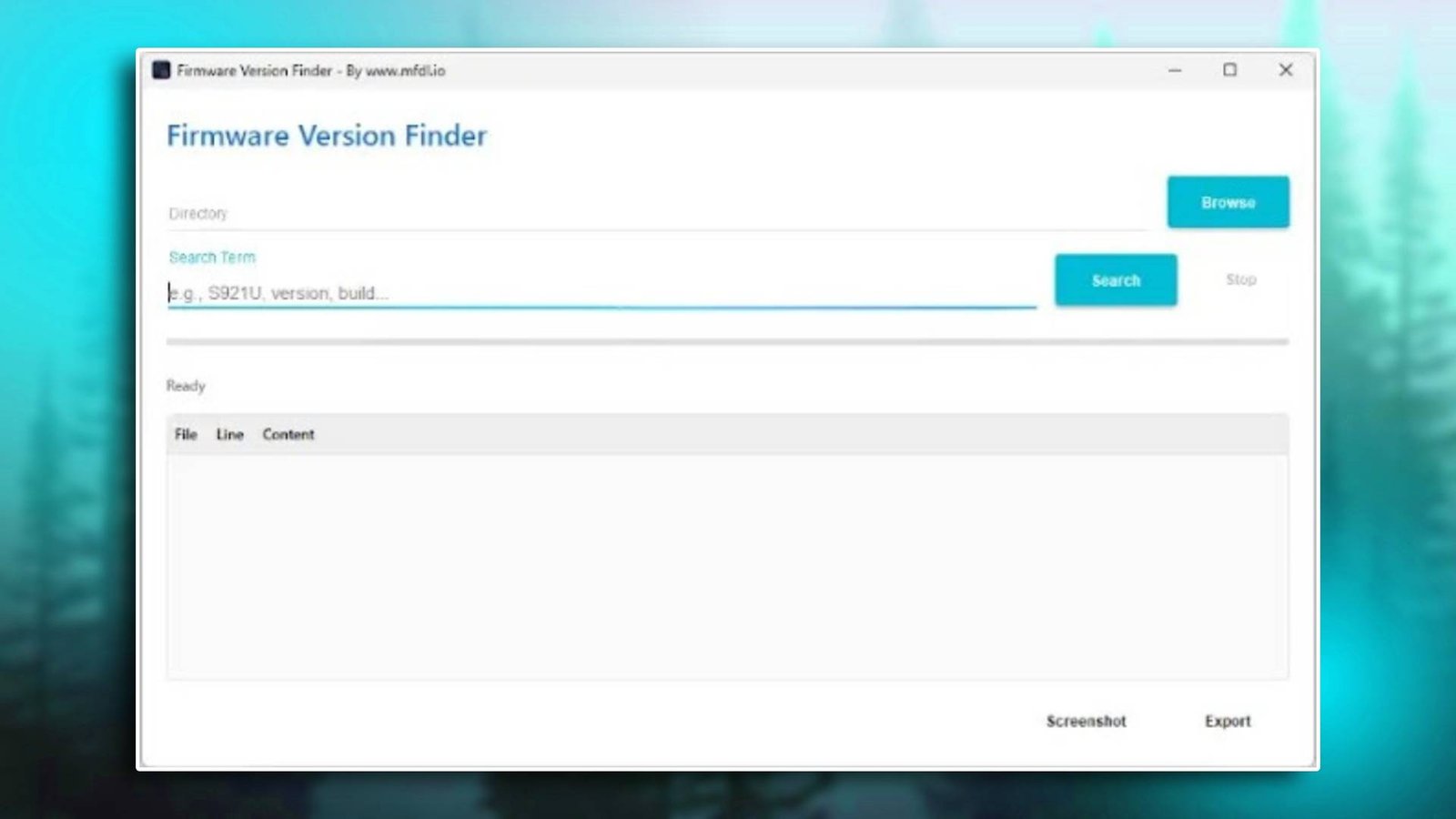
The Firmware Version Finder Tool v1.2 interface includes several useful modules designed to assist technicians with firmware identification and Android repair preparation.
- Firmware Finder Tool
This module scans device information and helps technicians locate the correct firmware version required for flashing operations. - FRP Bypass Assistance
The software helps technicians identify firmware packages that may assist in performing FRP bypass procedures. - Unlocking Utility Support
Technicians can verify firmware compatibility before performing unlocking operations on Android devices. - Bootloader Information Module
This module displays bootloader-related information that helps technicians determine firmware compatibility. - Device Utility Tools
Additional tools allow technicians to read device information, check firmware details, and prepare repair operations.
Key Features
- Accurate Firmware Version Detection
The tool helps technicians quickly identify the correct firmware version needed for flashing a device. - Simple and Easy Interface
The user interface is designed for simplicity, allowing even beginner technicians to use the software without difficulty. - Supports Multiple Android Devices
The tool works with many Android smartphones and tablets, making it useful for technicians working with different brands. - Fast Device Information Reading
The software quickly retrieves important device information required to determine firmware compatibility. - Improves Repair Workflow
By helping technicians select the correct firmware version, the tool reduces flashing errors and speeds up repair tasks.
Supported Functions
The software supports several common smartphone servicing operations:
- FRP bypass – identify firmware versions used during FRP removal procedures
- Firmware flashing – determine correct firmware before flashing
- Pattern unlock – assist in firmware preparation for unlock procedures
- Bootloader unlock – check firmware compatibility for bootloader operations
- IMEI repair – verify firmware required during certain repair procedures
- Device info reading – read device model, firmware version, and system details
- Factory reset – assist in preparing firmware used for system restoration
These functions help technicians avoid firmware errors and improve repair success rates.
Technical Setup Details
- Supported OS: Windows 7 / 8 / 10 / 11
- Minimum RAM: 4 GB recommended
- Storage Requirement: 200 MB free disk space
- Processor Requirement: Intel or AMD dual-core processor
- Required USB Drivers: Android USB drivers
- Supported Devices: Various Android smartphones and tablets
How to Install Firmware Version Finder Tool v1.2
Follow these steps to install the software:
- Download the software from unluckytool.com.
- Extract the downloaded archive file.
- Install required USB drivers.
- Run the software as administrator.
- Connect the mobile device using USB cable.
- Choose the desired operation such as flashing or unlocking.
Firmware Version Finder Tool v1.2 is a valuable Android servicing software for technicians who frequently perform firmware flashing and repair operations. By helping identify the correct firmware version quickly, the tool prevents flashing errors and ensures a smoother repair process.
Both beginner technicians and experienced mobile repair professionals can benefit from this GSM tool. Its simple interface and accurate firmware detection features help technicians complete smartphone repairs more efficiently and confidently.
Read Also