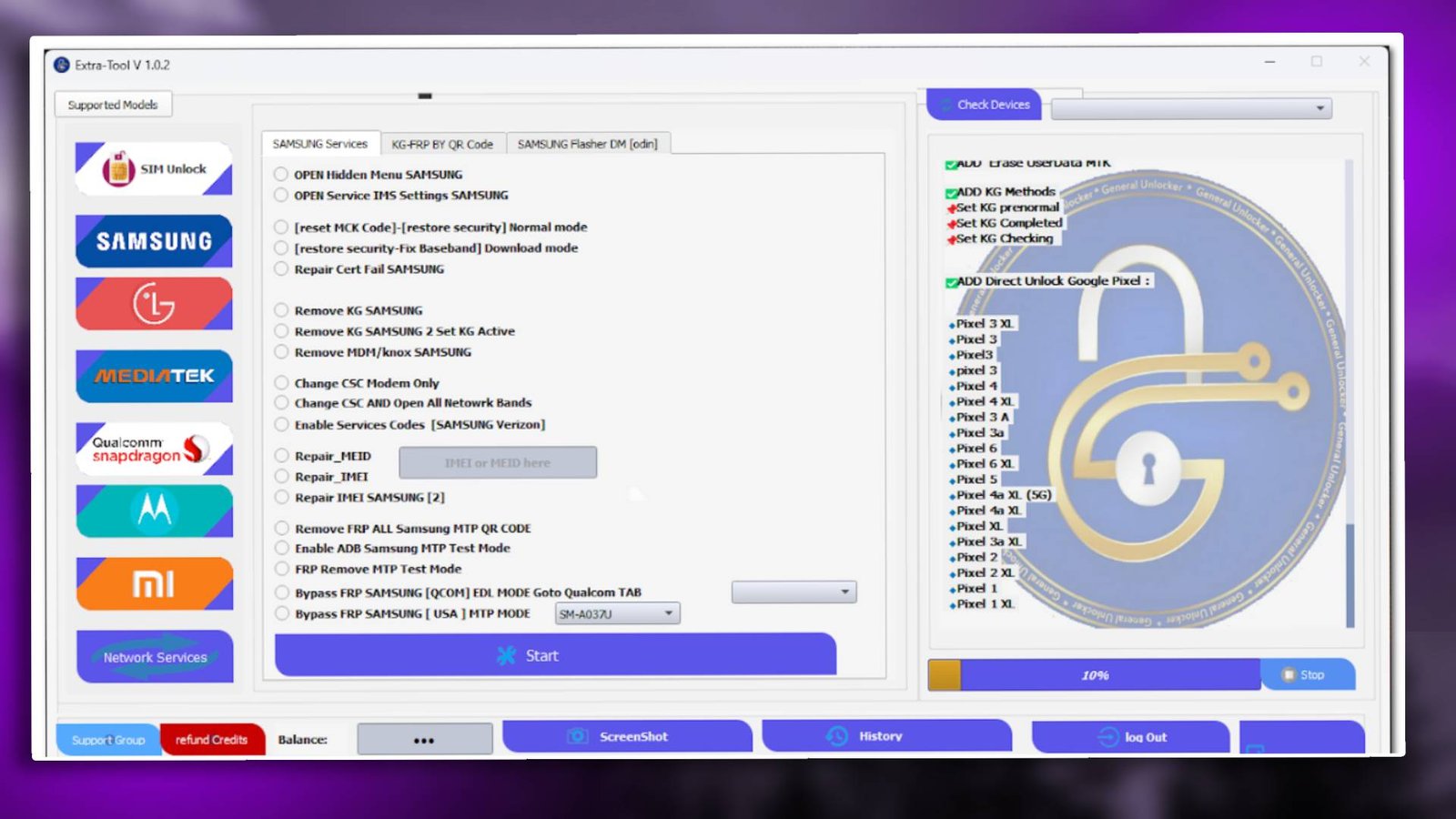

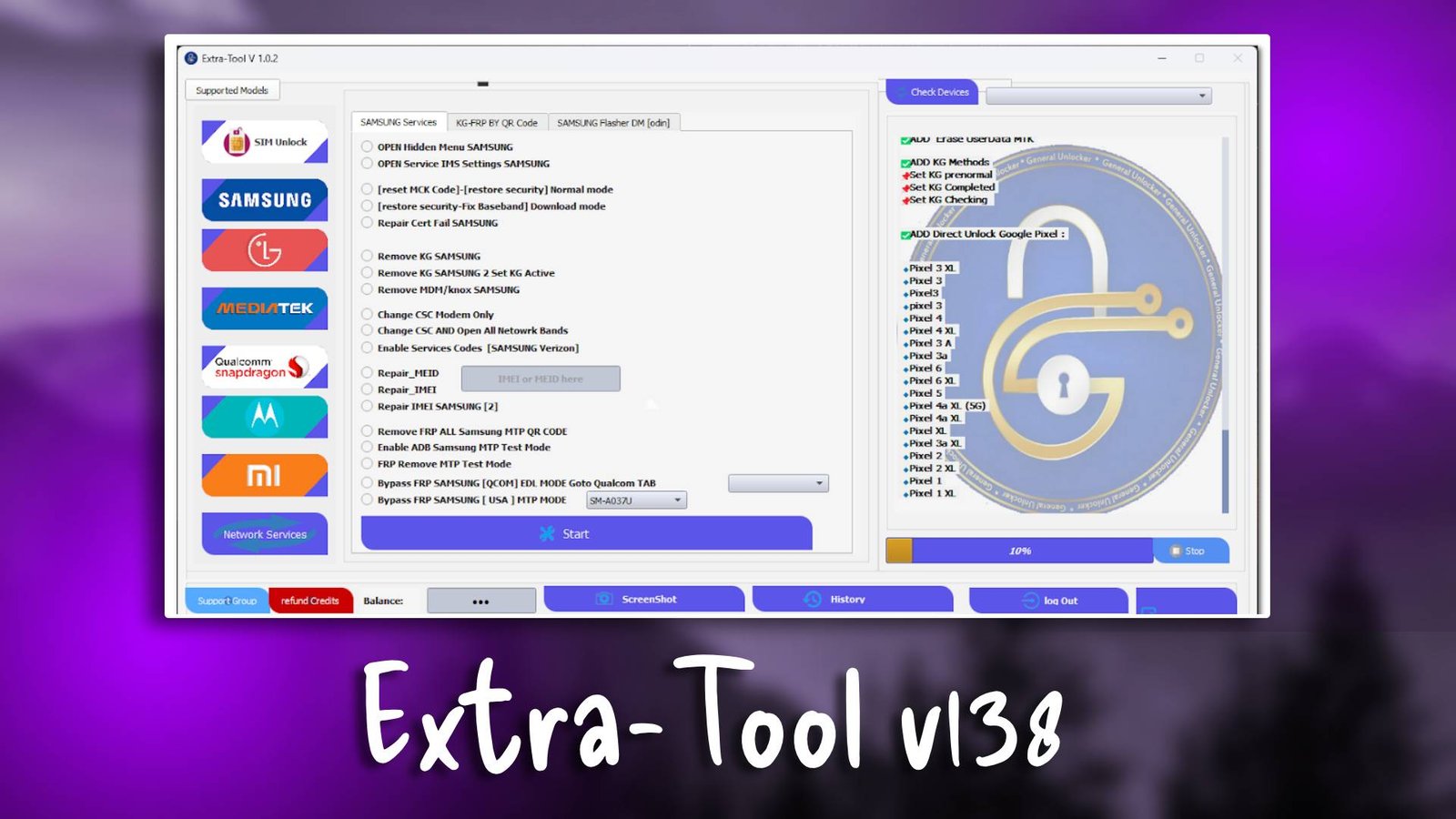
Extra-Tool v138

Extra-Tool v138 ek powerful GSM servicing software hai jo Android smartphones ke repair aur maintenance ke liye design kiya gaya hai. Yeh tool technicians ko flashing, FRP unlocking, aur device diagnostics jaise kaam asaani se karne ki sahulat deta hai.

Mobile repairing professionals ke liye yeh tool kaafi useful hai kyunki isme multiple device support aur advanced servicing features available hain. Iska simple interface beginners aur professionals dono ke liye suitable hai. For more information visit official website.

Agar aap Android repair tools collect karte hain to Extra-Tool v138 ek useful addition ho sakta hai jo aapke daily repair tasks ko easy bana deta hai.

Main Tools

  • Android flashing and firmware installation
  • FRP unlock and security bypass
  • Device information reader
  • Bootloader repair utilities
Extra-Tool v138

Key Features

  • User-friendly interface
  • Fast device detection system
  • Multi-brand Android support
  • Stable repair environment

Supported Functions

  • FRP unlock
  • Firmware flashing
  • Device information reading
  • Boot repair operations

Technical Setup Details

Before installing Extra-Tool v138 on your computer, make sure your system meets the following requirements:

  • Operating System: Windows 7 / Windows 10 / Windows 11
  • Processor: Intel or AMD processor
  • RAM: Minimum 2GB (4GB recommended)
  • Storage: At least 500MB free disk space
  • USB Drivers: Android USB drivers installed

Having the correct setup ensures the tool works smoothly and prevents installation errors.

How to Install Extra-Tool v138

Follow these steps to install Extra-Tool v138 on your PC:

  • Download the software from unluckytool.com.
  • Extract the downloaded archive using WinRAR or 7-Zip.
  • Open the extracted folder and run the setup file as administrator.
  • Follow the installation instructions displayed on your screen.
  • After installation is complete, launch the software and start using it.

Read Also