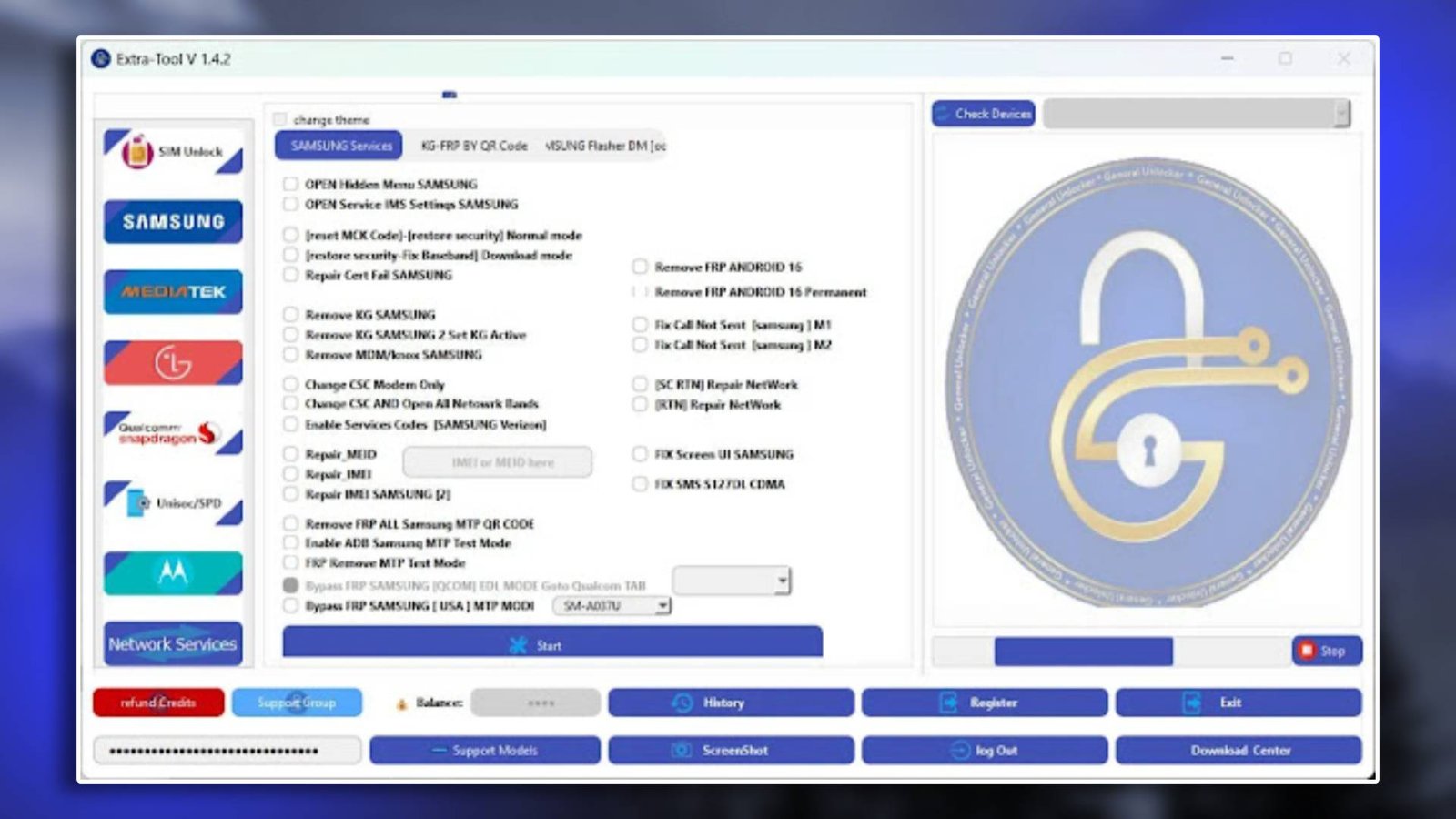

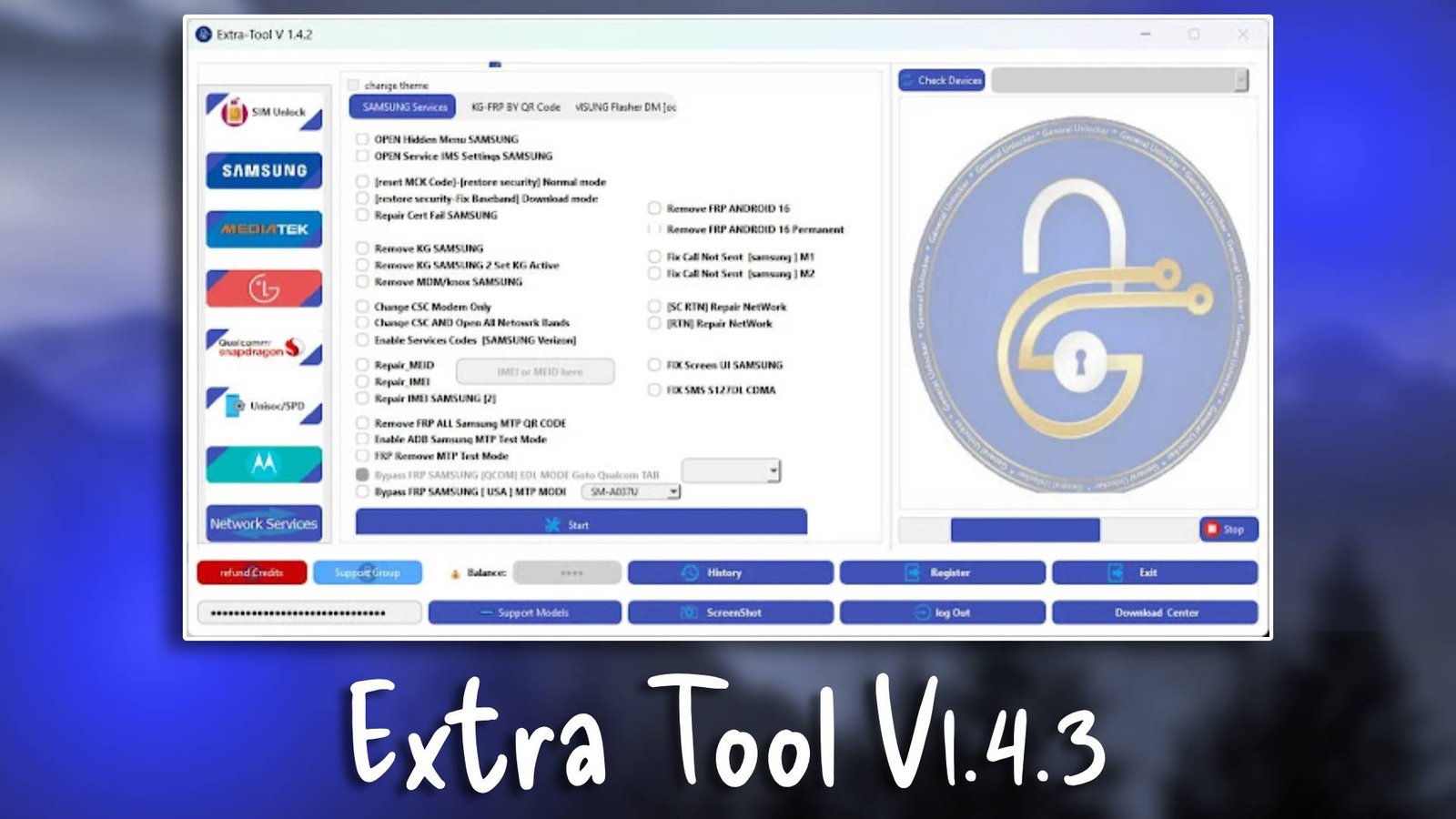
Extra Tool V1.4.3 is a versatile GSM tool designed to assist technicians in handling these repair tasks quickly and safely.
This tool integrates several modules that simplify mobile repair operations and improve technician workflow. It is frequently used in repair shops for Android device servicing. More information and updates can be found on the official website.
Main Tools
- Firmware Flashing Tool
Installs firmware packages on Android devices.
Helps repair system errors and software issues. - FRP Bypass Utility
Removes Google account verification locks.
Restores access to devices after reset. - Unlocking Module
Supports pattern and PIN lock removal.
Helps technicians recover locked smartphones. - Device Diagnostic Tools
Displays firmware and hardware information.
Useful for device troubleshooting.
Key Features
- Multi-Brand Device Support
Compatible with several Android smartphone brands.
Enables servicing of multiple devices. - Efficient Flashing System
Installs firmware quickly and safely.
Reduces flashing errors. - Quick FRP Unlock
Simplifies Google lock removal procedures.
Saves technician repair time. - User-Friendly Interface
Easy to navigate and understand.
Ideal for both beginners and professionals.
Supported Functions
- FRP Bypass
Removes Google account verification locks.
Restores device accessibility. - Firmware Flashing
Repairs firmware corruption issues.
Fixes boot problems. - Pattern Unlock
Removes pattern and PIN screen locks.
Restores device usability. - Device Information Reading
Displays detailed device information.
Helps technicians diagnose issues.
Technical Setup Details
- Supported OS: Windows 7 / 8 / 10 / 11
- Minimum RAM: 4 GB
- Storage Requirement: 1 GB free space
- Processor Requirement: Intel / AMD dual-core processor
- Required USB Drivers: Android USB drivers
- Supported Devices: Various Android smartphones
How to Install Extra Tool V1.4.3
- Download the software from unluckytool.com.
- Extract the downloaded archive file.
- Install required USB drivers.
- Run the software as administrator.
- Connect the mobile device using USB cable.
- Choose the desired operation such as flashing or unlocking.
Extra Tool V1.4.3 is a reliable GSM tool designed to help technicians perform Android servicing tasks efficiently. Its flashing, unlocking, and diagnostic utilities make it a valuable addition to mobile repair environments.
Because of its easy interface and stable performance, technicians can complete repair tasks faster and with better accuracy.
Read Also
Post Views: 27
