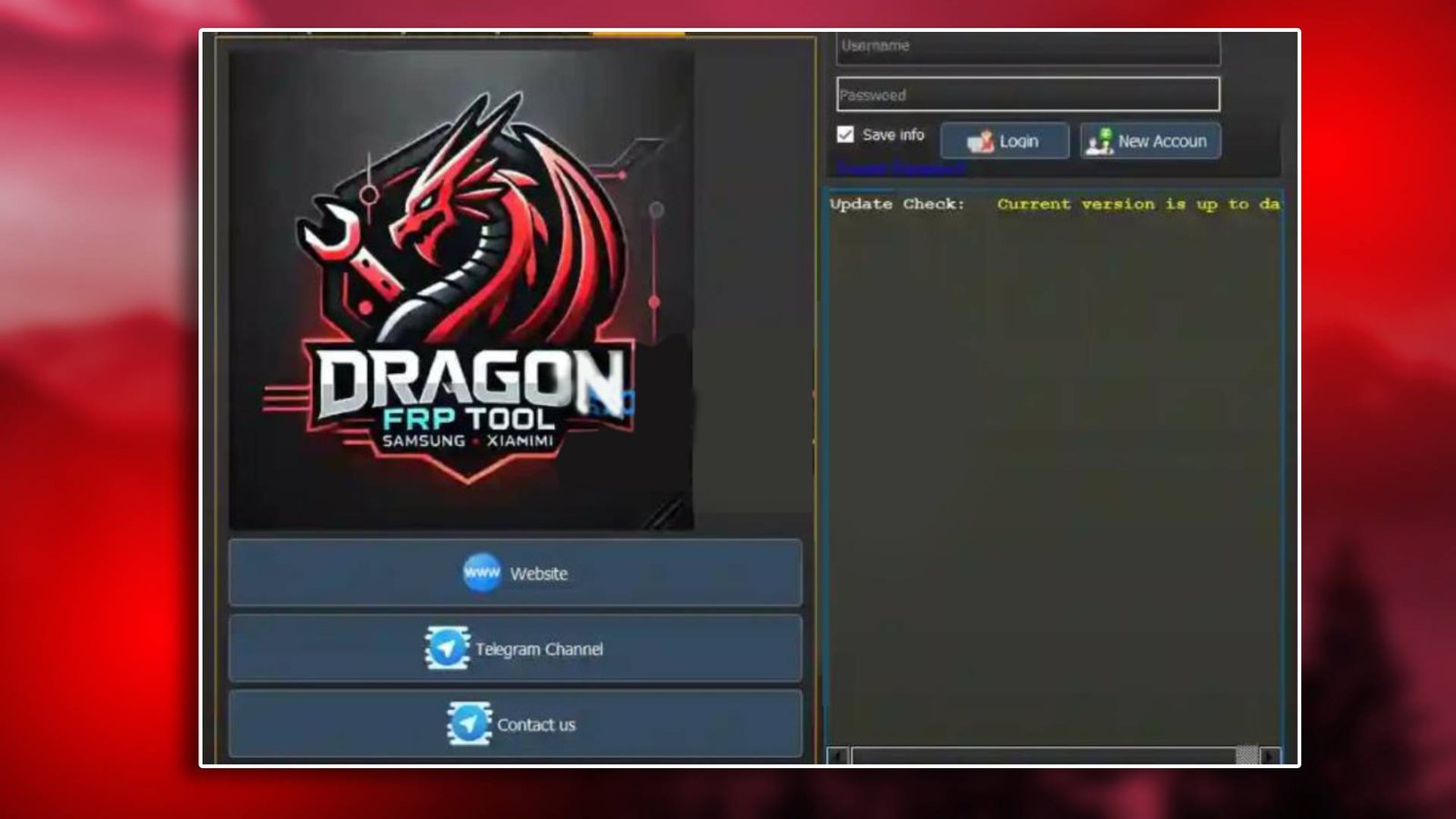

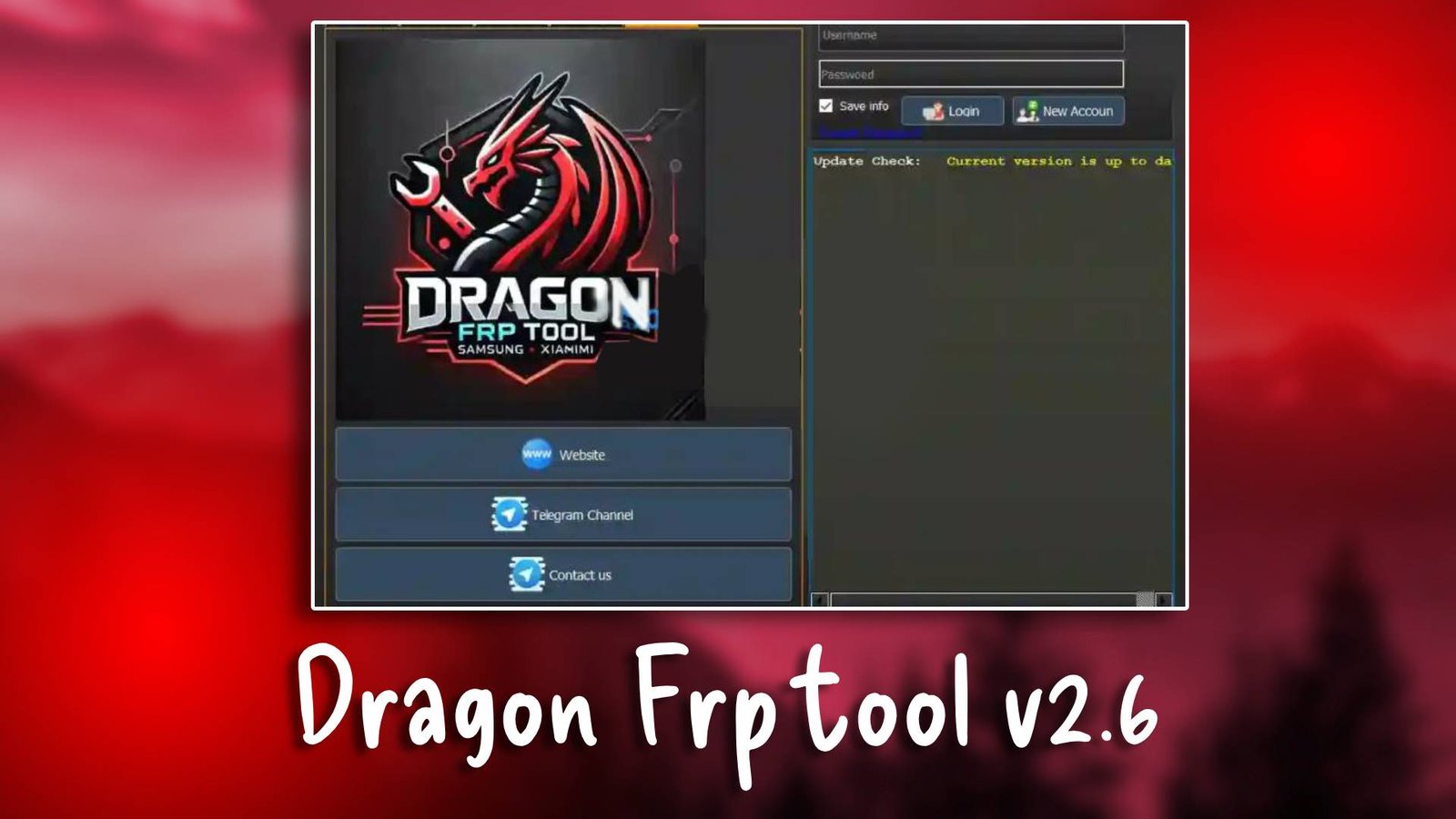
Dragon frp tool v2.6

Dragon frp tool v2.6 is an efficient GSM tool designed to remove FRP locks and assist with Android servicing tasks. It provides a reliable environment for unlocking devices, flashing firmware, and repairing software problems. For more Information visit the official website.

Main Tools

  • The Dragon frp tool v2.6 environment includes modules for flashing firmware, bypassing FRP locks, unlocking devices, managing bootloaders, and reading device information.
  • These modules help technicians perform multiple servicing operations from one platform.
Dragon frp tool v2.6

Key Features

  • Reliable FRP Bypass Tool
    The tool provides a quick method to remove Google verification locks.
  • Firmware Flashing Module
    Technicians can install firmware packages to repair damaged software.
  • Unlocking Utility
    The unlocking module removes device security locks easily.
  • Multi Brand Compatibility
    The tool supports several Android smartphone models.

Supported Functions

  • FRP bypass
  • Firmware flashing
  • Pattern unlock
  • Bootloader unlock
  • IMEI repair
  • Device info reading
  • Factory reset

Technical Setup Details

  • Supported OS: Windows 7 / 8 / 10 / 11
  • Minimum RAM: 4 GB
  • Storage Requirement: 400 MB
  • Processor Requirement: Intel i3
  • Required USB Drivers: ADB, Qualcomm drivers
  • Supported Devices: Android smartphones

How to Install Dragon frp tool v2.6

  • Download Dragon frp tool v2.6 from the unluckytool.com.
  • Extract the downloaded archive file.
  • Install required USB drivers.
  • Run the software as administrator.
  • Connect the mobile device using USB cable.
  • Choose the desired operation such as flashing or unlocking.
  •  

Dragon frp tool v2.6 remains a reliable solution for mobile technicians who need a simple FRP bypass utility. It provides stable performance and essential repair modules for Android servicing.

Read Also