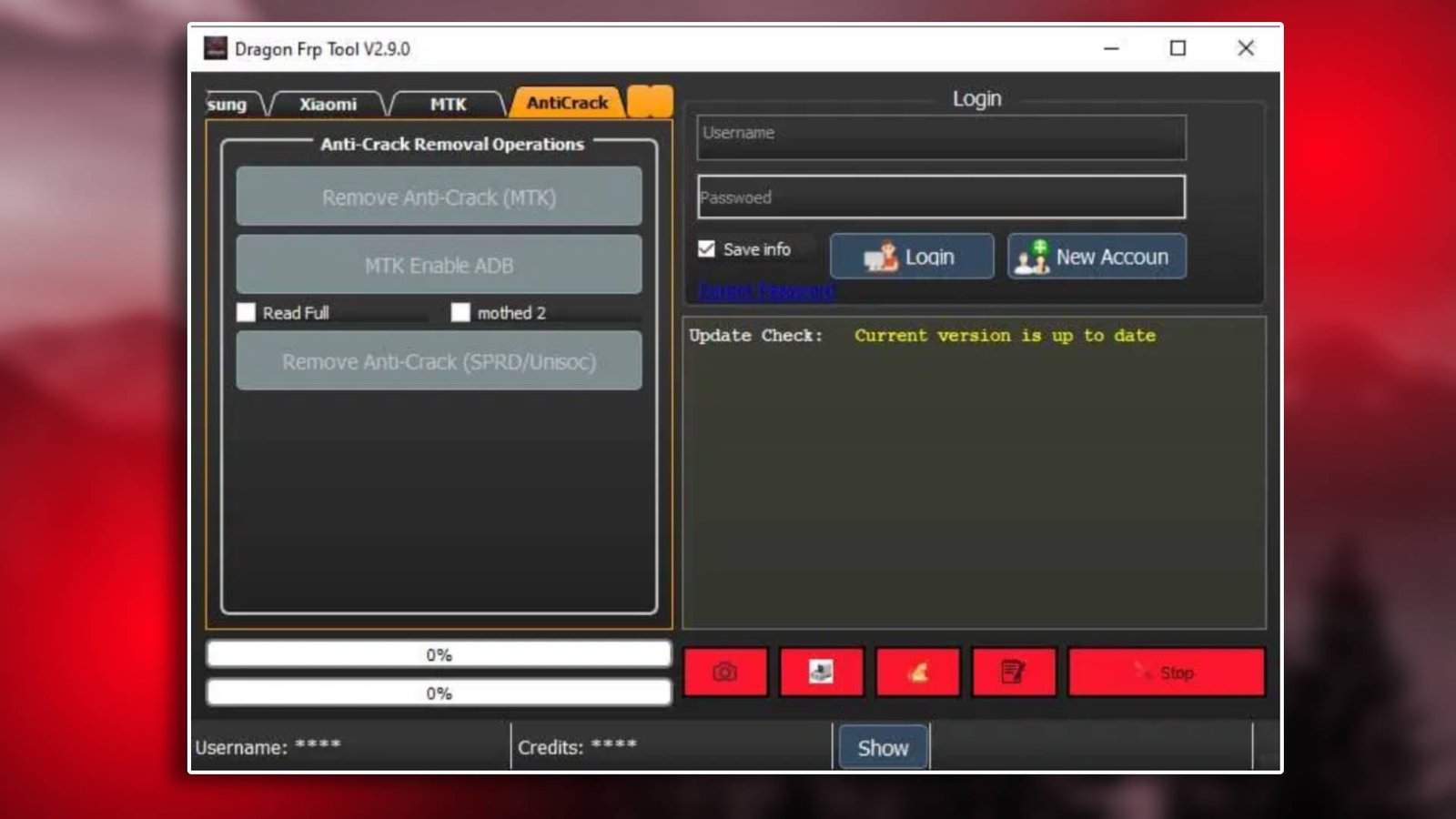

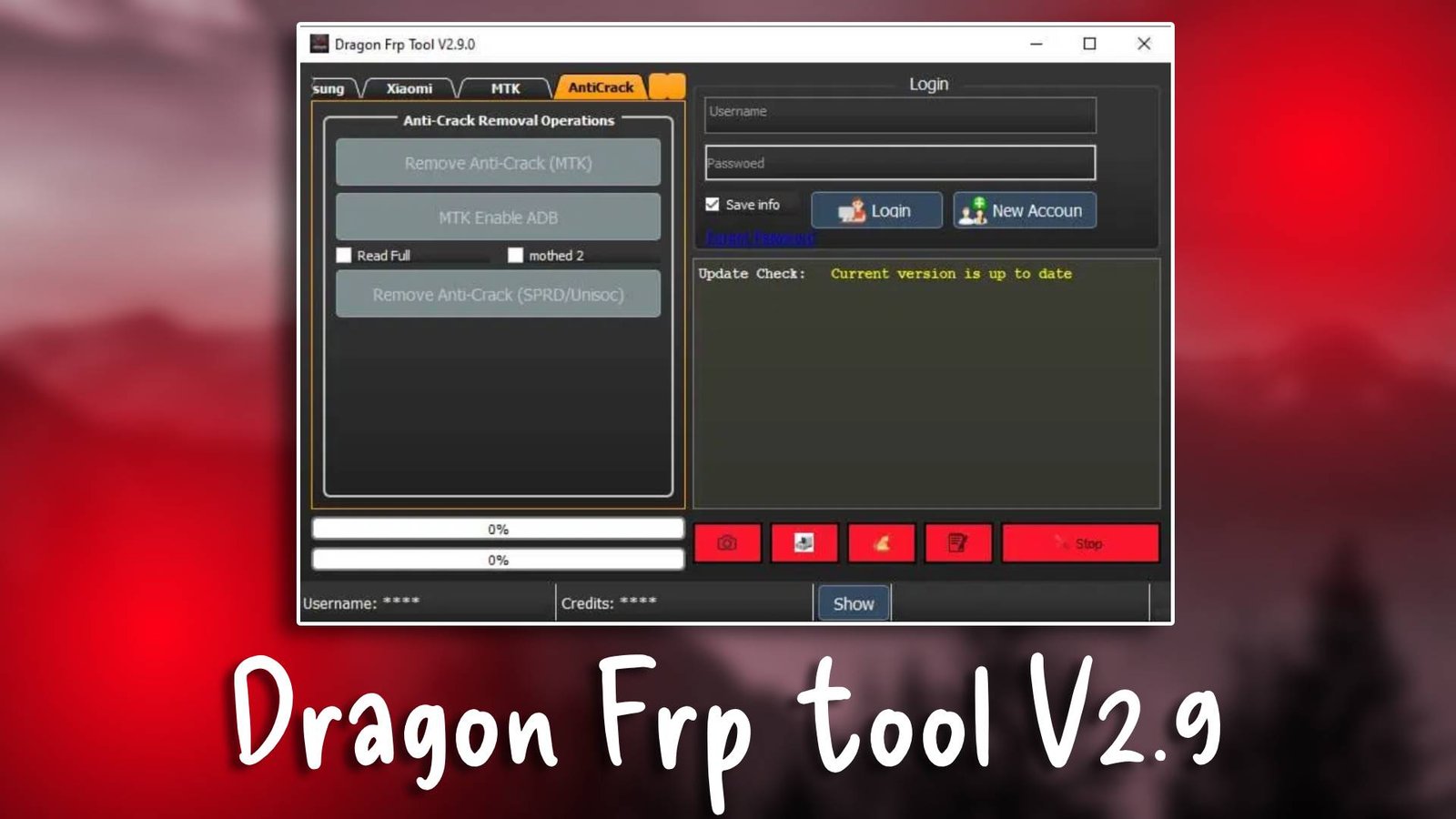
Dragon frp tool V2.9

Dragon frp tool V2.9 is a powerful GSM tool designed for Android technicians who frequently deal with FRP locked devices. This Android servicing software provides a simple method for bypassing Google account verification locks and restoring device usability. Technicians trust this tool for its stability and easy interface. For more Information visit the official website.

Main Tools

  • The Dragon frp tool V2.9 system contains several modules designed to simplify Android servicing.
  • The FRP bypass tool is the primary module used to remove Google account locks. It works with many Android brands.
  • The flashing tool allows technicians to install firmware packages and repair damaged software.
  • The unlocking utility removes screen locks and restores access to locked devices.
  • Bootloader management allows technicians to unlock bootloaders when performing advanced repairs.
  • The device utilities section includes device info reading and factory reset options.
Dragon frp tool V2.9

Key Features

  • Dedicated FRP Bypass Module
    The main feature of the tool is its reliable FRP bypass capability. It removes Google verification locks quickly.
  • Fast Android Servicing Operations
    The software performs unlocking and flashing tasks efficiently, saving technician time.
  • Multi Device Compatibility
    Dragon frp tool V2.9 works with several Android brands and models.
  • Simple Interface Design
    Technicians can access all functions easily through the organized interface.

Supported Functions

  • FRP bypass
  • Firmware flashing
  • Pattern unlock
  • Bootloader unlock
  • IMEI repair
  • Device info reading
  • Factory reset

Technical Setup Details

  • Supported OS: Windows 7 / 8 / 10 / 11
  • Minimum RAM: 4 GB
  • Storage Requirement: 400 MB
  • Processor Requirement: Intel i3 or higher
  • Required USB Drivers: ADB, Qualcomm drivers
  • Supported Devices: Android smartphones

How to Install Dragon frp tool V2.9

  1. Download Dragon frp tool V2.9 from the official website.
  2. Extract the downloaded archive file.
  3. Install required USB drivers.
  4. Run the software as administrator.
  5. Connect the mobile device using USB cable.
  6. Choose the desired operation such as flashing or unlocking.

Dragon frp tool V2.9 is an essential utility for technicians who frequently handle FRP locked Android devices. Its efficient FRP bypass functionality and simple design make it a valuable tool for mobile repair shops.

Read Also