
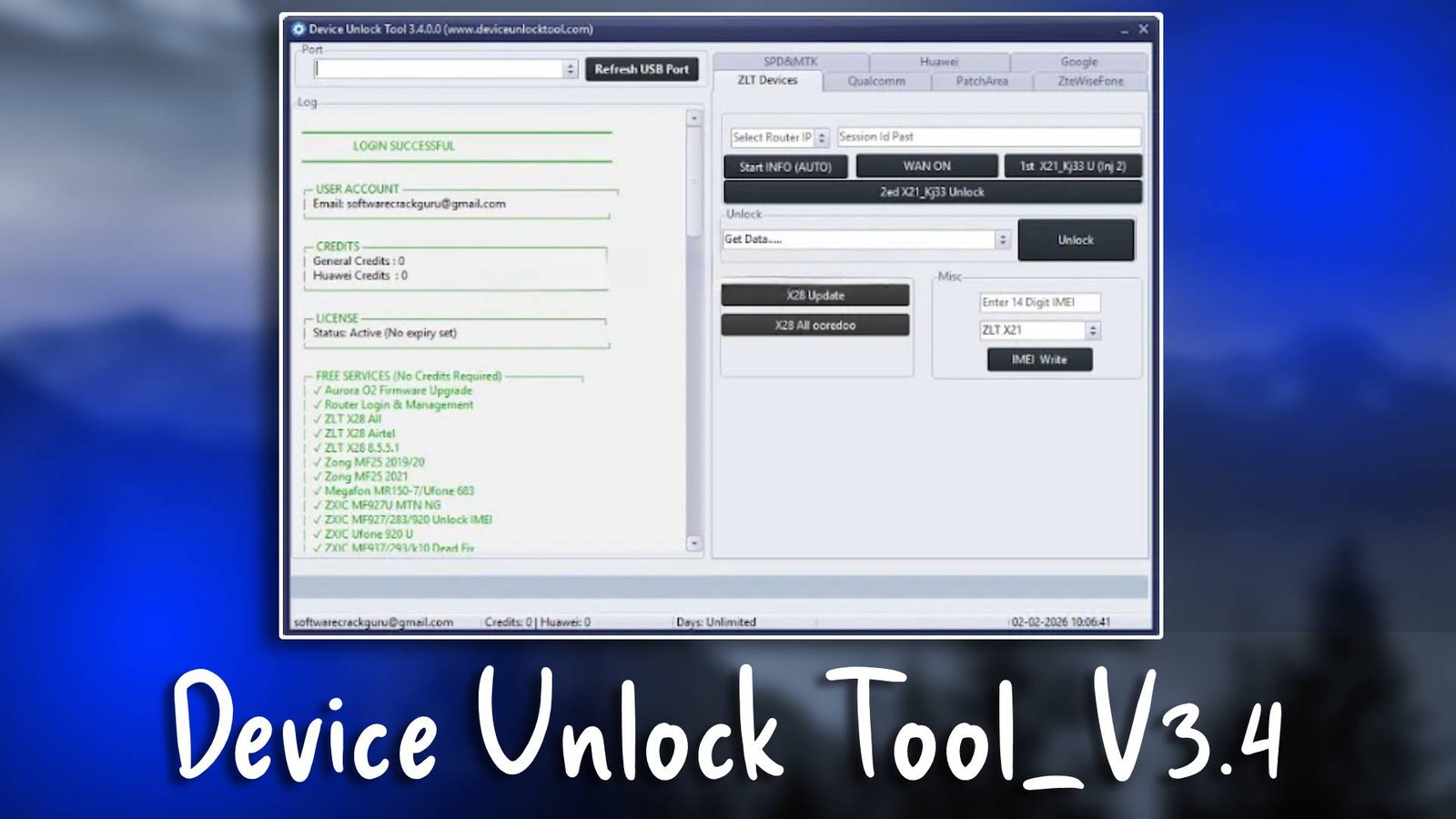
Device Unlock Tool_V3.4 is a powerful Android servicing software designed for mobile technicians who need an efficient unlocking utility for repairing smartphones. This GSM tool helps professionals perform tasks such as firmware flashing, FRP bypass, and device unlocking in a safe and efficient way. Technicians working with multiple Android brands rely on this utility because it simplifies complicated mobile repair operations. For more information visit the official website.
Mobile repair professionals often need a reliable solution for unlocking devices, removing screen locks, and performing maintenance tasks. Device Unlock Tool_V3.4 provides all essential modules required for modern Android servicing. With an easy interface and stable performance, it is widely used in mobile repair shops and service centers.
Main Tools
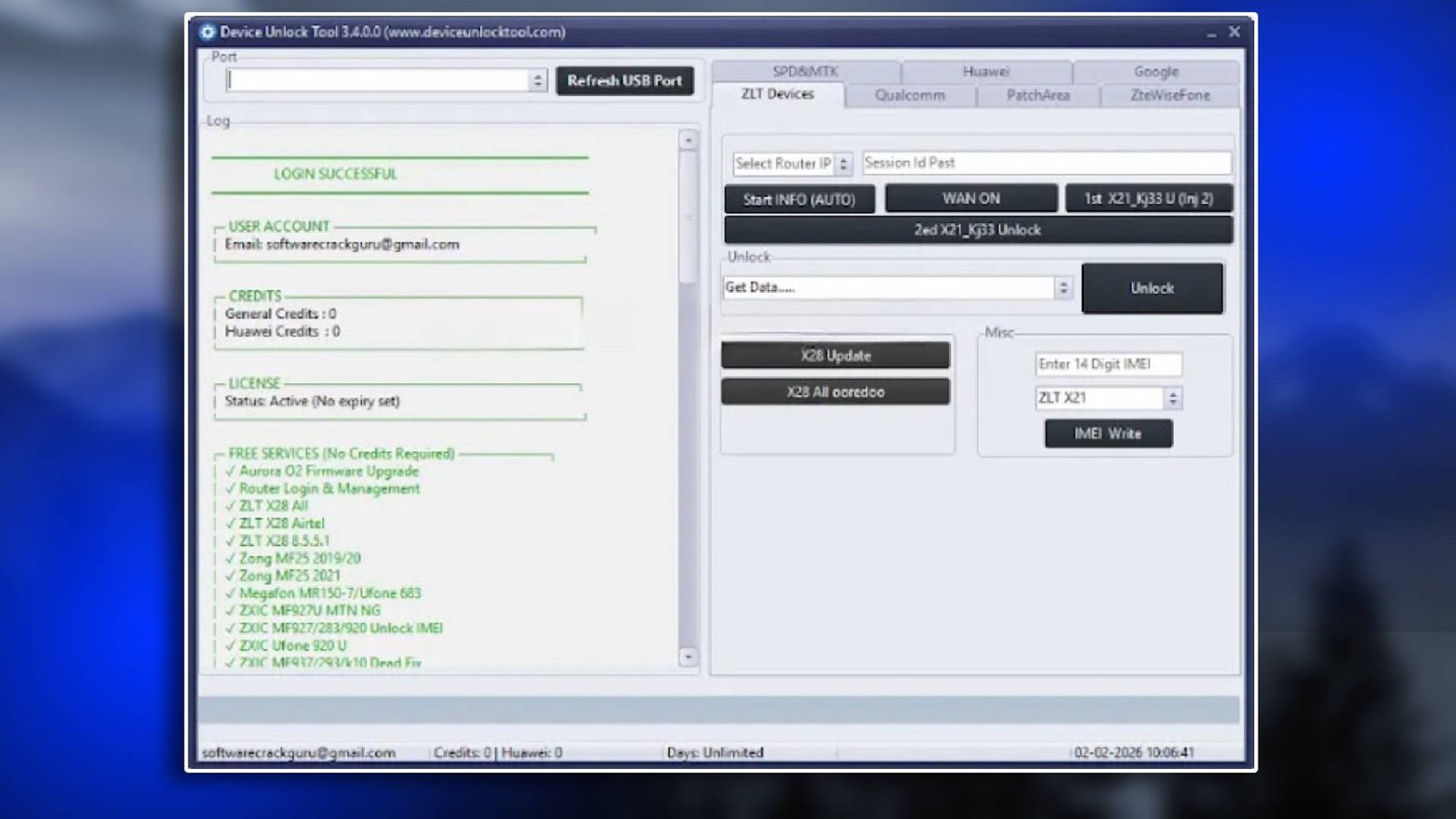
- The Device Unlock Tool_V3.4 environment provides several important modules that help technicians complete repair tasks efficiently.
- The flashing tool module allows technicians to install or repair firmware on Android devices. This feature is essential when devices suffer from software errors, boot loops, or corrupted firmware.
- The FRP bypass tool helps remove Google account verification locks from Android phones. This feature is useful when users forget their Google credentials after performing a factory reset.
- Another important component is the unlocking utility, which removes SIM restrictions and screen locks. This helps technicians restore full access to devices without complex procedures.
- The tool also includes bootloader management, allowing professionals to unlock or manage bootloaders during firmware operations.
- Finally, the device utilities section includes options such as device information reading, factory reset, and system diagnostics.
Key Features
- Professional Unlocking Module
The unlocking module is designed to remove various types of locks from Android devices. It supports screen locks, SIM locks, and system restrictions. - Efficient FRP Bypass Function
The FRP bypass tool allows technicians to remove Google verification locks quickly. This reduces repair time and ensures smooth device activation. - Advanced Flashing Support
The flashing tool supports multiple firmware packages. It helps repair software damage and update devices to the latest firmware versions. - Beginner Friendly Interface
The software interface is designed for technicians with different experience levels. Even beginners can perform complex servicing tasks easily. - Stable Android Servicing Platform
Device Unlock Tool_V3.4 offers stable performance and reliable operations. This ensures mobile repair tasks can be completed safely.
Supported Functions
This GSM tool supports many important mobile repair functions:
- FRP bypass – Removes Google account verification locks.
- Firmware flashing – Installs or repairs Android firmware.
- Pattern unlock – Removes screen pattern locks.
- Bootloader unlock – Enables bootloader management.
- IMEI repair – Restores damaged or missing IMEI numbers.
- Device info reading – Displays hardware and software details.
- Factory reset – Resets devices to default system settings.
Technical Setup Details
- Supported OS: Windows 7 / 8 / 10 / 11
- Minimum RAM: 4 GB
- Storage Requirement: 500 MB free space
- Processor Requirement: Intel i3 or equivalent
- Required USB Drivers: ADB, MTK, Qualcomm drivers
- Supported Devices: Android smartphones and tablets
How to Install Device Unlock Tool_V3.4
- Download the software from unluckytool.com.
- Extract the downloaded archive file.
- Install required USB drivers.
- Run the software as administrator.
- Connect the mobile device using USB cable.
- Choose the desired operation such as flashing or unlocking.
Device Unlock Tool_V3.4 is a reliable solution for mobile technicians who frequently deal with locked or damaged Android devices. It combines several important servicing modules such as flashing, FRP bypass, and unlocking utilities in a single platform. This tool simplifies complex repair tasks and helps technicians complete jobs quickly and efficiently.
Read Also