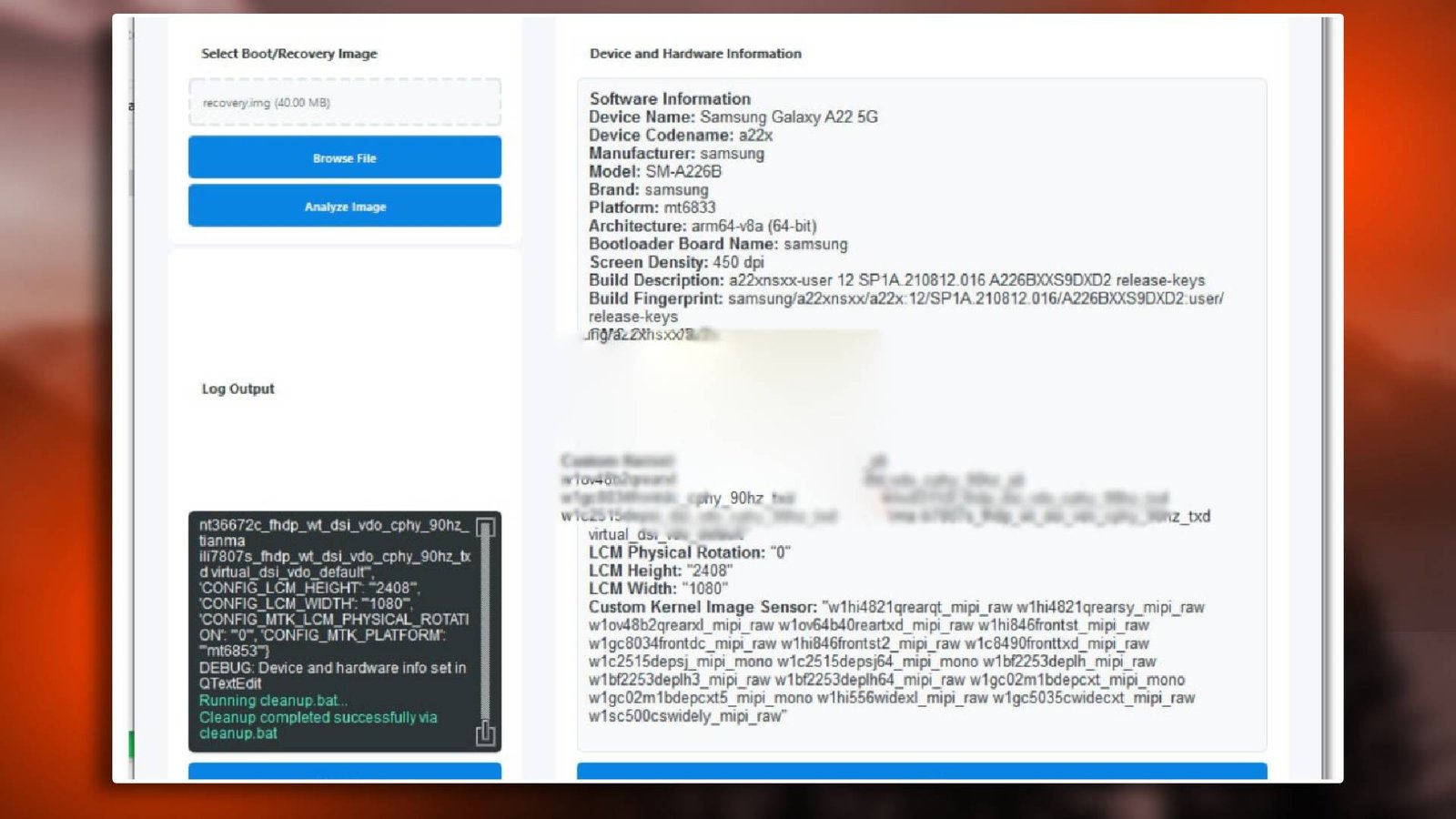

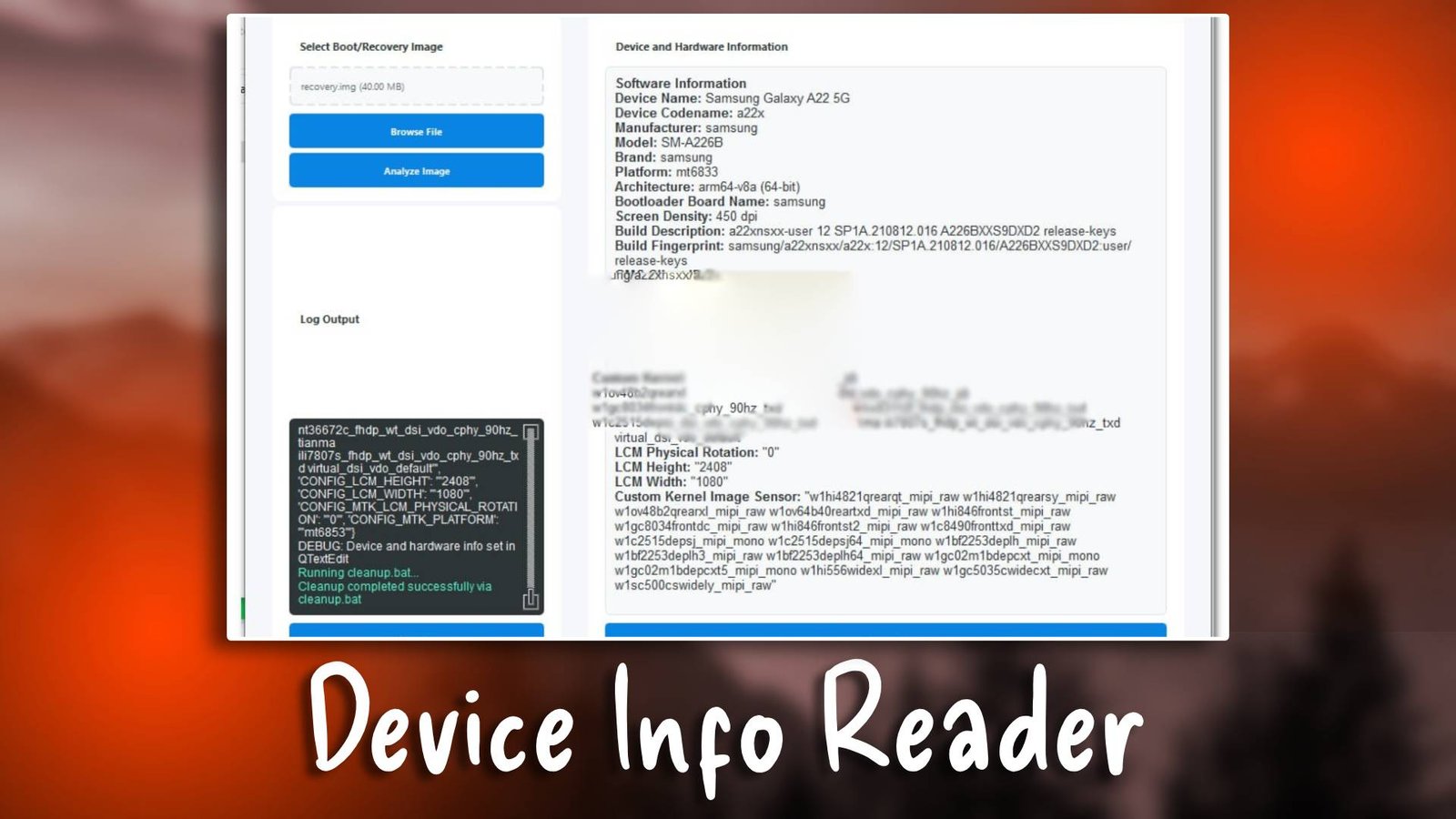
Device Info Reader

Device Info Reader is a professional and easy GSM tool that helps technicians read complete device details, including firmware, hardware, and IMEI information. It is essential for mobile servicing and repair tasks. For More Details visit the official website.

Main Tools

  • Device Info Module – Read full device specifications.
  • FRP Bypass Tool – Remove Google account locks efficiently.
  • Unlocking Utility – Unlock SIM and bootloader restrictions.
  • Flashing Tool – Update or restore firmware.
  • Device Utilities – Perform factory reset and IMEI repair.
Device Info Reader

Key Features

  • Comprehensive Device Details – Retrieve all hardware/software information.
  • User-Friendly Interface – Easy for beginners to operate.
  • Fast Data Retrieval – Quickly access device info and IMEI data.
  • FRP Removal Function – Securely bypass Google account locks.
  • Compatible with Multiple Devices – Works across Android brands and versions.

Supported Functions

  • FRP Bypass
  • Firmware Flashing
  • Pattern Unlock
  • Bootloader Unlock
  • IMEI Repair
  • Device Info Reading
  • Factory Reset

Technical Setup Details

  • Supported OS: Windows 7/8/10/11
  • Minimum RAM: 4 GB
  • Storage Requirement: 500 MB
  • Processor Requirement: Intel i3 or higher
  • Required USB Drivers: ADB, Qualcomm, MTK
  • Supported Devices: Android smartphones and tablets

How to Install Device Info Reader

  1. Download the software from unluckytool.com.
  2. Extract the archive.
  3. Install USB drivers.
  4. Run as Administrator.
  5. Connect mobile device via USB.
  6. Select operation: device info reading, FRP bypass, or flashing.

Device Info Reader is a must-have GSM tool for technicians needing detailed device information. Its professional features simplify Android servicing tasks and ensure fast, reliable repair operations.

Read Also: